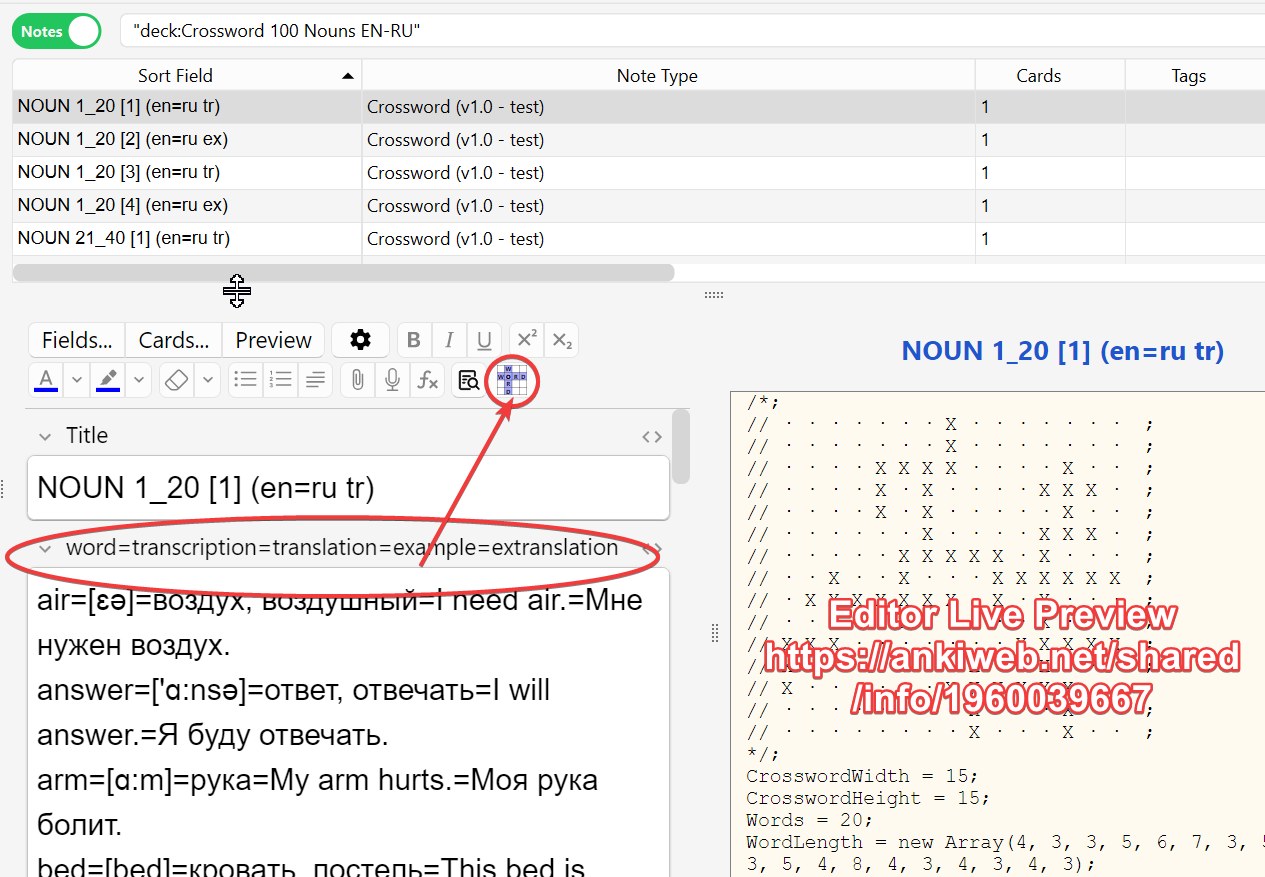
Add-on for the Anki program. Creating a crossword for Anki (generation so far only with the free program EclipseCrossword ).
Attention! If you downloaded version 1.1, then please note that you need to select the type “Crossword (v1.2)” to create records.
You will find the test deck (.apkg file) in the folder with the add-on or via the link https://ankiweb.net/shared/info/1204327392
CONTENTS OF THE HELP TAB
This Anki add-on serves to simplify the creation of crosswords built using the free program https://www.eclipsecrossword.com/ The EclipseCrossword program is Windows-only, but you’ll only need it once to generate the crossword code.
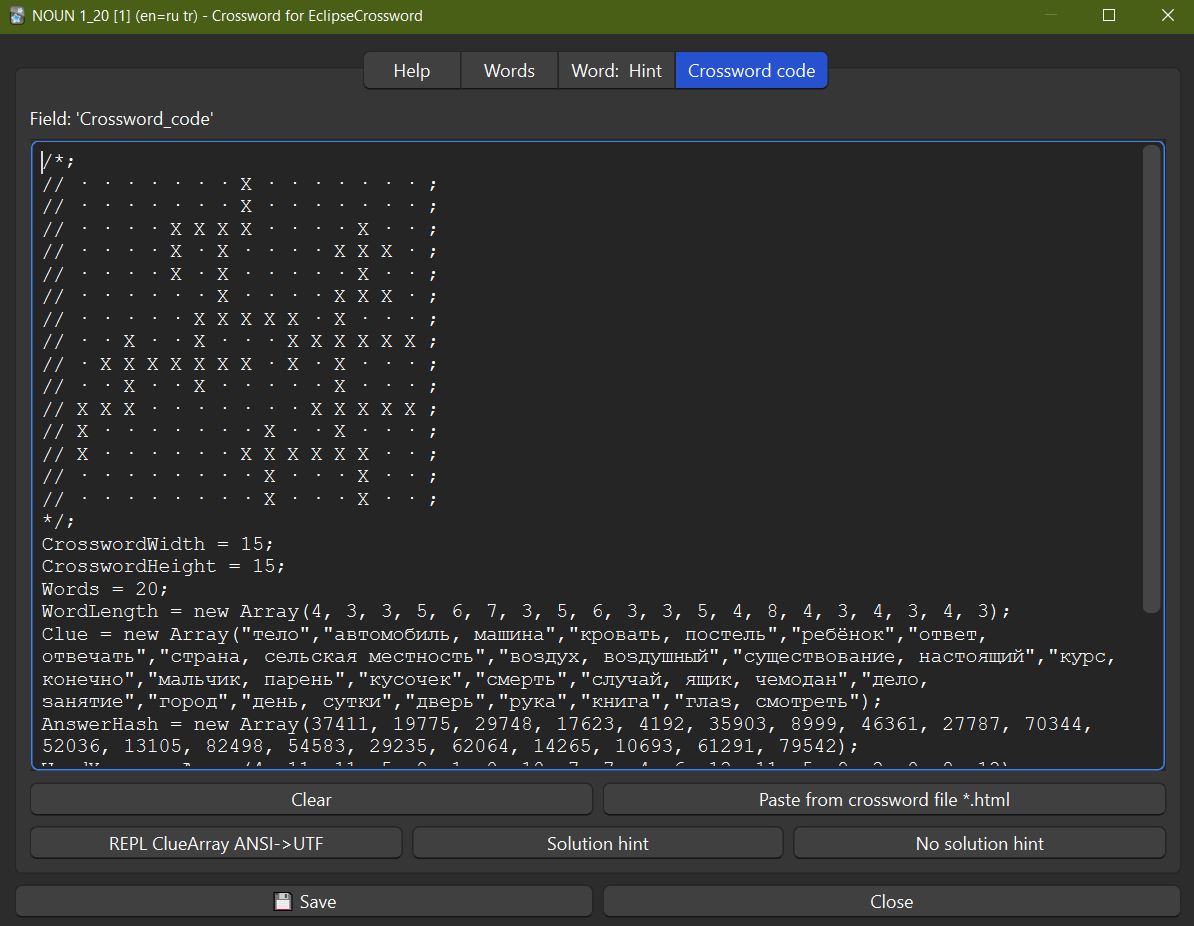
If you already have an EclipseCrossword saved as HTML with JavaScript, you can immediately open the last tab and use the ‘Insert from file’ button to get the crossword code. In the ready crossword code, check that ‘Word = new Array();’ is empty, meaning the words aren’t saved and there will be no hints. And at the end of the code there’s ‘OnlyCheckOnce = false;’ - this means you can check the crossword words multiple times, not just once. Since version 1.1, even if the list “Word = new Array();” is not empty, you can write “Solve = false;” at the end of the code and there will be no hints either (this can now be done with buttons).
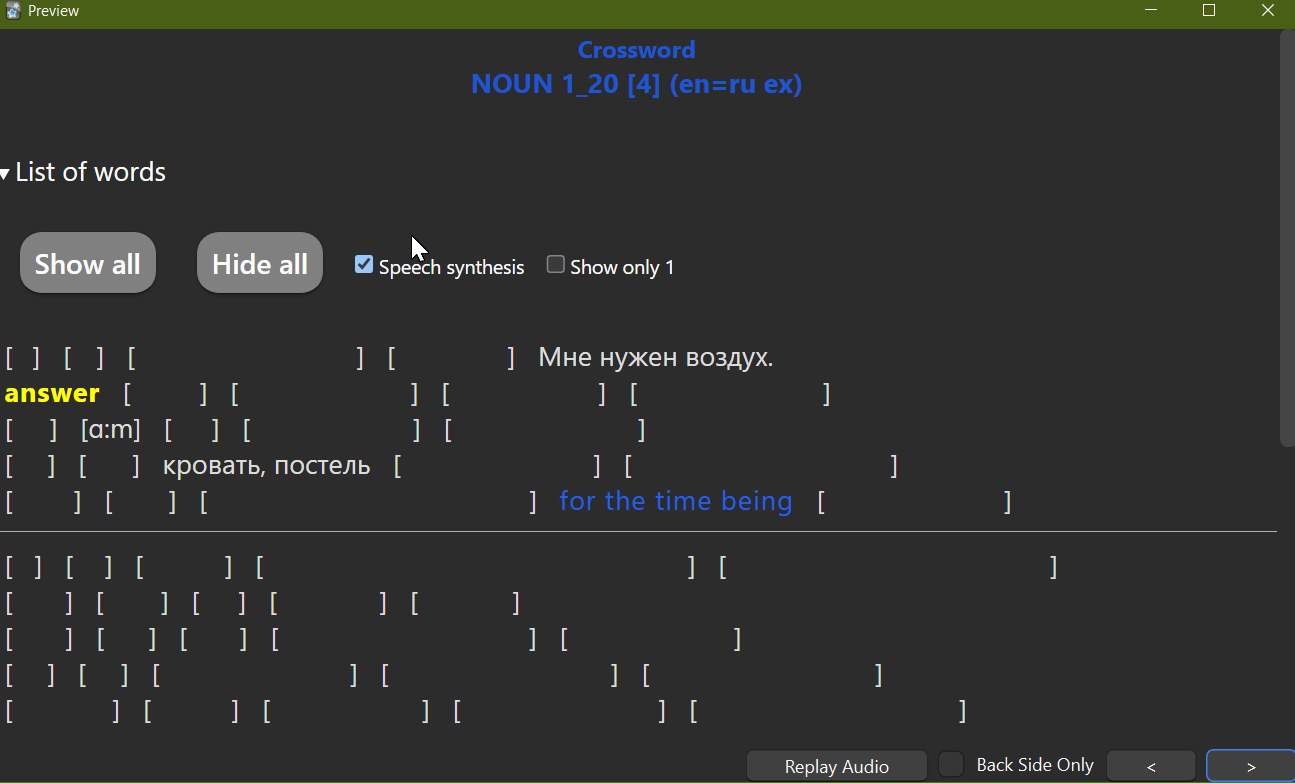
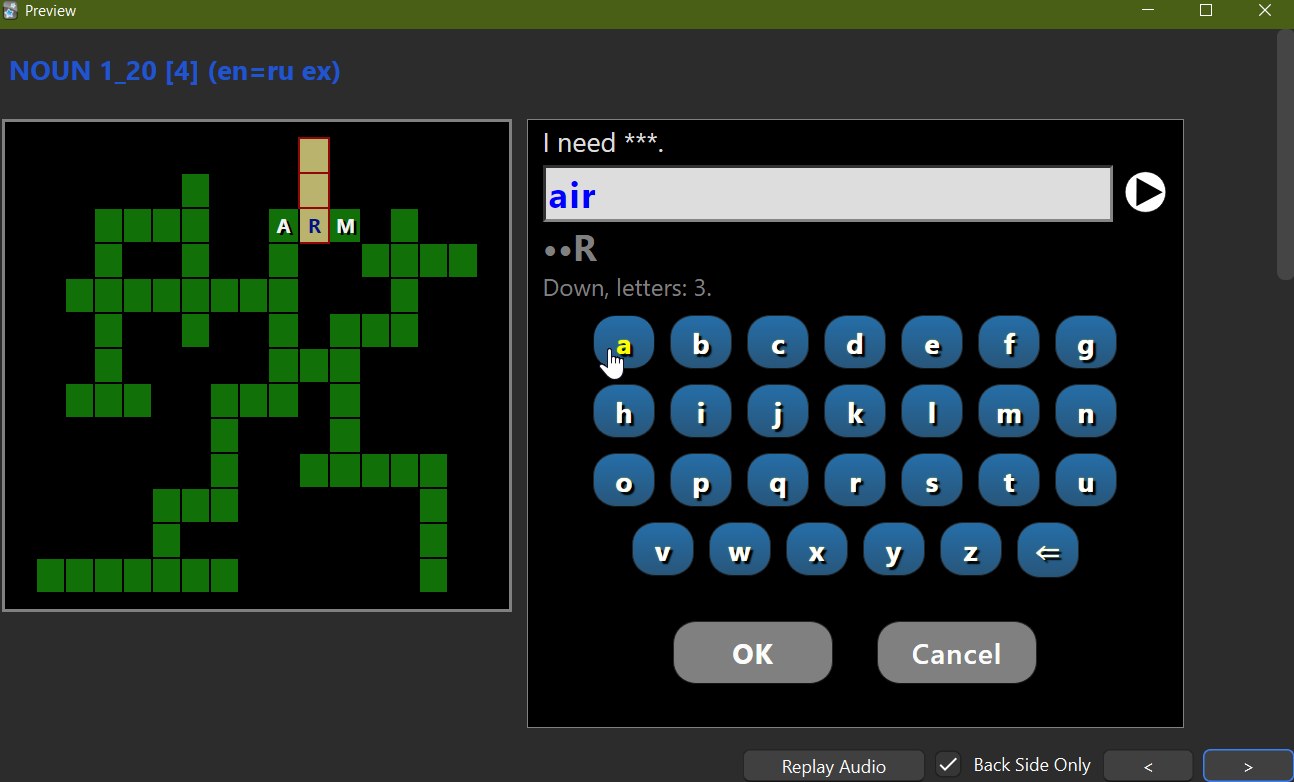
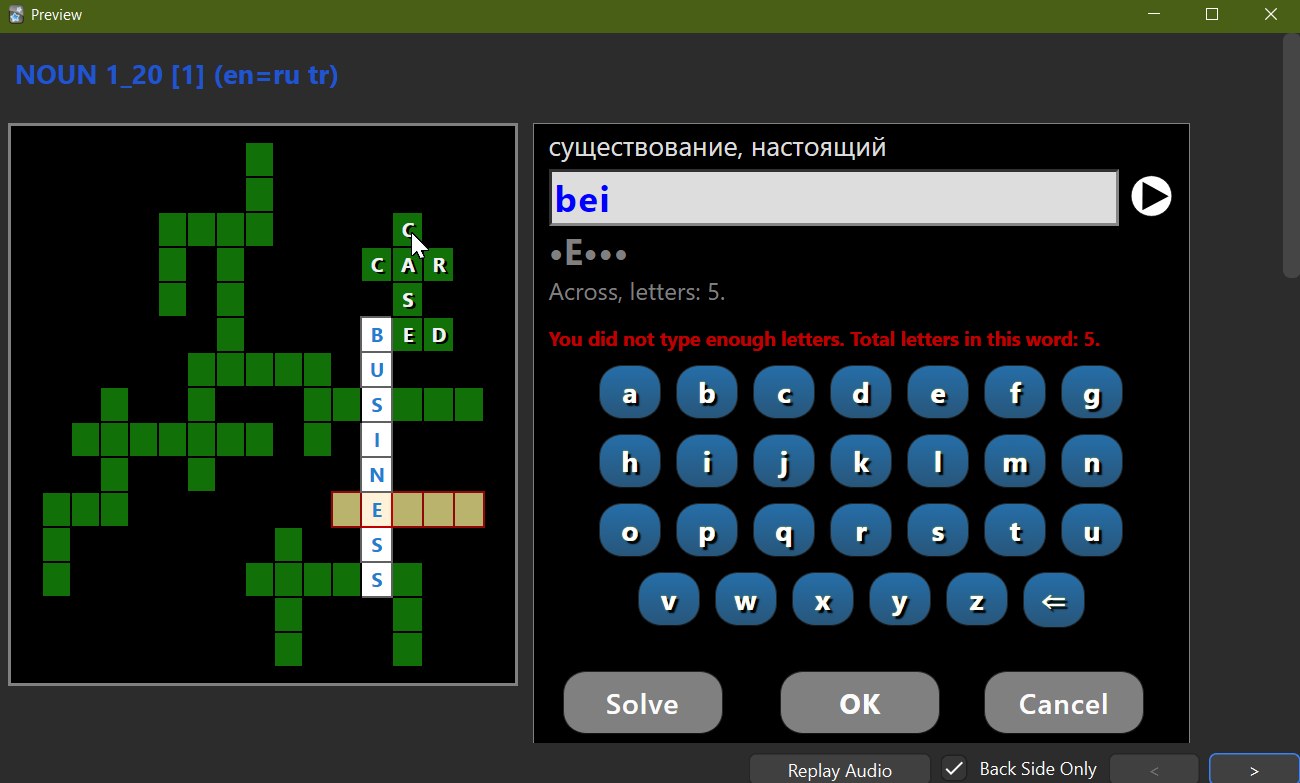
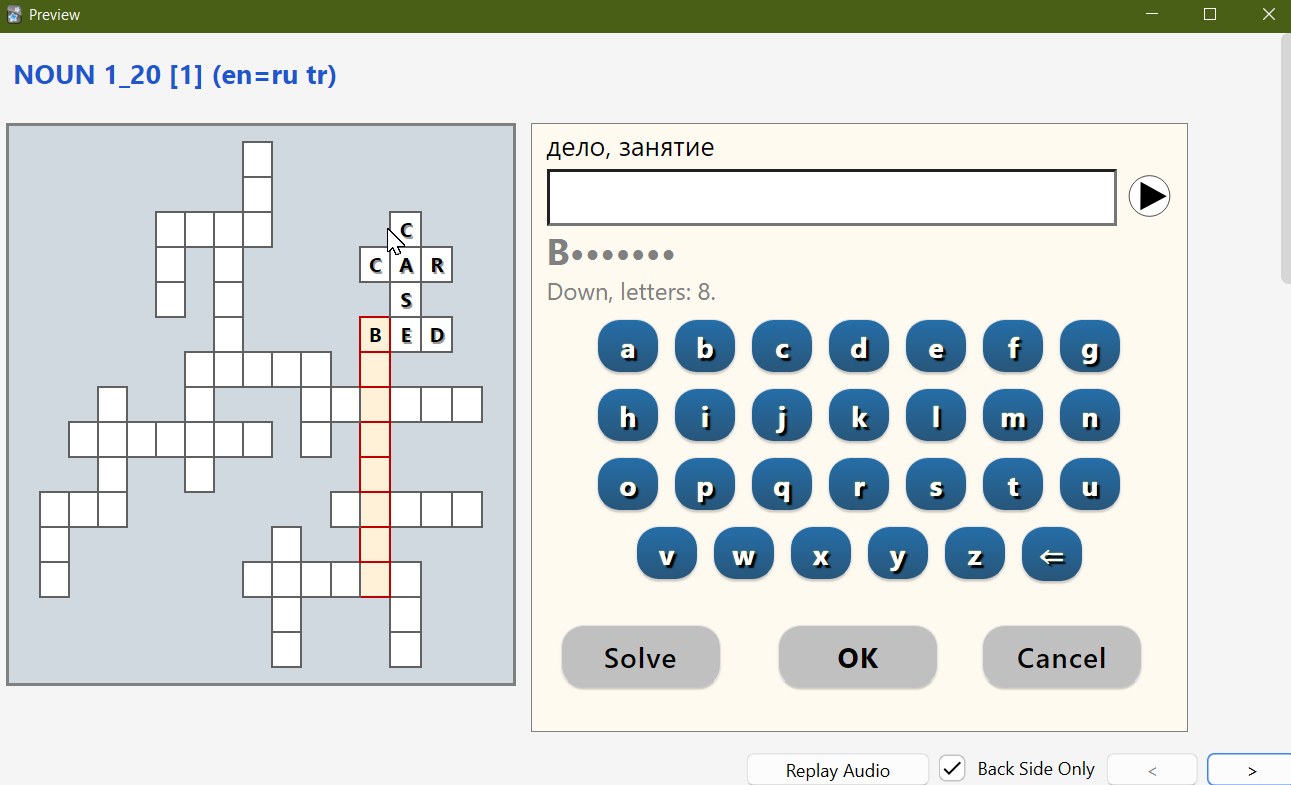
The crossword itself appears on the back of the card. The front of the card can show words. The words tab can be empty if you don’t want any hints, or it can contain a simple word list (or clues).
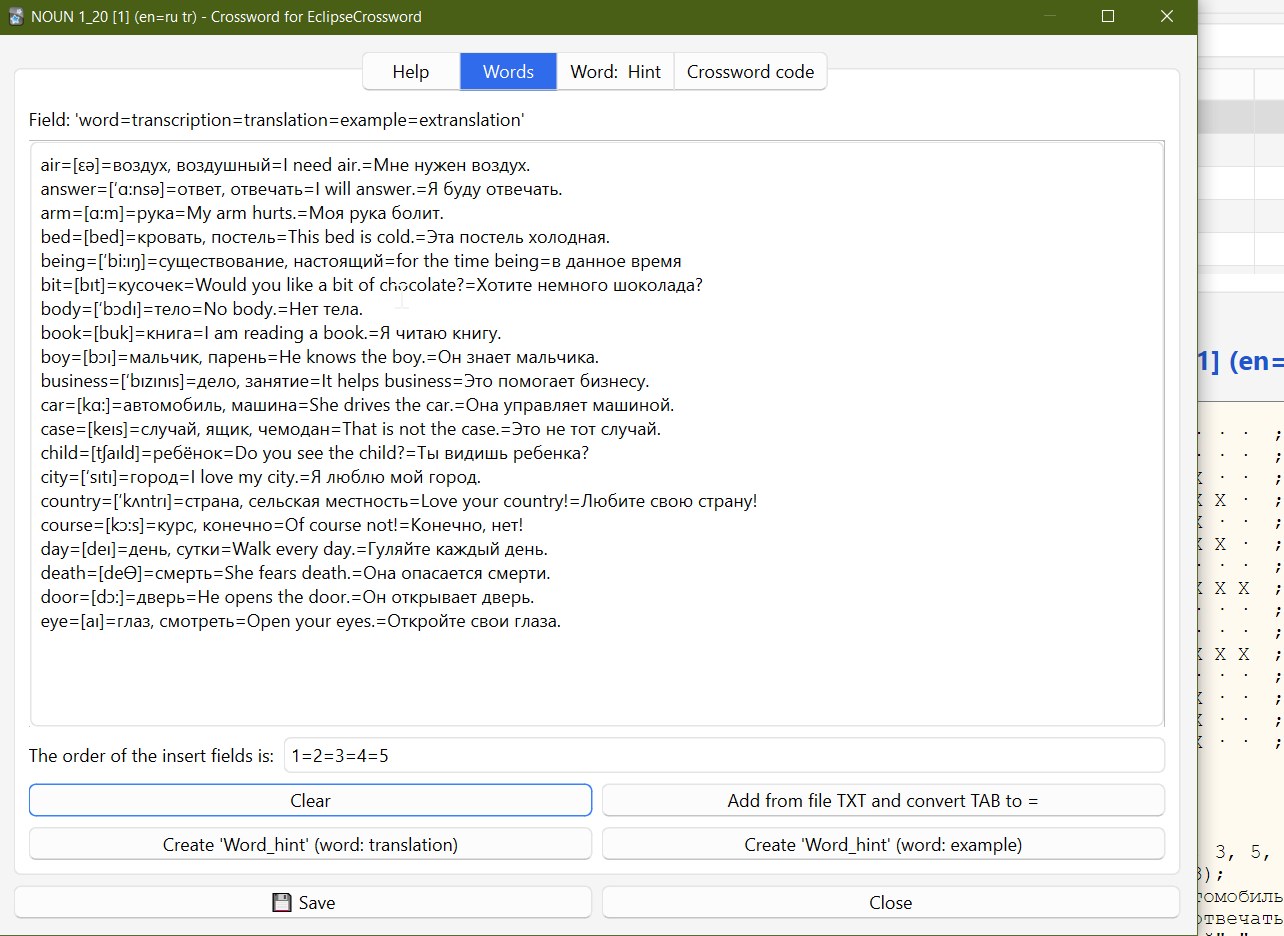
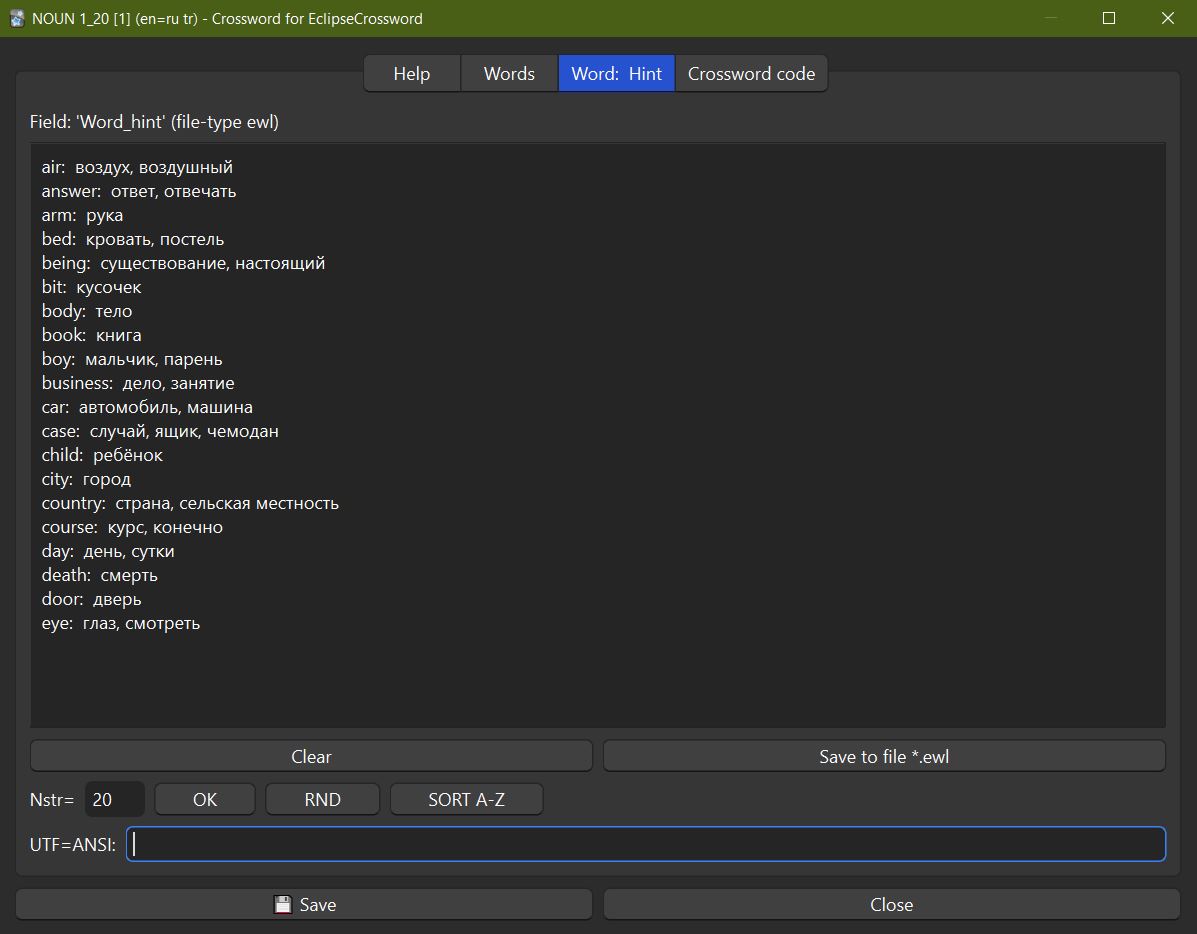
In the words tab, you can enter not just words but word==translation (hint, definition). By writing == you skip the transcription, which isn’t needed in a regular crossword. You can click the button to create data for the third tab or enter it manually, as the format isn’t complicated: word: hint (note there should be two spaces after the colon).
The word list data can be saved in ‘.ewl’ format and opened with EclipseCrossword to generate a new crossword, save it as ‘.html’ file, and then insert the crossword code from this file (button on the last tab).
Note that in the record besides the title there are two more fields: ‘Language_SpeechSynthesis’ and ‘Symbols_for_buttons’. Usually these fields are empty, then English is assumed and all button symbols are used. If your words are in another language, you need to enter a ‘BCP 47 language tag’ in the ‘Language_SpeechSynthesis’ field, for example ‘de-DE’ for German (without quotes of course). The ‘Symbols_for_buttons’ field could be left empty, but if you use AnkiDroid, there’s only button input to avoid using keyboard hints. On Android it’s not very convenient to view large crosswords, and it’s hard to memorize many words at once, so limit your crossword to about 20 words.
If you have foreign language word cards with fields: word, transcription, translation, example and example translation (field order doesn’t matter). You can select these records in Anki and export them to a (.txt) file. Export as plain text without any other parameters. In the words tab there’s a button to add words from a text file. If the field order is different, you’ll need to modify the text field (1=2=3=4=5) before adding.
When a word has an example, you can create a word list with examples (there’s a separate button for this), but since the example shouldn’t hint the word, this word is replaced with ***. When you voice the word in the crossword, the example will also be voiced after it, as it’s in the same language as the word.
HELP AND SUPPORT
Please do not use reviews for bug reports or support requests. And be sure to like, as your support is always needed. Thank you. I don’t get notified of your reviews, and properly troubleshooting an issue through them is nearly impossible. Instead, please either use the issue tracker (preferred), add-on support forums, or just message me at andreykaiu@gmail.com. Constructive feedback and suggestions are always welcome!
VERSIONS
1.2, date: 2025-08-28. By default, a space has been added to the symbol buttons. Fixed the error of displaying a word with a space when you have already entered it and want to see it again. Previously, the system keyboard was not shown for Android, but now it is possible in the case of repeated input, when you need to edit (the word must be longer than 7 characters and entered the full length). The ability to view a list of words that were suggested at the end of solving the crossword. The ability to select the desired number of words, mix them, sort them. The ability to replace the UTF-8 character with ANSI, so that it can be processed in the EclipseCrossword program. Fixed other minor errors. 1.1, date: 2025-07-04. Bugs fixed. The entry type now has a name with the new version “Crossword (v1.1)”. Two buttons have been created: set hints and do not set. At the same time, comments are created for viewing the crossword form (easier and faster to distinguish this way), a list of words “Word =” is created. If someone used hints, then at the end it will be said about it, well, and the fireworks at the end will not be shown to him. If when typing a word some letter is already known and you did not type it, then the background of the input line will be set to pink to warn you about it. 1.0, date: 2025-07-01. First release
SPECIAL THANKS
Thanks to https://www.greeneclipse.com/ for the crossword generator program, for the source code of html and JavaScript of the crossword which was converted to work in Anki. Thanks for help in development: deepseek, chatgpt. But without them I definitely wouldn’t have managed, since I don’t program in Python and certainly not an Anki developer.
=========================
See my other addons and decks here: https://ankiweb.net/shared/by-author/1188253433
=========================
Screenshots