Custom Keyboard Shortcuts
This plugin is based on Customize Keyboard Shortcuts
A control panel has been added to the original plugin, allowing you to set shortcuts through the control panel; several aspects related to the math formula editor in the original plugin have been modified.
Update April 22, 2025:
Added configuration file path setting, allowing you to set the configuration file path to a synchronized cloud drive for convenient synchronization across different devices
Update April 20, 2025:
Added restore default option for each shortcut
Disabled modification of the following shortcuts, restoring Anki’s default behavior, as modifying them caused Anki to fail to correctly display the mathjax formula editor:
Insert LaTeX: Ctrl+T, T Insert LaTeX equation: Ctrl+T, E Insert LaTeX math environment: Ctrl+T, M Insert MathJax block formula: Ctrl+M, E Insert MathJax chemistry formula: Ctrl+M, C Insert MathJax inline formula: Ctrl+M, M Screenshots
Screenshots
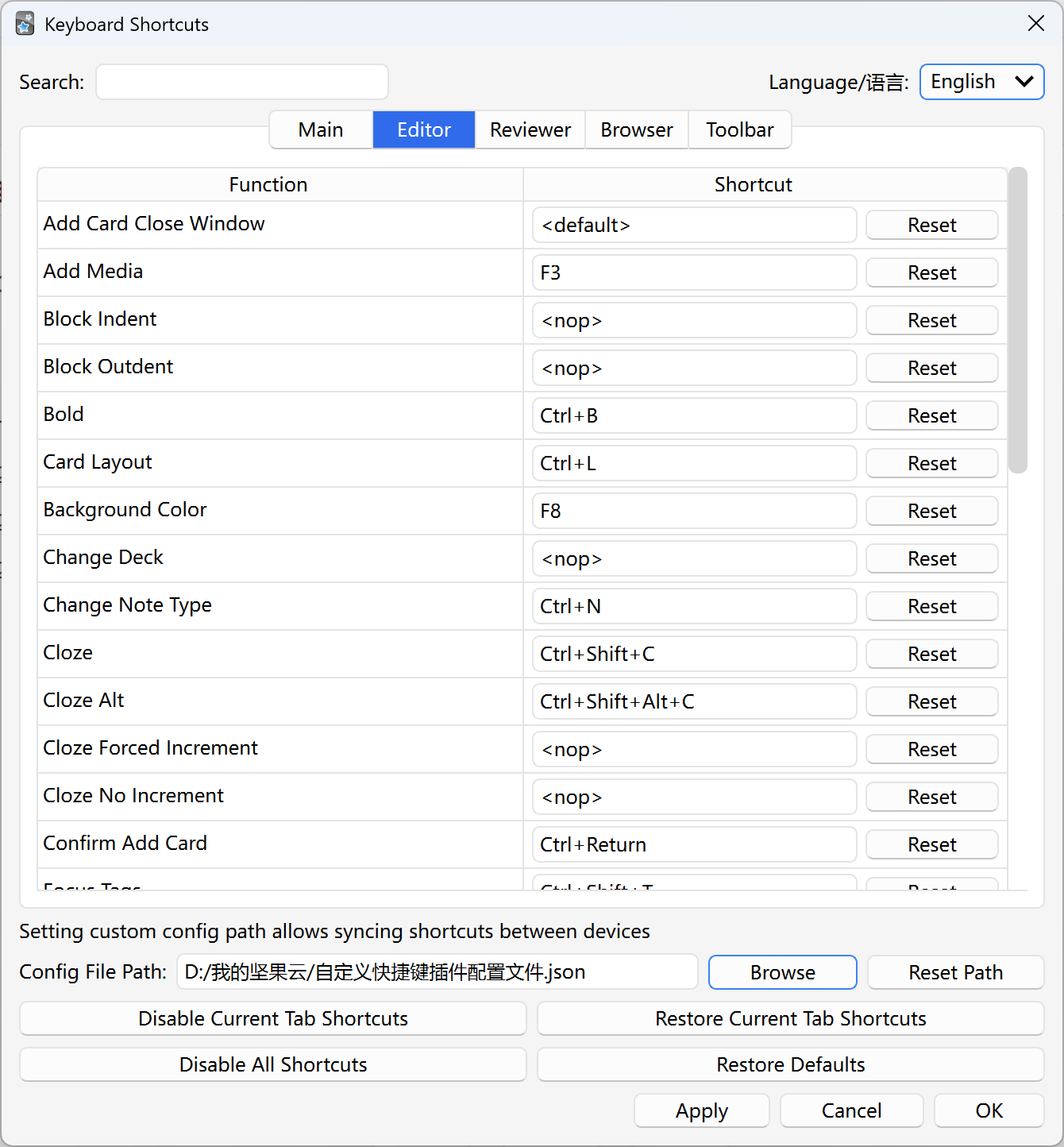
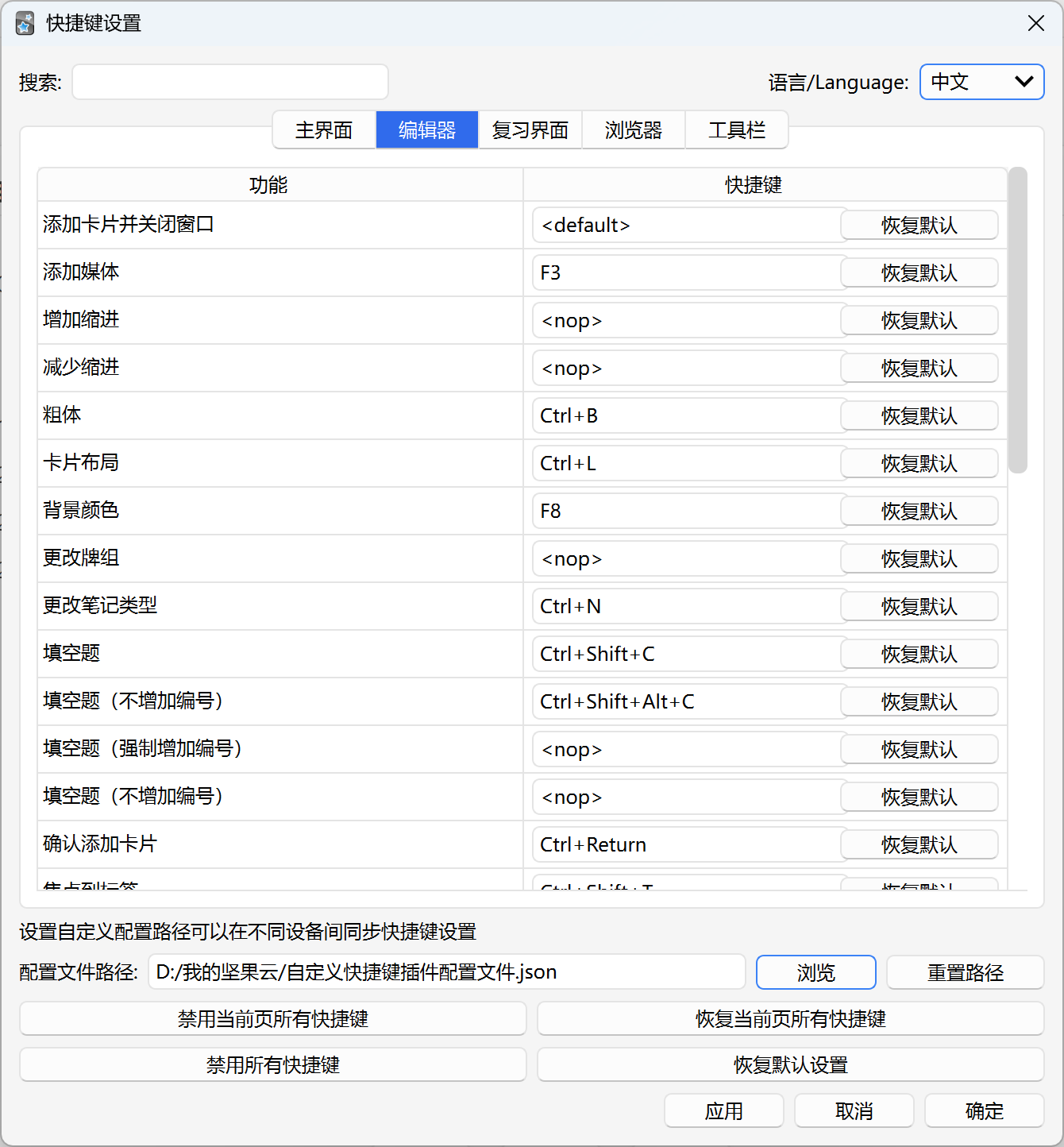
Reviews (4)
👍 2025-12-26
When I change language to English, it doesn’t persist and returns to an eastern Asian language.
👍 2025-12-12
amazing,谢谢,很实用!anki新手必装插件之一
👍 2025-08-10
Great. Thanks
Can you add the ability to see shortcuts added by other addons? If so, seeing potential conflicts without clicking through each addon would be great.
Additionally, shortcuts for Editor —> Toggle HTML editor and Add Media are broken and don’t get updated. Several others probably are broken too, from the same area.
👍 2025-04-23
I am using Sougou input, Macbook and I can’t flip the card with the spacebar. I have tried replacing it with another shortcut, for example: “reviewer flip card 1”: “Qt.Key_Space” or “reviewer flip card 1”: “Space” but doesnt work
![csv paste [depricated use csv import +]](/default-thumbnail.webp)