Focumon for Anki
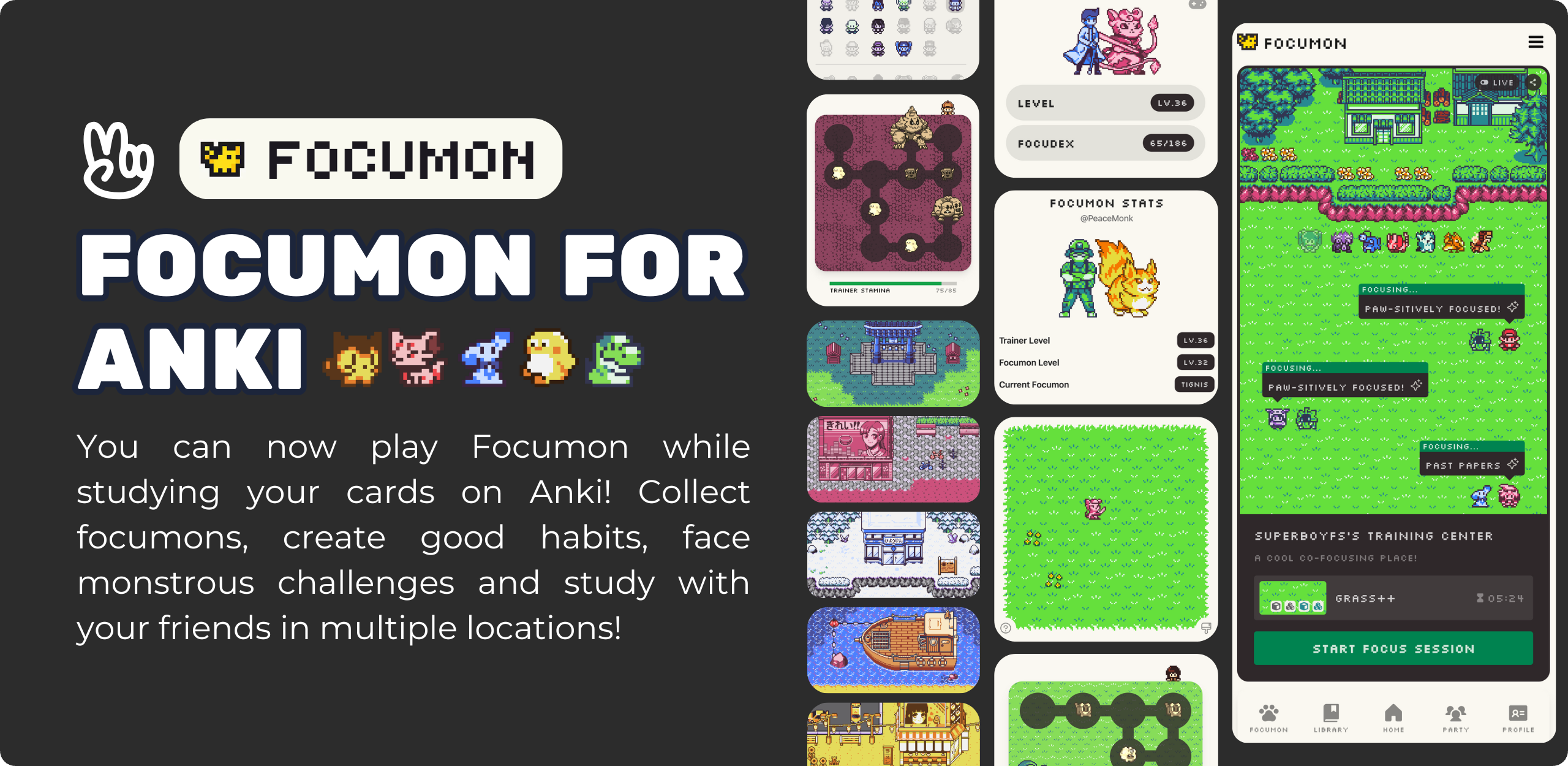
Focumon for Anki brings the gamified focus experience of Focumon directly into your Anki workflow. Collect monsters, level up, and stay motivated to review your flashcards!
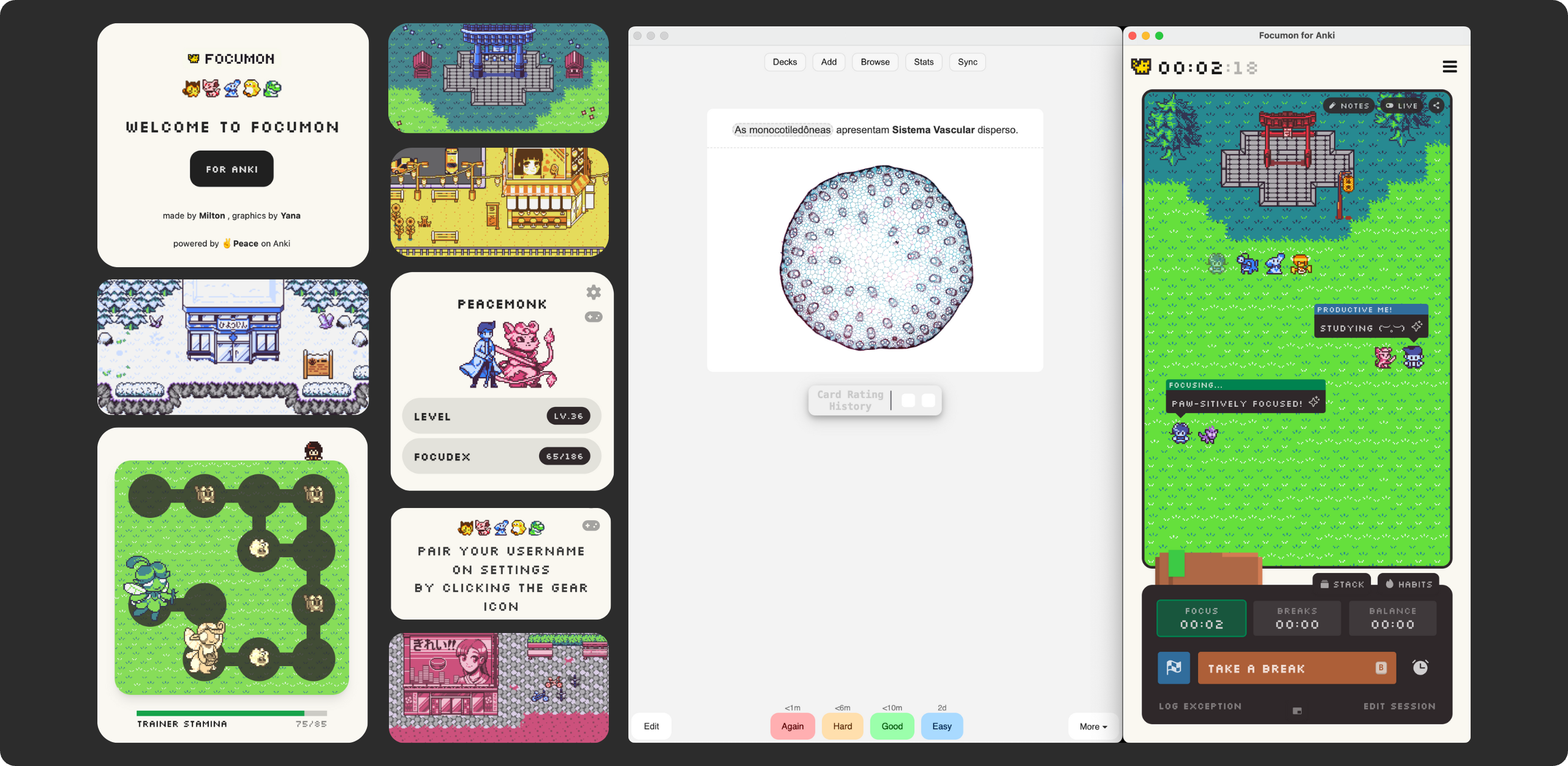
Features Focumon Window: Access the full Focumon web application within Anki. Train your focumons, battle, and study in various environments. Deck Widget: A sleek, customizable widget on your Anki Deck Browser that displays your current trainer stats, active Focumon, and progress. Real-time Stats: View your Trainer Level, Focumon Level, and Focudex progress at a glance on the main menu widget. Seamless Integration: Designed to look and feel like a native part of Anki, with support for both Light and Dark modes. Getting Started
- Account Setup
To get the most out of this add-on, you need a Focumon account.
Open the add-on menu and launch the Focumon Window. Login or Create an Account (use email login for the best experience). Tip: If you’re new to Focumon, check the Instructions page in the add-on for an invite link! 2. User Pairing
Link your Focumon account to Anki to see your stats in the widget.
Go to Tools > Focumon > Settings (or click the Gear icon on the Deck Widget). In the Profile section, enter your Focumon Username. You can find your username on your Focumon Profile page by hovering over your character. Click Save. Your stats should now appear in the Deck Widget! Components The Deck Widget
Located on your main Deck Browser screen, this widget gives you a quick summary of your journey.
Visuals: Displays your Trainer sprite and your current partner Focumon. Stats: Shows your current Trainer Level and Focudex completion. Quick Actions: Settings (Gear Icon): Open the configuration menu. Refresh (Arrows Icon): Reload the widget and stats if they look outdated. Open Focumon (Gamepad Icon): Launch the full Focumon Window. Focumon Window
The main interface for interacting with the game.
Accessible via Tools > Focumon > Open Focumon or the Gamepad icon on the widget. Browse your collection, battle, and manage your account. Persistent Login: The window keeps you logged in so you’re always ready to go. Settings
Customize your experience via Tools > Focumon > Settings.
Always on Top: Keeps the Focumon Window visible above other windows—perfect for monitoring battles while reviewing cards. Hide Widget: Toggle this if you want to hide the Deck Widget from your main screen. Profile: Update your linked username to sync stats. Support: options to Report Bugs or Donate to the project. Troubleshooting Widget not updating? Try clicking the Refresh button (arrows icon) on the widget. Visual Glitches? If the Focumon Window looks strange, try closing and reopening it, or use the Refresh button. Stats not found? Double-check your username in Settings. Ensure it matches your Focumon profile exactly. Support
If you enjoy this add-on, consider supporting the project:
Found bugs?
Feel free to report them on GitHub
Credits
Focumon is a creation by Milton Ren and early graphics of the game were created by Yana, Focumon Anki was developed by PeaceMonk with the authorization of Milton, as a way of bringing Focumon to more people! If you want to support their work, consider purchasing Focumon Pro Pass.
Screenshots

Liên kết hỗ trợ
Reviews (4)
👍 2026-01-24
Impressive and great UI
👍 2026-01-09
focumon on anki!!!!!
👍 2026-01-09
Amazing, working as expected but it slows down my anki when I go back from reviews to home. Comment from author Hi there! Thank you for letting me know.
Since Focumon for Anki is a web-app chromium-based app inside an add-on it can indeed slow down Anki, this is expected, and is being investigated for better optimization in the future.
👍 2026-01-08
amazing web amazing app amazing anki addon 💯💯💯 Comment from author Very happy to read that you’re enjoying it!
