This add-on was funded by the AnKing Memberships. Please consider signing up as a member so we can continue to fund add-on projects like this (and get access to our current beta add-ons!).
This add-on has been tested for Anki 2.1.41+ up to 2.1.50. It may work on older versions, but it has NOT been tested and we can’t provide support for that at the moment.
ReColor your Anki desktop to whatever aesthetic you like! Combine with the Custom Background and Gear Icon add-on for an amazing look!
How to Use:
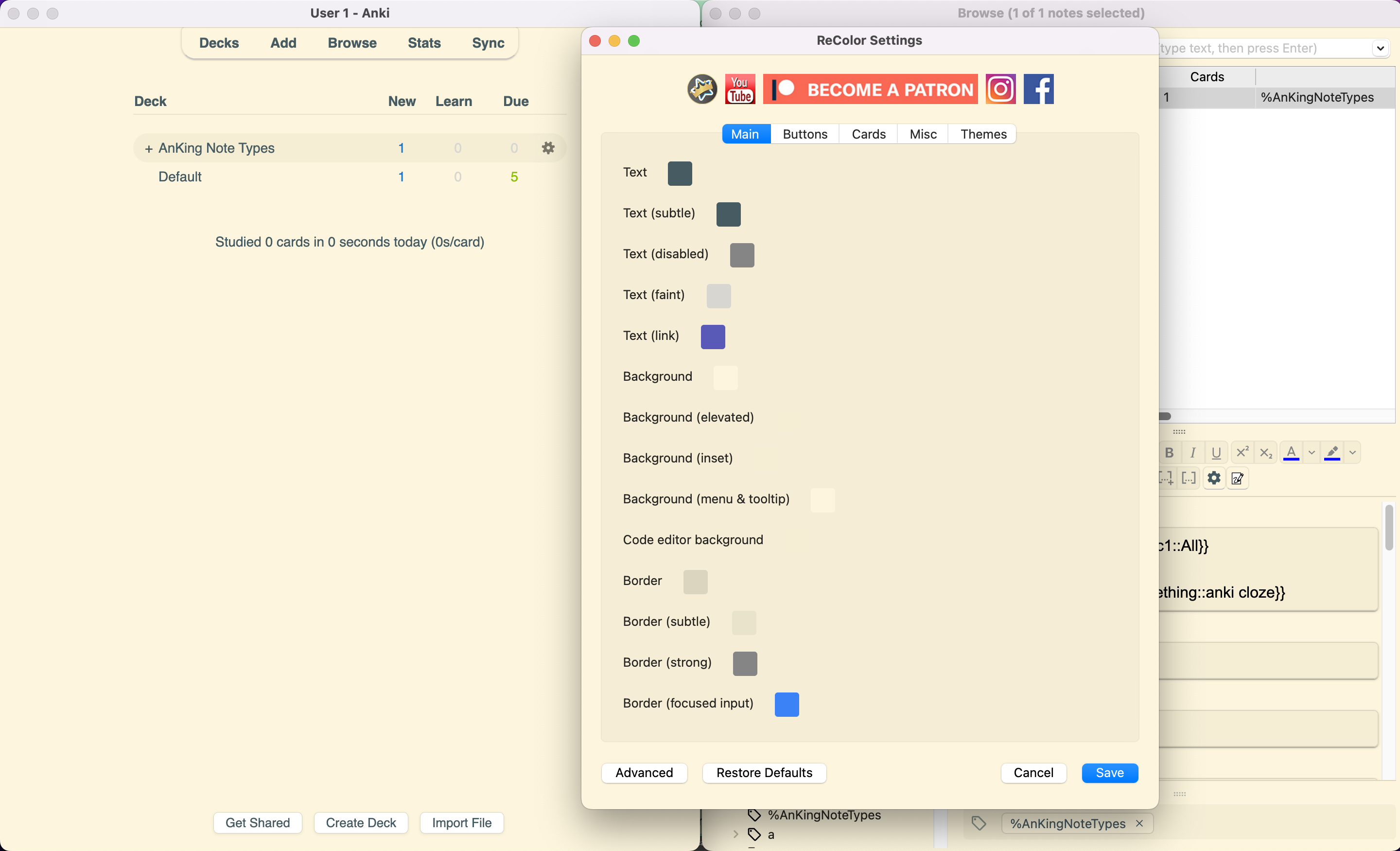
After installing, there will be an AnKing menu at the top. Click the ReColor submenu to open the ReColor dialog The colors listed are everything that Anki customizes (unfortunately some things are linked together so changing one will change the other and there’s no way around that for us) Once you click “Save”, the colors will update. Click “Advanced” if you want to input html colors or see the underlying code
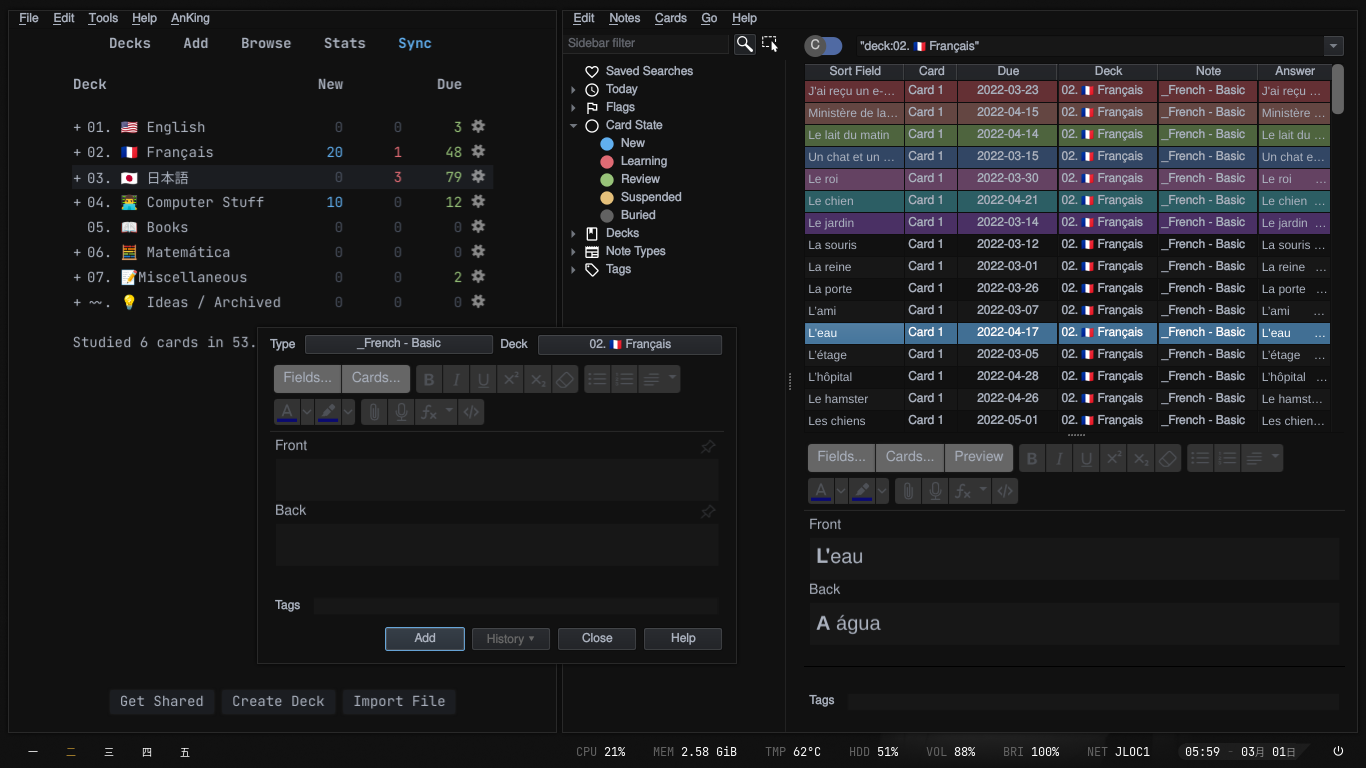
Share your pictures with #ReColorAnKing and tag @AnKingMed on social media so we can re-share it!
Screenshots
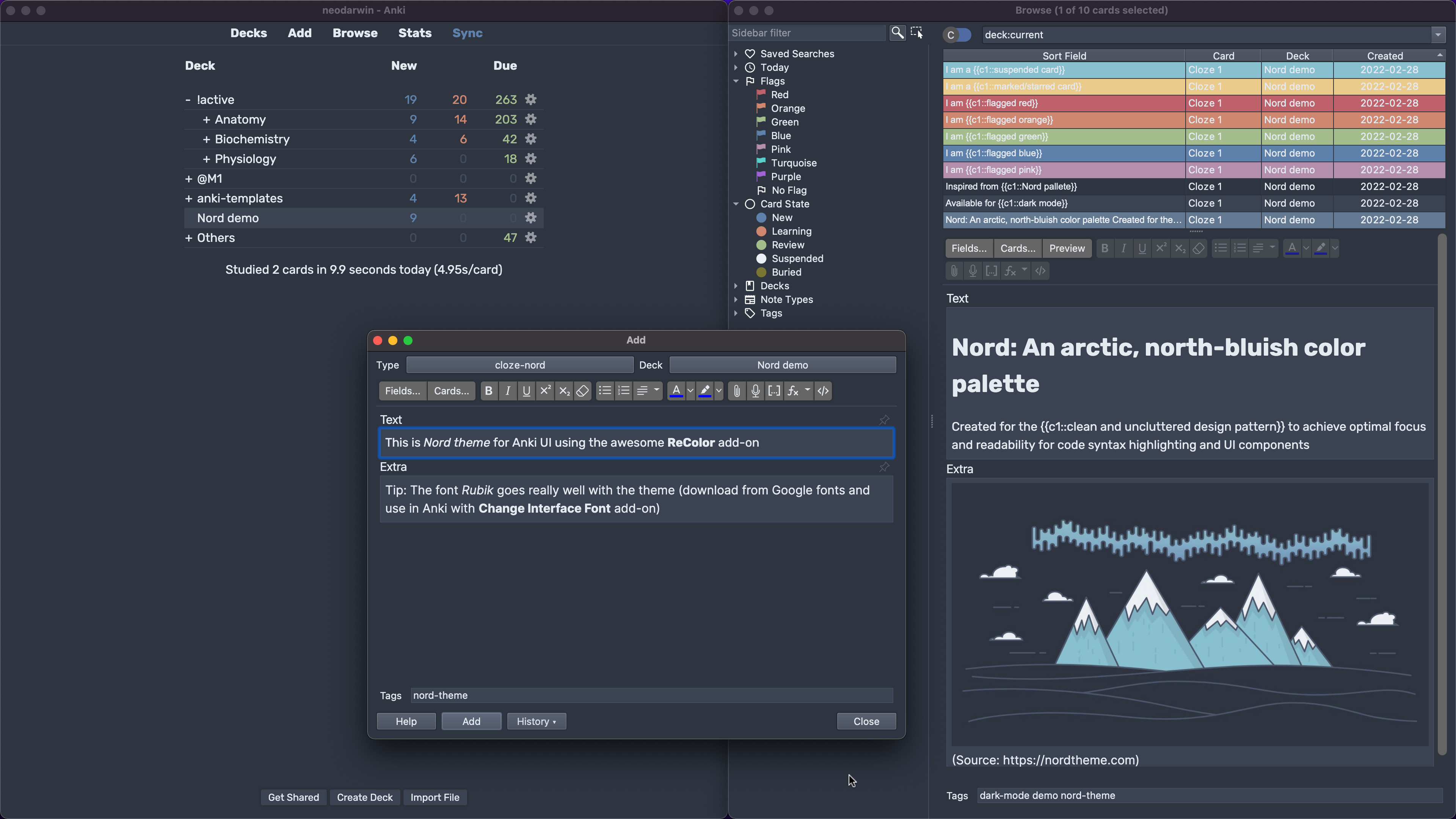
See these example themes you can download (Solarized, Nord, etc) or upload your own theme here.
Problems, Bugs, Errors, Improvements
If you find a serious bug, please submit it on Github or email us at ankingmed@gmail.com. Please remember that we are not coders and thus may not be able to provide support.
Changelog
2021-09: Initial Release on Patreon/AnKing Memberships
2022-02-24: Initial Release on AnkiWeb
2022-02-25: Fix occasional crash when importing a collection file
2022-03-02: Added themes tab to the config with preset themes. Thanks to the community for creating these! Upload your own theme here.
2022-11-28: Uploaded a new branch for 2.1.55, support for Qt6
2022-12-31: Fix a minor button color problem on MacOS
2023-04-24: Updates to Catppuccin and Nord themes
2025-01-28: Fixed flag colours and marked/suspended/buried colours not showing up - Updated icons
2025-08-04: Fixed error on Windows theme change - Fixed Advanced button not working on macOS.
2025-08-11: Added Everforest Dark Palette based Theme.
Please consider checking out our:
YouTube Channel- How to use Anki for beginners and advanced users.
Instagram/Facebook: @Ankingmed
www.TheAnKing.com- Recommended add-ons, tutorials and more including how to download 40+ add-ons in < 5min
Patreon/VIP- Support our work and get individualized Anki help!
Screenshots




Liên kết hỗ trợ
Reviews (29)
👍 2026-02-17
debloat your app please : https://ankiweb.net/shared/info/411527501
👍 2026-02-04
C’est vraiment le top !
👍 2026-02-04
The suspended cards don’t seem to update properly if they are switched to anything besides the default theme color code. Leave the suspended cards color unchanged or it defaults to the preferred program theme.
For example, if the color codes below were changed, then they defaulted to white.
“STATE_SUSPENDED”: [ “Suspended”, “#3B4252”, “#ECEFF4”, “—state-suspended” ]
👍 2025-12-31
made it look much better
👍 2025-10-10
Can someone please explain what/where each of the colors are referring to? Like when I customize them WHAT am I actually customizing and WHERE will I see the changes
👍 2025-08-27
Works greatt
👍 2025-08-22
I can now set the background darker
👍 2025-08-20
Works great in addition with the Custom Background add-on! Finally have my Anki looking a bit less ugly lol. Big thanks to the dev!
👍 2025-08-03
great basic add on! my first fron Anking. Is there a way to apply this on the mobile ios app too?
👍 2025-07-11
Looks absolutely stunning! How can we change the font style?
👍 2025-06-24
catppuccin lets goooo!
👍 2025-06-09
great thank you
👍 2025-06-06
Thanks! Working on Anki 25.02 (linux-flatpak)
👍 2025-04-19
Wonderful work! Simple and I’m thankful!
👍 2025-03-10
Incrível. Conseguiu alterar a tonalidade das Flags do jeito que eu queria. Valeu!
👍 2025-01-28
awsome addon
👍 2025-01-25
Nice addon, I will do a donation for support the creator.
👍 2025-01-15
perfect
👍 2024-12-08
Works as expected, Nord theme is great.
👍 2024-11-26
Good! I wish there were an a button to save my configuration as a new Theme though. There is a workaround where after choosing all your colors in the config, click ‘Advanced’ and copy the code and then paste it into a new .json file and save it in the ‘themes’ folder inside the add-on folder.
👍 2024-11-14
It’s a very good add on. Personally I use the “One Darkest theme” and I change the text color to be whiter and it’s perfect. Thank You
👍 2024-11-13
thank you!!!!! the themes make it so easy to use, and I was looking for the dracula look anyway 🥹
👍 2024-10-16
🎨 The best add-on for changing the way Anki looks, at least for my purposes. Anki Redesign has some unwanted side effects, and Beautify Anki is broken for ages now. Thanks! ^_^
👍 2024-09-17
now i can make anki match my programmer socks 10/10
👍 2024-04-18
FANTASTIC
👍 2024-03-04
Excellent addon, I would like to know how to put a country’s flag on the deck?
👍 2024-02-24
Makes Anki fun and works great! :)
👍 2024-01-30
Using anki is more enjoyable now!
👍 2024-01-21
Thank you for making this add-on! ^_^
While it doesn’t change everything in a consistent way (I guess there are some technical limitations), it certainly improves the looks of Anki considerably.
