Remindero
Actually I made this add on because i was bored and was trying to find a solution that reminds me that my important exams are looming out in the horizons
Well it’s useful for exams but also for any other purposes
The add on is well commented so you can tweak the code the way u want enjoy :3
Features
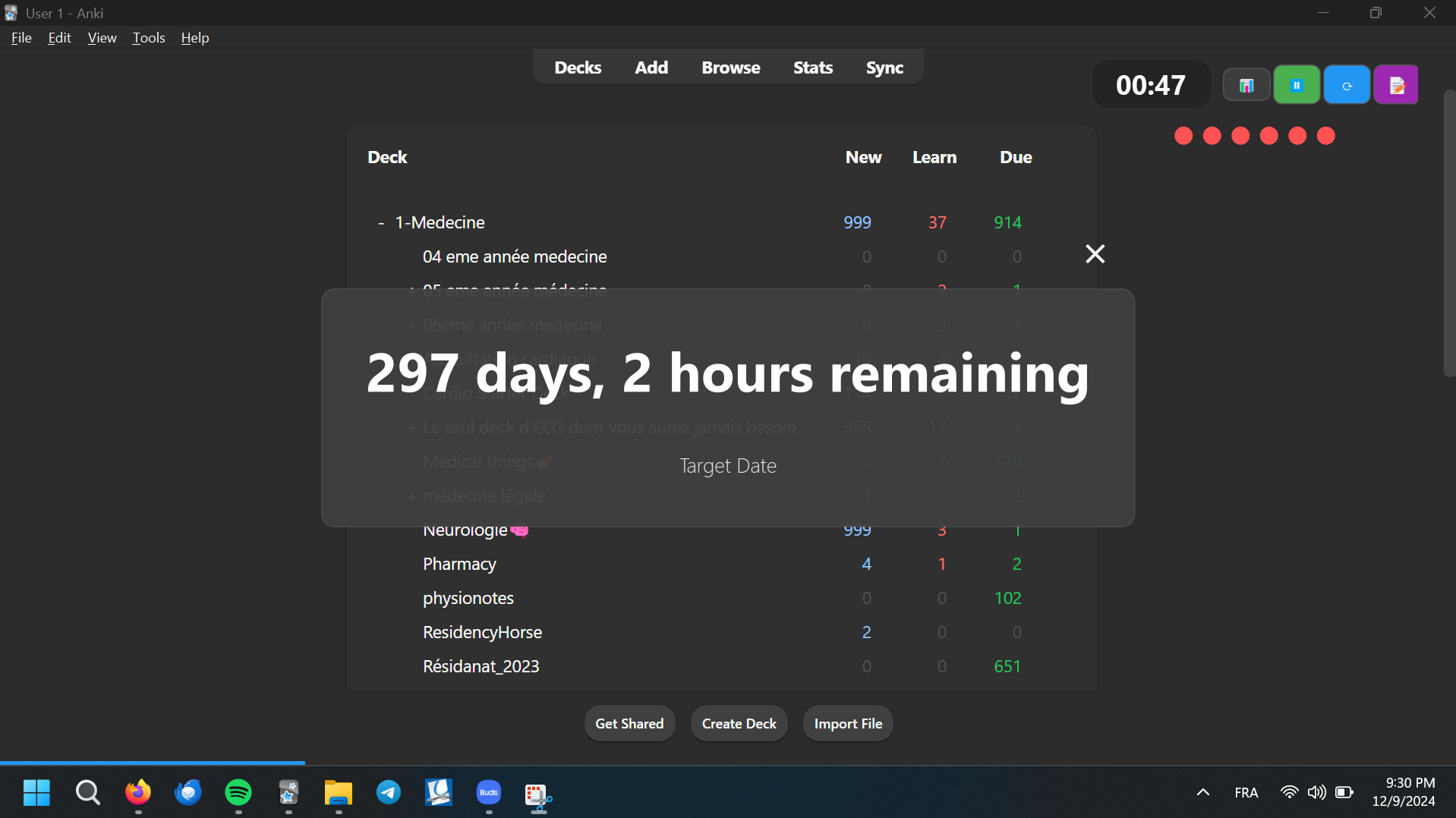
User-Friendly Interface: Intuitive design for easy navigation and use. Customizable Reminders: Set target dates and descriptions for each reminder. Auto-Close Option: Automatically close the reminder window after a specified duration. Translucent Background: Aesthetic design with a translucent background for better visibility. Installation Download the Remindero add-on from Ankiweb Restart Anki to see the add-on in action. Usage To open the Remindero settings, navigate to the add-on menu in Anki and select “Remindero.” Configure your reminders by setting the target date and description. Configuration
The add-on settings can be adjusted in the settings dialog, where you can specify:
Target Date: The date for the reminder. Description: A brief description of the reminder. Auto-Close: Enable or disable the auto-close feature and set the duration. Troubleshooting
If you encounter any issues:
Ensure that you have the latest version of Anki installed. Check the add-on settings to confirm your configurations. Review the console for any error messages. License
This project is licensed under the MIT License.
Screenshots
Reviews (1)
👍 2024-12-16
The idea is fantastic and I absolutely need this. But unfortunately, no chances happen when I change the date. I’m probably an imbecile, but I’m quite the addon doesn’t care when I change the date. Actually, even the default date calculates a wrong interval (290 days instead of ~60days).
I really hope you can fix this 🙏 Comment from author It’s working for me and for all my colleagues, I tested every add-on before i release it for a long time ; when you select the date you should press on Ok p
