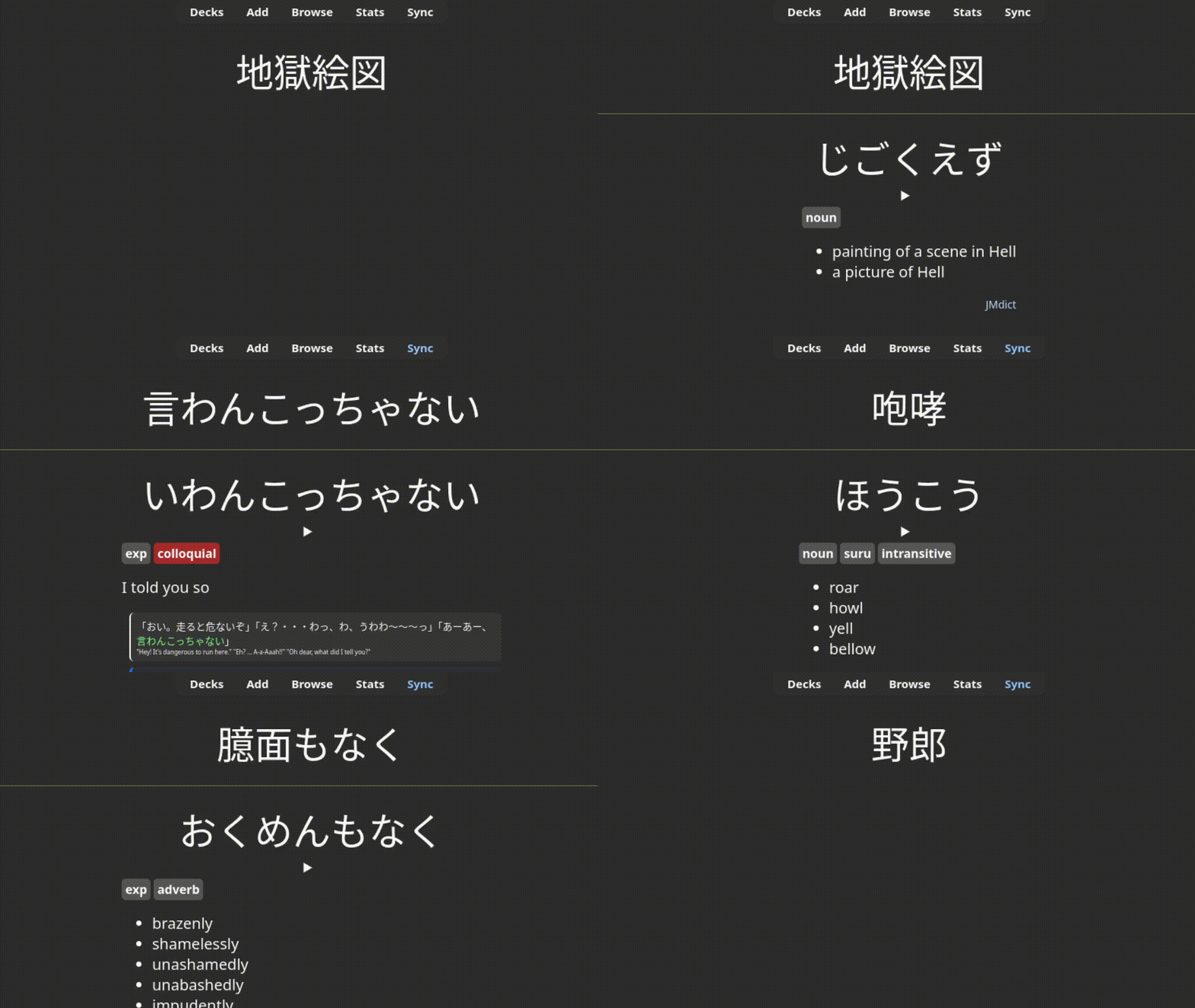
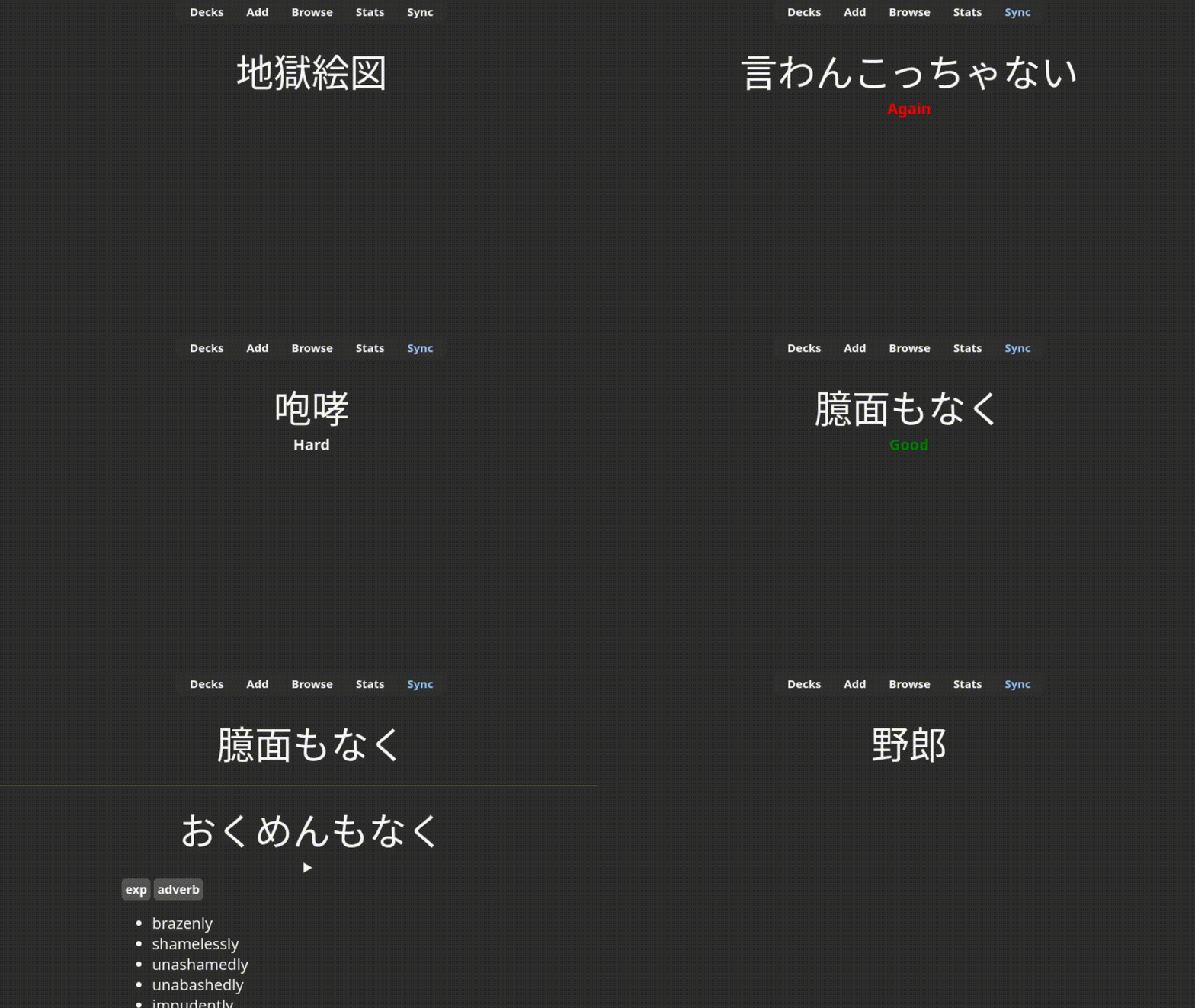
Provide feedback after answering a card, similar to AnkiDroid.
See presets.md for alternative presets. The default preset is designed to emulate AnkiDroid’s feedback behavior.
Usage
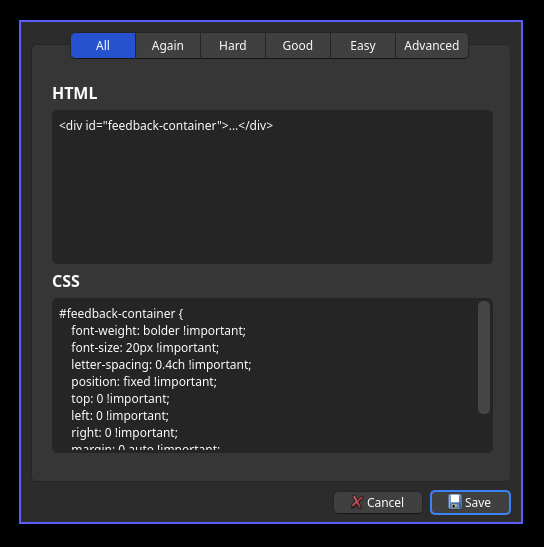
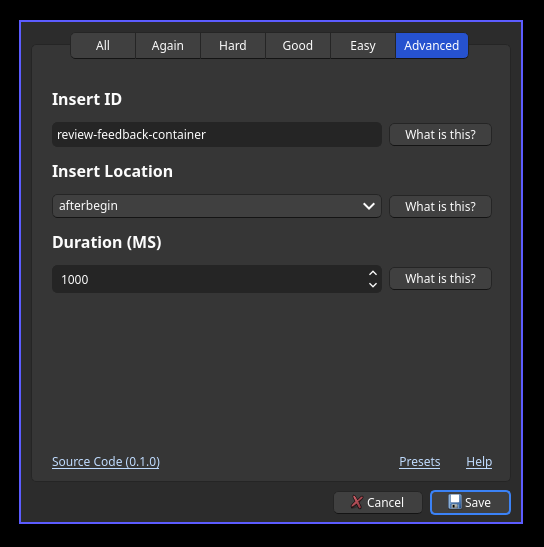
Access the menu from Tools -> Configure Review Feedback or directly edit the JSON in Tools -> Add-ons -> Review Feedback -> Config.
The first five pages define the HTML and CSS injected when a review is passed. Content in the “all” tab is included with every review. The “advanced” tab can be used to configure the injection ID, duration, and location of the HTML.
Source Git
Screenshots