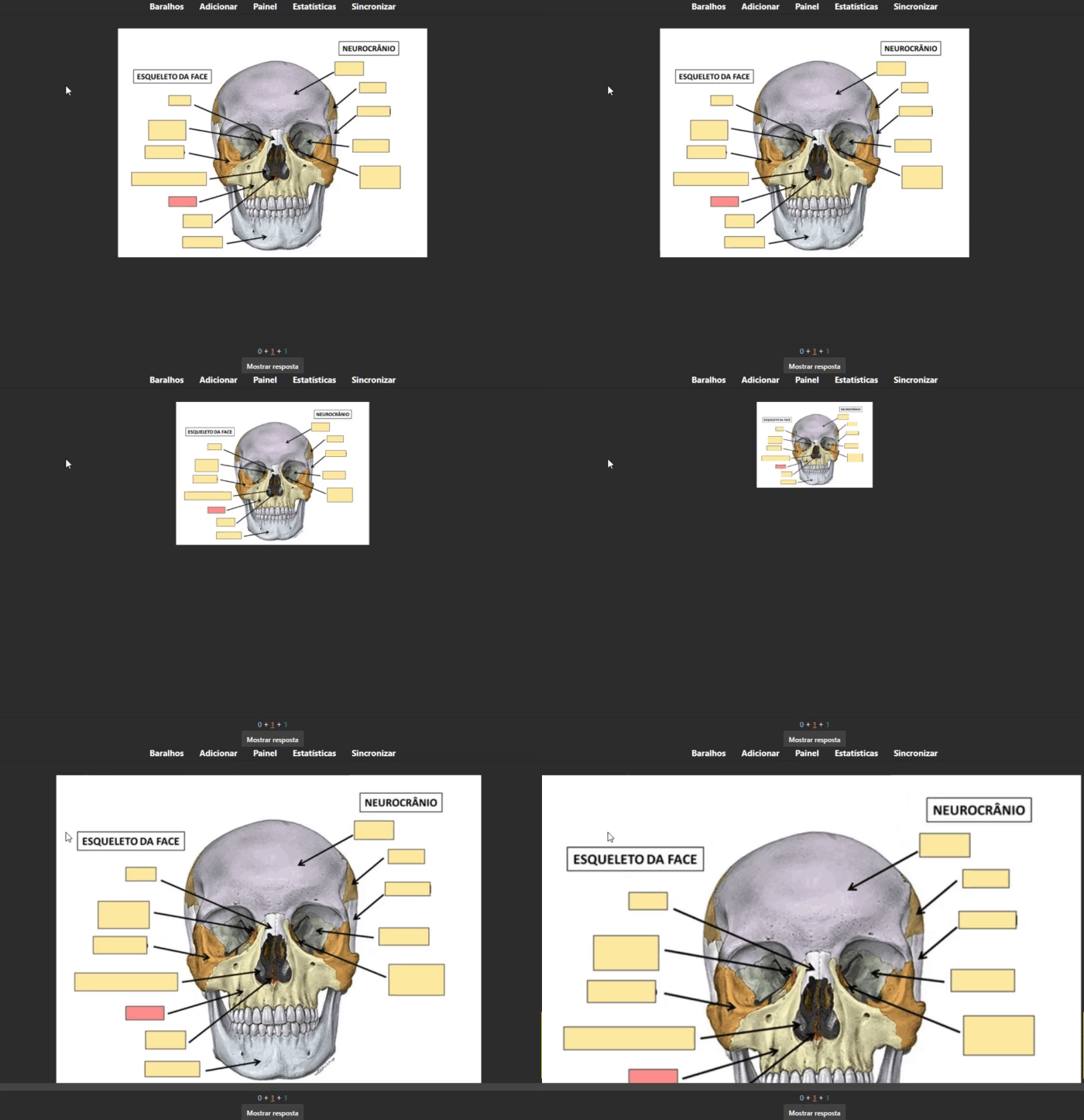
Use ctrl + (para aumentar) ou ctrl - (para diminuir) O ultima configuração de zoom fica salva apos fechar o anki, em um arquivo chamado zoom_config.json
Use ctrl + (to increase) or ctrl - (to decrease) The last zoom setting is saved after closing Anki, in a file called zoom_config.json
Versao 3.2 - Funciona na pre-visualizaçao. O zoom do deck e da tela principal ficam salvos em um json Versao 3.1 - Funciona com oclusao de imagem e no editor (ainda em fase de testes, nao publicado) Versao 3 - Funciona com oclusao de imagem, mas nao no editor Versao 2 - Funciona no editor Versao 1
e-mail: eros18123@gmail.com
Whats Anki Brasil: https://chat.whatsapp.com/HL4TNruJDtr9ISGUsE9ddu Autor: Eros Cardoso The group is for support and there is no commercial intention.
Note: All the addons I make are free because anki for pc is free and I always used the free chatgpt to help me create codes. All codes are available on github and you can use them freely to translate.
Screenshots
Liên kết hỗ trợ
Reviews (5)
👍 2026-02-22
useful!!! Comment from author thanks
👍 2025-11-09
Works well with pictures. Just had to edit the name of the shortcut “Ctrl+=” to “Ctrl++” in the code. Comment from author obrigado
👍 2025-04-12
simple and perfect cheers mate Comment from author thanks
👍 2025-01-03
Muito obrigado !! Funcionando perfeitamente Comment from author obrigado
👍 2024-11-12
IT’S WORKING (ver. 24.06.3 Qt6) 2024 ok! Comment from author obrigado
![Find cards from UWorld test [Updated] 💙😈💙](/default-thumbnail.webp)