Why having hundreds of thousands of cards on your computer, if you can have even more online?
This addon enables you to search and import all cards from Immersion Kit.
Bugs or enhancements
If you have found a bug or can imagine an enhancement, please write a comment on the anki forum page or open up an issue. Thank you!
Download
You can get the addon by going to Tools > Add-ons > Get add-ons… and pasting the code on the end of this description.
Else you can also grab the file from the releases and execute it (you will have to have anki installed already).
Screenshots & How to use
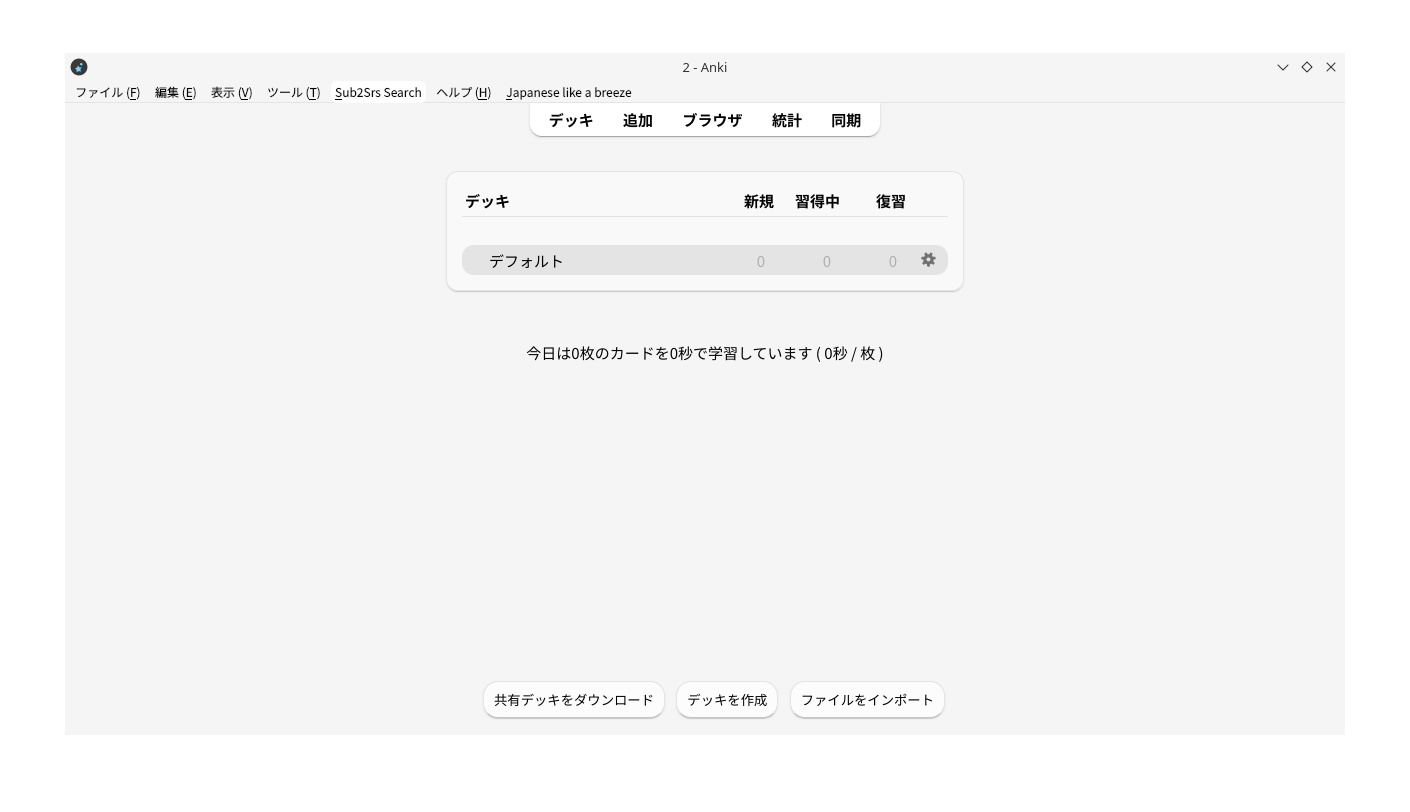
Install Sub2Srs Search and start Anki. You will see a menu called Sub2Srs Search. To search for cards, click Search for Sub2Srs Cards…
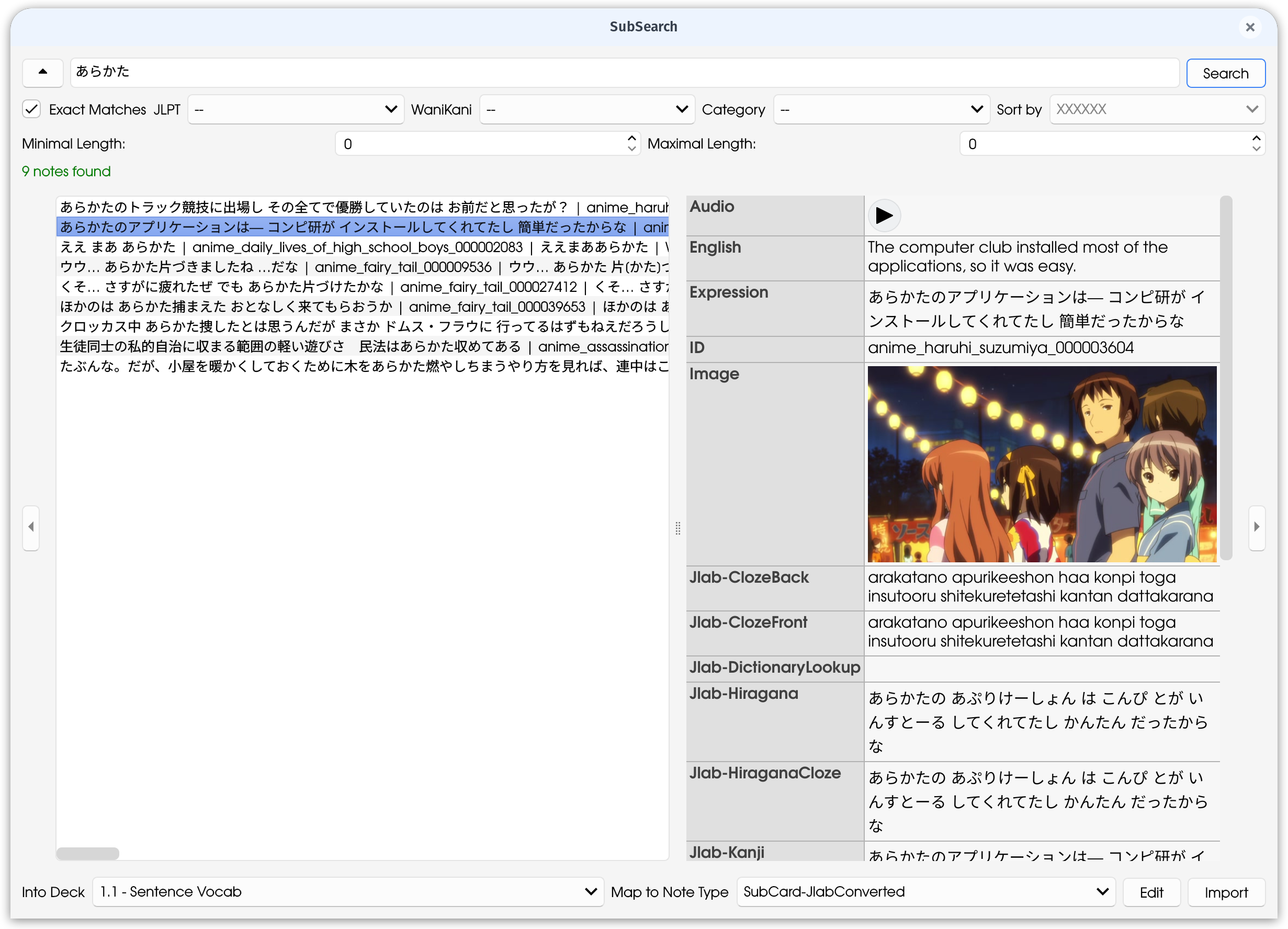
This will open a search window, including a lot of hopefully self explaining options. Looks a bit like cockpit-style, but no need to worry as you can turn this off in the settings or hide it per button.
Enter some text and search for it. Now you should roughly have the screenshot.
Click on one of the cards to preview it (Can be turned off in the settings). Multi-Selection is possible.
A bit below is the deck and the note type that will be used. Also, there is a notice of missing fields. Import can still be done, but these fields will be cut away. Note that if no needed fields are existing, currently that note type can’t be used to import.
Click edit to edit the notes details, import to simply import.
If you get a notice for existing media, check the card in the card-browser or editor.
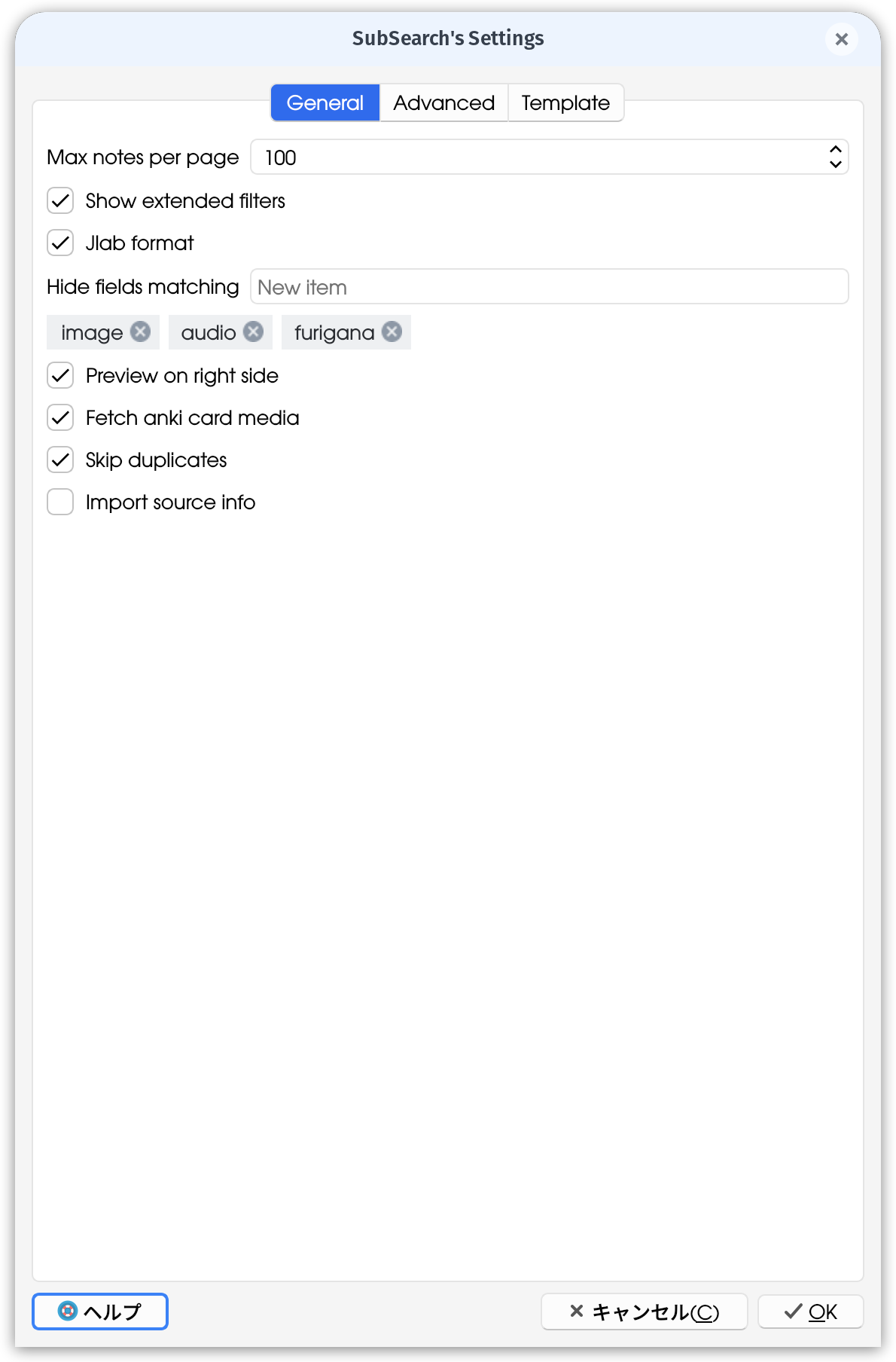
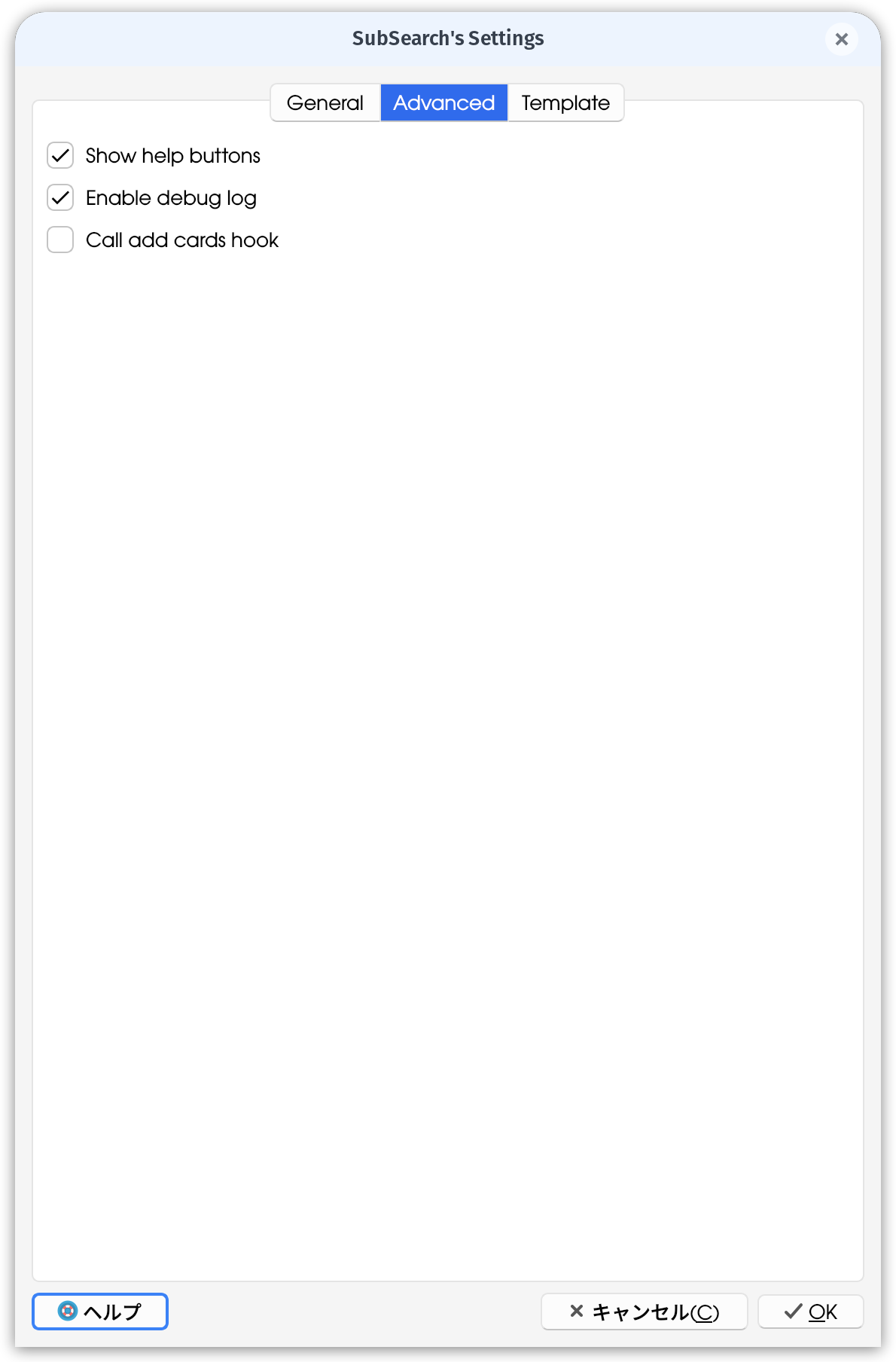
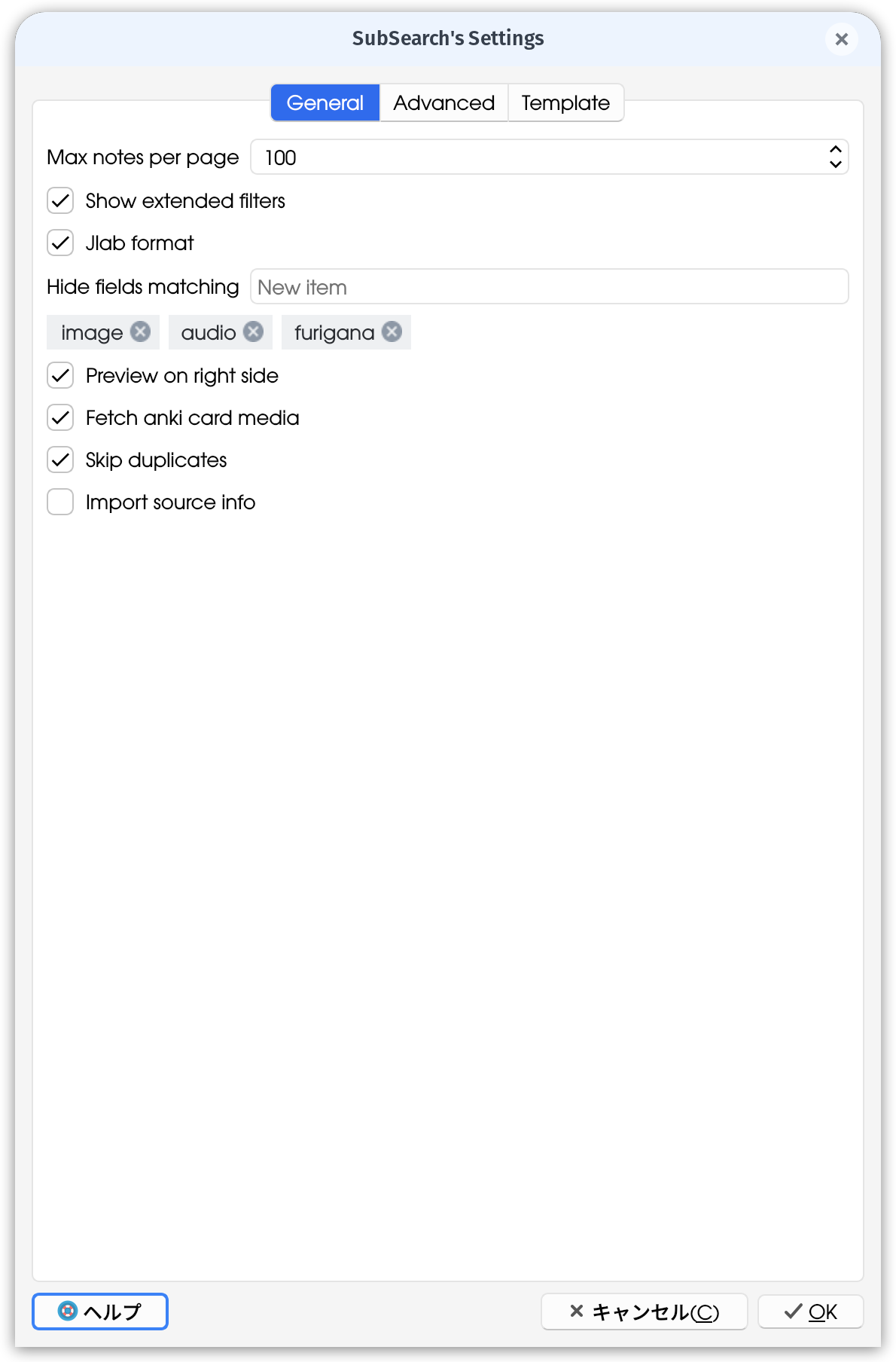
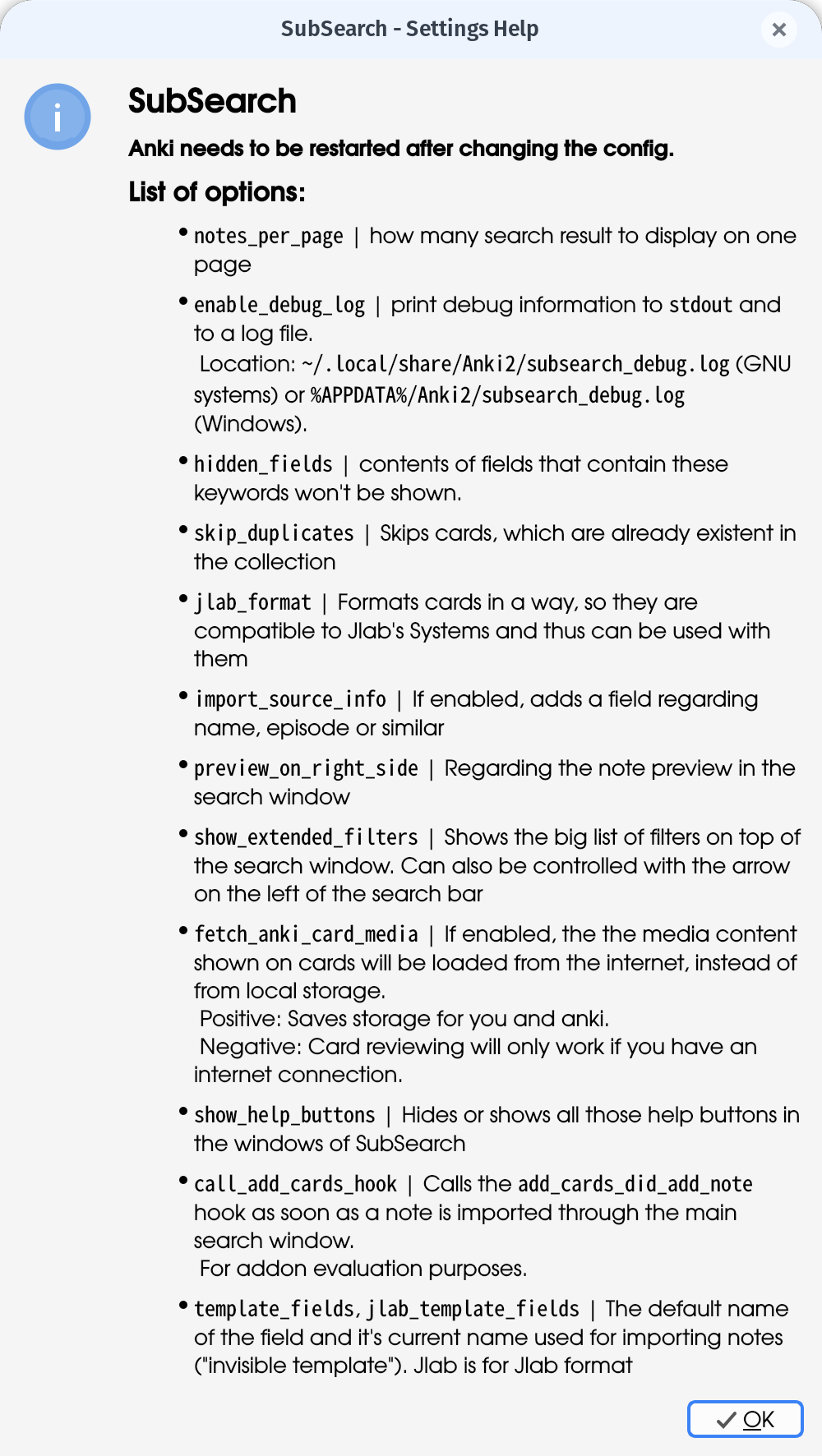
These displayed here are all settings available for SubSearch together with their descriptions.
See the Config documentation for more information/the information on the right.
Links Source Code Anki Forum Page Immersion Kit API Documentation Config documentation Based on CroPro (Cross Profile Import) 2.0 (Source code of CroPro)
Screenshots
Liên kết hỗ trợ
Reviews (5)
👍 2025-10-16
This is a great addon, but recently when I use it, it has a black bar appearing in the middle of my screen and I cannot get rid of it unless I close ANKI..
Comment from author Thank you for your feedback. (For reports I would like to recommend reporting on codeberg (the page the source code is hosted on), per mail (filex.stuff@proton.me) or on anki forums, as I can ask you things back easier and can update you.)
About your problem; Could you share a video or a screenshot of your the black bar
👍 2025-05-13
Great addon but if try to change note type and template I get error I wanna use this template https://github.com/BrenoAqua/Senren Comment from author Thank you! Regarding the error: It actually is no error, but that the deck doesn’t support any of the fields needed, if you mean the red stuff at the bottom. I will work on this for the next release. You can keep track of it here: https://codeberg.org/FileX/SubSearch/issues/15
👍 2024-09-22
The Best.
👍 2023-12-12
Very cool! Thanks.
EDIT: thanks for the prompt fix! Everything seems to be working well. Comment from author before post was edited Thanks for the feedback and the report! I will fix the error in a new build today.
Update: Fixed. Thanks for reporting
👍 2023-12-05
This is a very interesting idea. It works a bit crabby on my system (can’t close the add window), but it’s still impressive! Comment from author Hey, Thanks for your feedback! Could you tell me more about the closing problem? Important would be your OS and Anki Version as well as the problem description (if there is one) and the log of subsearch (optional, currently still in ‘cropro.log’ in your anki directory). If you want to, you can add an issue on codeberg or a comment on the anki forums p
