Look up anything in Wikipedia from your cards, inside your cards!
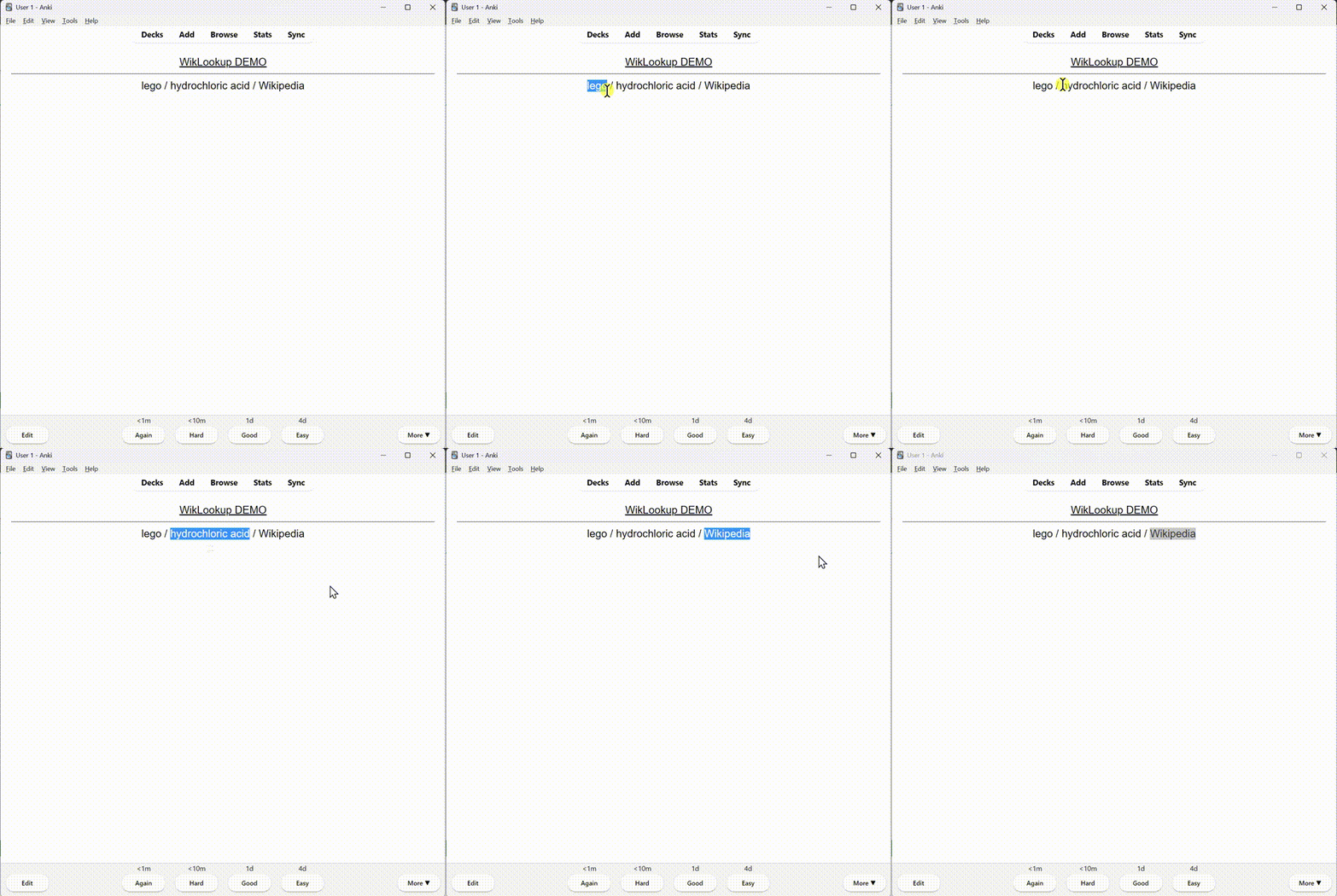
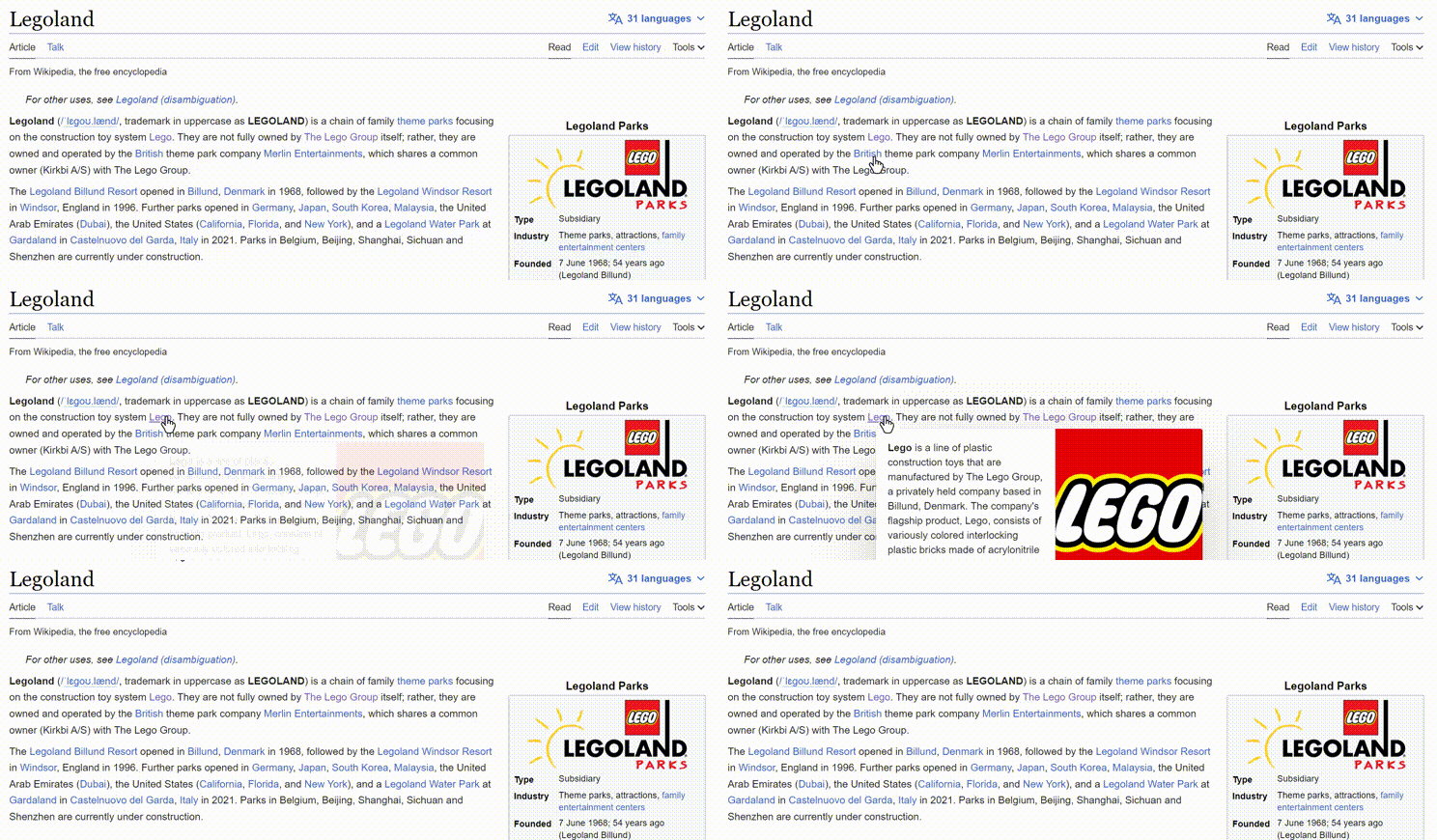
Overview WikiLookup is an Anki add-on that lets you select any word/expression/sentence in your cards, hit a keyboard shortcut, and get a popup that gives you an explanation/definition of the expression with a visual - just like the popups you get when hovering over hyperlinks in Wikipedia articles - without the hassle of opening the browser and searching!
Features
Choose whichever keyboard shortcut that suits you
Dark theme if you don’t want your eyes to be scorched
Choose the wiki in which your selected words will be looked up
WikiLookup works with all 150+ languages available on Wikipedia
Choose whether WikiLookup will always trigger or only when the card is flipped
About the add-on This add-on was created to make it easier for Anki users to stay focused while learning by letting them look up words and expressions while still inside Anki. It was created to help my sister study for her medical exams! Special thanks to @kleinerpirat for the inspiration from his Anki Tooltips add-on (I stole half of its code ;P). Check his amazing add-on out!
add-on was only tested on Anki v2.1.63, it would probably work on earlier versions, but due to javascript limitations, it will probably not work on Anki 2.1.49 or earlier.
NOTE: Currently, you need to choose the language wiki in the config settings for the add-on to be able to query the correct wiki and find the relevant article from which data for your Lookup expression will be retrieved. This is a Wikipedia API limitation. However, I am already working on several solutions so that, in future releases, WikiLookup can automatically look up the word in the relevant language wiki. However, this is tricky to achieve, and I can’t promise it will be delivered with a hundred percent certainty. Although, it is more probable than not that it is hopefully coming. One of the solutions I am currently considering will unfortunately cost money (will probably need a monthly subscription to a service). If the case is true that this is the only viable solution, I am afraid I will not be able to deliver. However, if I get enough money that covers the fees for this add-on for a long enough period in the future from the donations below, I’ll be more than happy to implement this particular solution.
SUPPORT: This is my first attempt at creating an Anki add-on. It is still in its early form and has much room to improve. I’m still pretty much an amateur. If you like this add-on and would like to see it become faster, smarter, and more useful, please consider donating on ko-fi to support the development of this add-on, as well as any other projects that I might be doing in the future. Any form of support is much appreciated!
If WikiLookup has improved your experience of studying with Anki, please consider giving it a thumbs up so that as many people as possible will be able to find it and try it out!
PS: I will probably be uploading the entire project to GitHub and open-source it once I get on to cleaning up the code. Feel free to check it out and make use of it when it’s available. Thanks for using WikiLookup!
Screenshots


Liên kết hỗ trợ
Reviews (11)
👍 2025-10-24
Amazing add-on! Although just missing French language for some reason.
👍 2025-10-03
Solid work. Looks great.
👍 2025-08-22
works great
👍 2025-02-14
Finally started working, but there seems to be a problem. I tried using WikiLookup for “Liquefaction”, but it just wouldn’t work, even though there’s an article on Wikipedia about it. Please fix
👍 2025-02-04
It was working great until recently when it stopped working! (noticed it stopped working just now). I also realized the shortcut to Browse (B) isn’t working either, so I am assuming it has to do with the app itself not the plug-in. Hope it gets fixed soon, I love this addon!
👍 2024-09-13
works well!
👍 2024-07-31
SURREAL não ter o idioma português.
👍 2024-02-09
Absolutly awesome, great way to get wikipedia into your ankis directly. Remember to restart Anki, after setting it up, so it works properly. Thanks a lot for your effort and work. As an possible addition: It would be great to have an option to get a link to the full article, if the short extract is not enough for you.
👍 2023-10-18
Empirical data proved this add-on effective
👍 2023-06-29
hello this an awesome add-on. especially for your first one as you said. great for medical school. thank you
👍 2023-06-07
now its working i have select the word then keep the hot key pressed Comment from author Glad to hear that it’s working! Although I’m kind of confused by what you said, “keep the hot key pressed”, what do you mean by that?
The way the add-on is supposed to work is as follows: To trigger the add-on, first, you need to select a word/phrase/expression, then you only need to hit the hotkey trigger once and if the add-on finds a matching article on Wikipedia, it will display the popup, otherwise, it
