Word Shuffle for Tibetan sentences.
The add-on splits sentences into different words, and then allows the user to choose the order.
This is based on an original add on which didn’t support Tibetan. Kudos to the original Author! original word shuffler module
This addon is a fork of the original module, with Tibetan support, and better comparison between user supplied answer and correct answer. Splitting of Tibetan words is not so easy, I did it thanks to the great Open Pecha botok library.
Please don’t install both modules at the same time, it isn’t supported.
Tibetan fork created by tomer-schles
Word shuffle - original description
TLDR; This addons splits sentences and shuffle its words. Then it lets you fix the word order by dragging/dropping.
Motivation
When learning a new language, a common different that we need to get used to, is the word ordering. That’s the case for creating this add-on, as I (its creator) am learning German. With this add-on, I can use Anki to review Deutsche Satzstruktur (German sentences ordering).
How it works
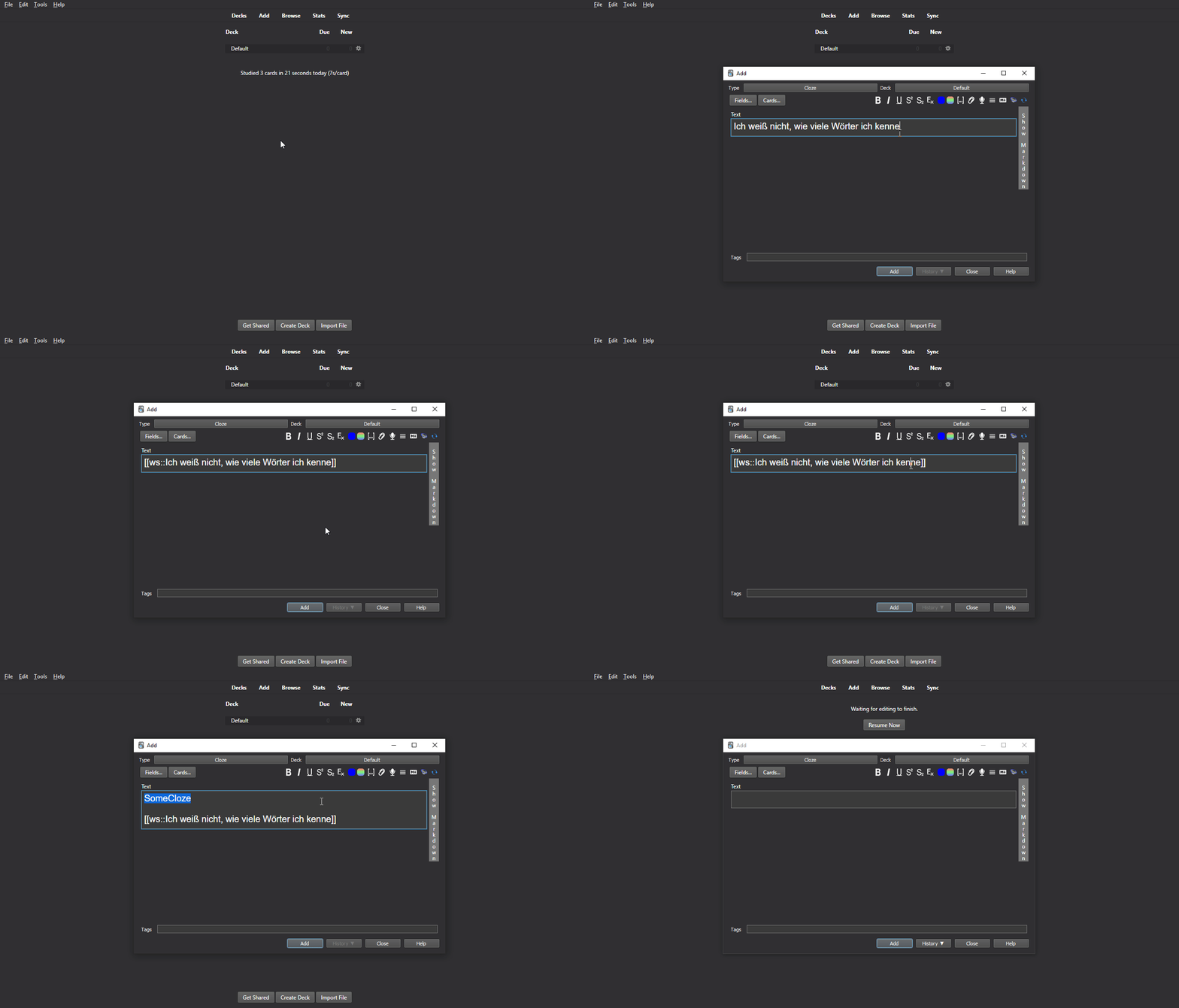
It’s simple! Create a card of type: Cloze Deletion (or something like Omissão de palavras - depending on your language).
That’s a standard Anki feature - the add-on does NOT create a new note type
Just , surround the part of the text that you want to be randomized with the add-on markup:
[[ws: Your text here without these dots… ]]
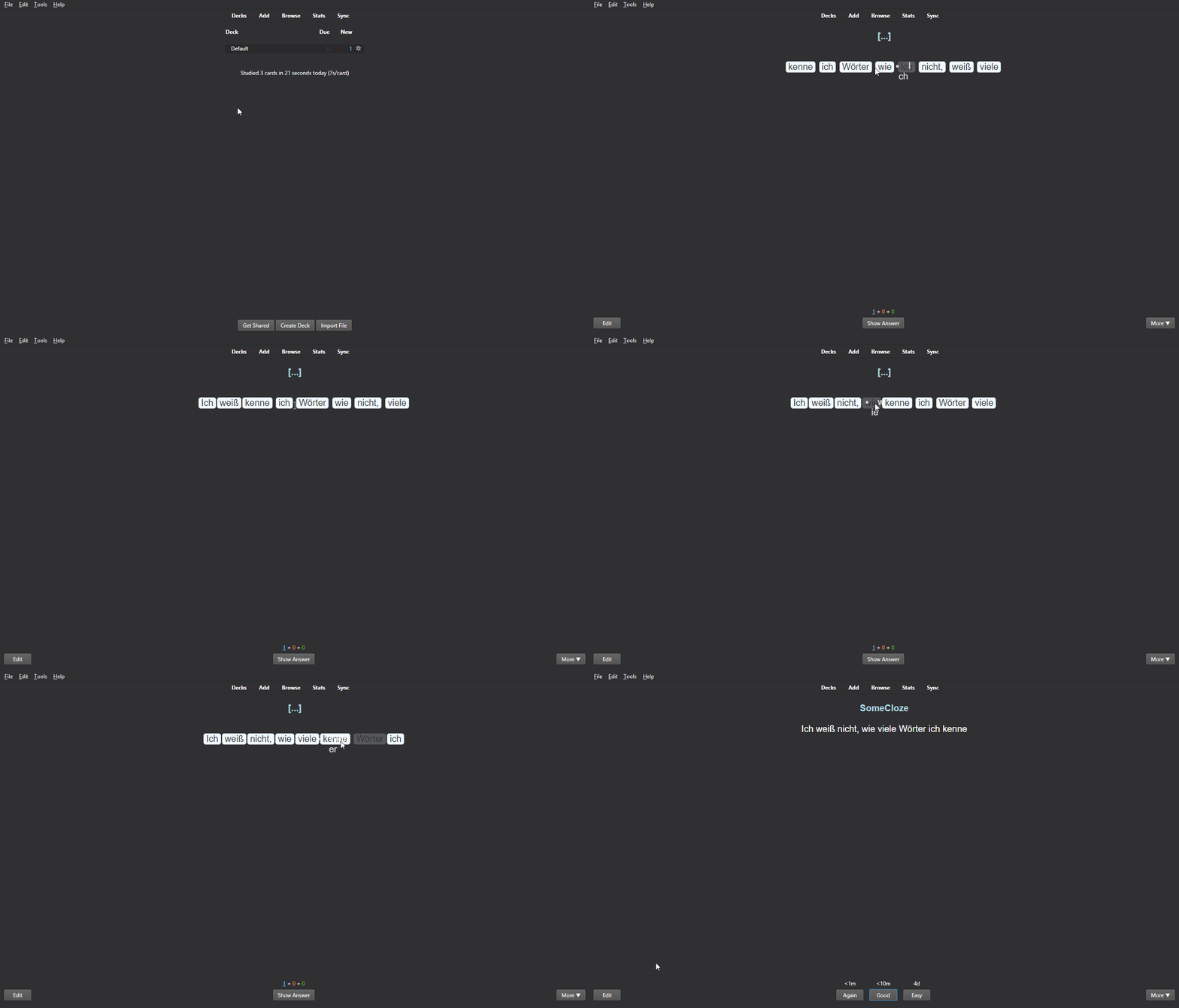
Then, when you access the given card during review, words on the text block will be shown in a shuffled order. Each word appears as a small block. Then, you can drag & drop each piece, fixing the order.
With a click
From 1.1
If you don’t want to drag/drop, or to be quicker, you can just click the next word. The current position is market with a >. Of course, you can still drag/drop to change any position.
Feedback
From 1.1
On Show Answer, your order is shown as well (small text below original).
Markup
To add the add-on markup, you can either:
use an addional button on Card Editor; or Use the shortcut: Ctrl+Shift+W Restrictions It runs under Anki’s rules for cards. Therefore, a note of type cloze deletion needs to have at least 1 cloze deletion field; The add-on supports only plain text to be processed. Installation / Configuration
Just install it as any standard Anki add-on. No configuration is needed.
About
Add-on developed by ssricardo. Check out more of my add-ons on Github Anki Plugins
Screenshots