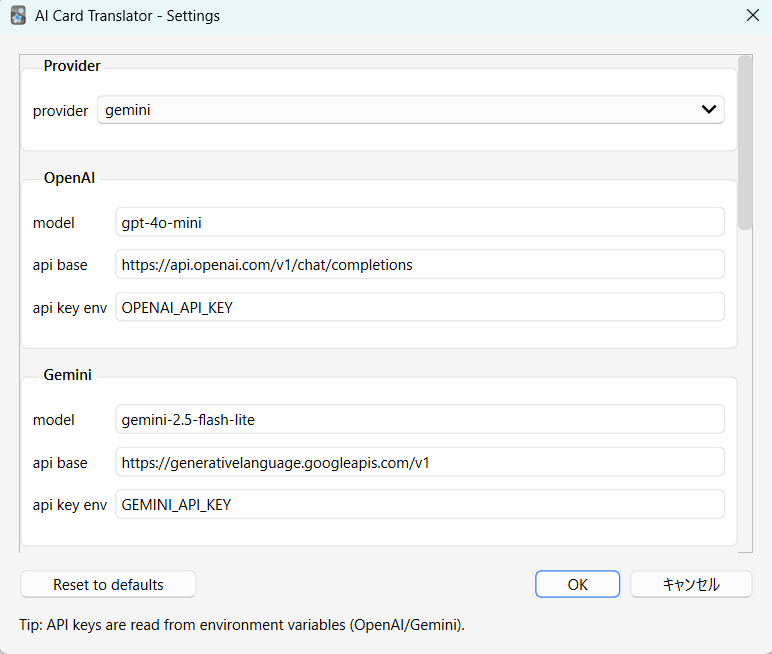
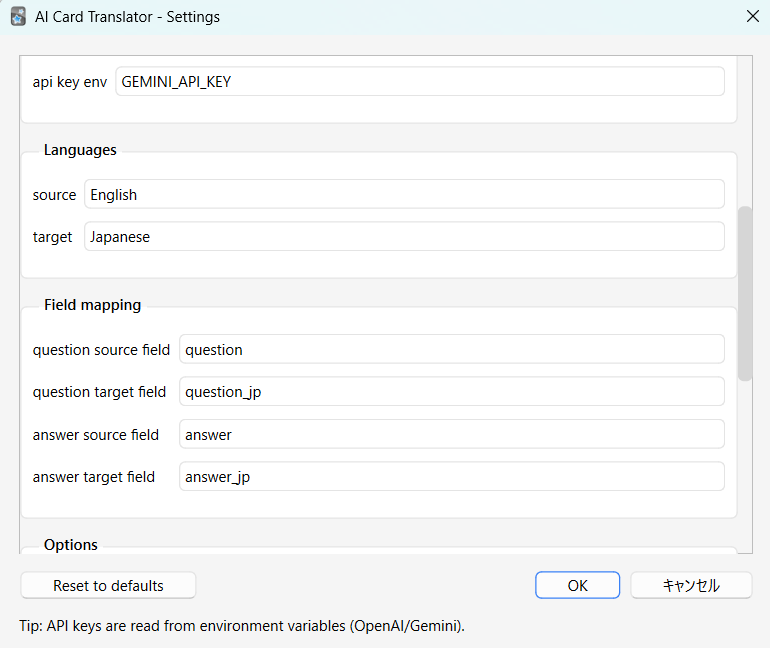
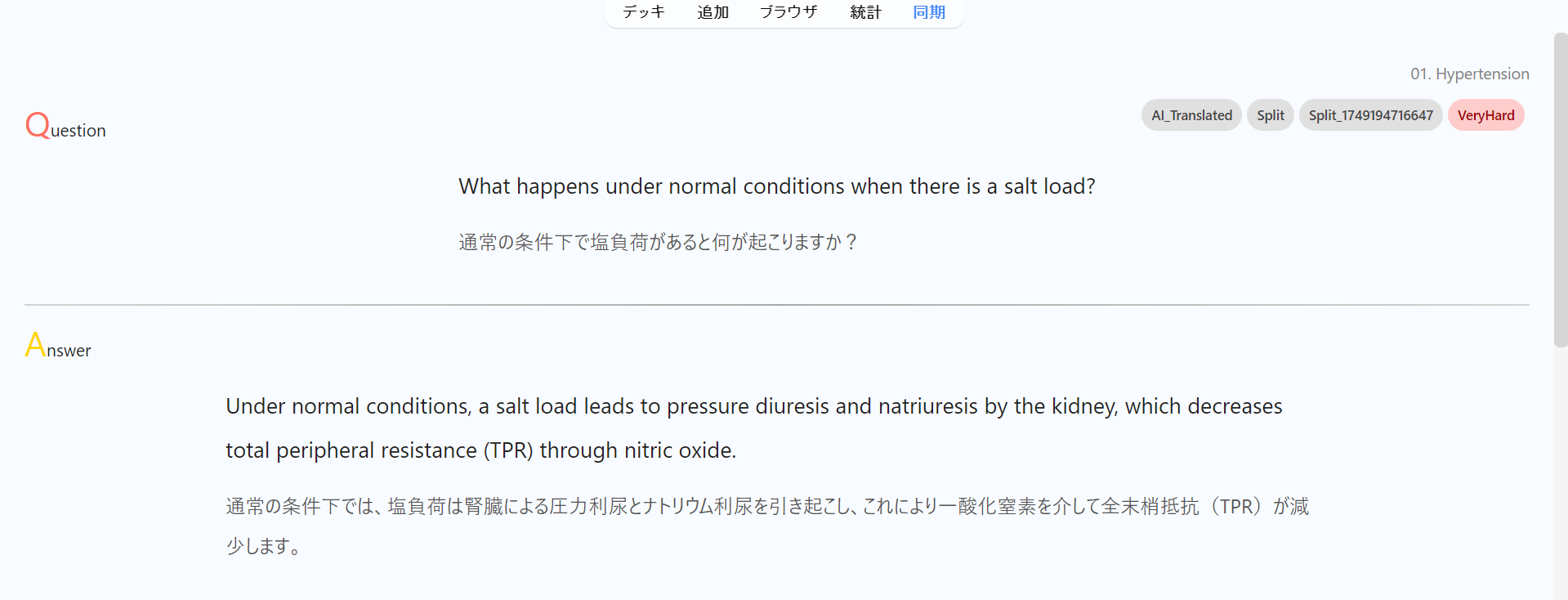
Studying in a second language shouldn’t mean rebuilding your deck. Translate your cards into another language while keeping the original text intact. Ideal for bilingual decks and gradual translation workflows.
Key features • Translate question/answer fields into target fields • Single-card and batch translation workflows • Supports OpenAI and Gemini (configurable) • Multiple languages supported
How to use Choose source/target fields, run translation on the current card or a search result, and store output in dedicated fields.
Source code GitHub: https://github.com/yuwayanagitani/anki-ai-translator
==================================================
API Key Required This add-on uses external AI services and requires your own API key. Supported providers include OpenAI and Google Gemini. No API key is included or provided by this add-on.
How to Set the API Key (Environment Variable) The API key must be stored as an environment variable so that Anki can access it securely.
macOS Run the following command in Terminal: launchctl setenv OPENAI_API_KEY your_api_key_here or for Gemini: launchctl setenv GEMINI_API_KEY your_api_key_here Restart Anki after setting the variable.
Note: On macOS, environment variables set with launchctl may be cleared after an OS reboot. To avoid re-setting them every time, define the variables persistently using a LaunchAgent or your shell profile.
Windows
Open “Environment Variables” from System Settings. (You can access it by searching “environment” in your start menu (windows button).
Add a new user variable: Variable name: OPENAI_API_KEY or GEMINI_API_KEY Variable value: your_api_key_here
Restart Anki after saving.
Once the environment variable is set, the add-on will automatically detect it on startup.
==================================================
Updates v0.2.0 - added button on the reviewer “other” pull down. (2025-12-16)
==================================================
Supports
This tool is built to support medical students and residents. Support via thumbing up 👍 on this page and Buy Me a Coffee ☕ motivates me a lot!!
Screenshots