Overview
I’m a medical student at St. George’s University and built this add‑on to streamline my own studying without paying anything(something other add-ons try to sneak in). After daily use, I cleaned it up to share with fellow students. It embeds ChatGPT directly into Anki as a docked sidebar with fast keyboard shortcuts — especially useful for USMLE, NAVLE and INBDE‑style studying.
This works with any kind of deck, premade or custom
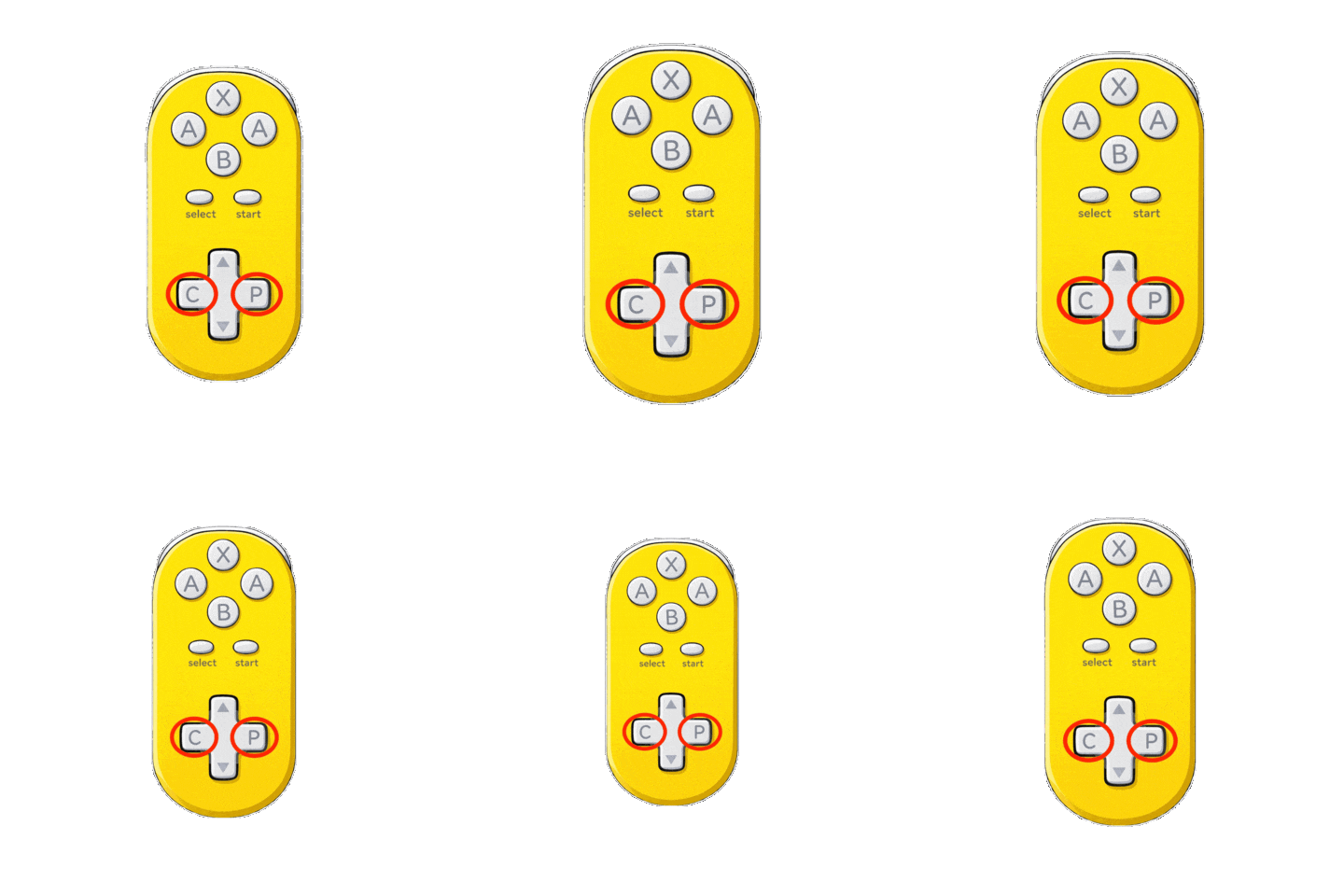
Map the shortcuts to your controller
ONCE YOU LOGIN IT MAY NOT SEEM LIKE YOU ARE ---> RESTART ANKI, you should be logged in after
What it does
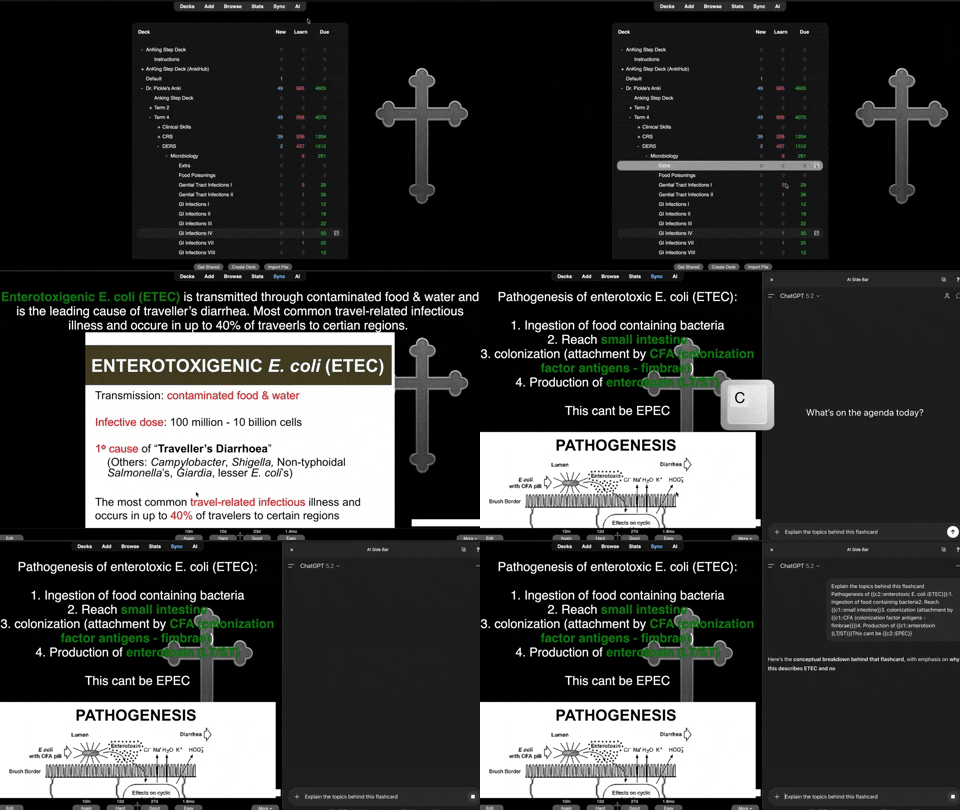
🧠 Embeds ChatGPT in a docked sidebar inside Anki(Drag and drop photos into the textbox enabled) ⚡ One‑key copy & pasting of the current card’s content 🔍 Supports near‑fullscreen floating mode while preserving the same conversation 🌑 Automatically forces dark mode in the embedded view Demo
Hotkeys (reviewing deck only)
⌨️ C — Toggle the sidebar ⌨️ Shift + C or P — Paste the current card text into ChatGPT (also opens the sidebar + pastes card text if closed -> press Enter to send)
Why two keys? Having two keys for the same action makes it easier to configure third‑party controllers or custom key mappings.
Top bar buttons
✖️ — Hide the sidebar ⧉ — Toggle docked ⇄ near‑fullscreen ❓ — Open a quick help popup inside Anki
Usage tip
After pasting (Shift + C or P), press Enter to submit your prompt — no mouse click required.
Login note
The initial ChatGPT login screen MAY appear partially off‑screen. If possible, log in via a visible option such as Google. If you need to type your email, click where the text box should be, type your email, and press the button — the next screen will display normally.
ONCE YOU LOGIN IT MAY NOT SEEM LIKE YOU ARE --->RESTART ANKI, you should be logged in after
If you use multiple profiles within anki you will need to sign into ChatGPT for each profile
About stability
This is a personal project built alongside medical school. While it’s tested extensively in my workflow, there may still be bugs or edge cases. If something doesn’t behave as expected, try restarting Anki, toggling the sidebar once or twice, or reinstalling the add‑on. I apologize in advance for any issues and appreciate your patience.
Who this is for
👩⚕️ Medical, veterinary, and dental students 📚 Anyone who uses Anki heavily and wants faster explanations
Please note: This stores your ChatGPT session as a cookie. I’m working on a support page for new‑feature requests and have ideas for a Pro version. As a student, updates and fixes may not come out immediately — thank you for understanding.
I am not associated with OpenAI or Anki in any way
Screenshots
Reviews (2)
👍 2026-02-04
Being able to scroll through Anki while having ChatGPT explanations right beside it is a game-changer. It makes reviewing so much smoother—no more switching tabs or breaking focus. The explanations are clear, quick, and actually help things click, especially for tougher cards. Super convenient, clean setup, and honestly saves a ton of time during study sessions. Highly recommend for anyone who uses Anki regularly 🙌- Thank u for this creation!!!!!
👍 2025-12-30
This is exactly what Anki was missing. Now I don’t have to leave Anki to ask questions because everything is on one page. Using the P and C keys makes the workflow extremely time efficient.
