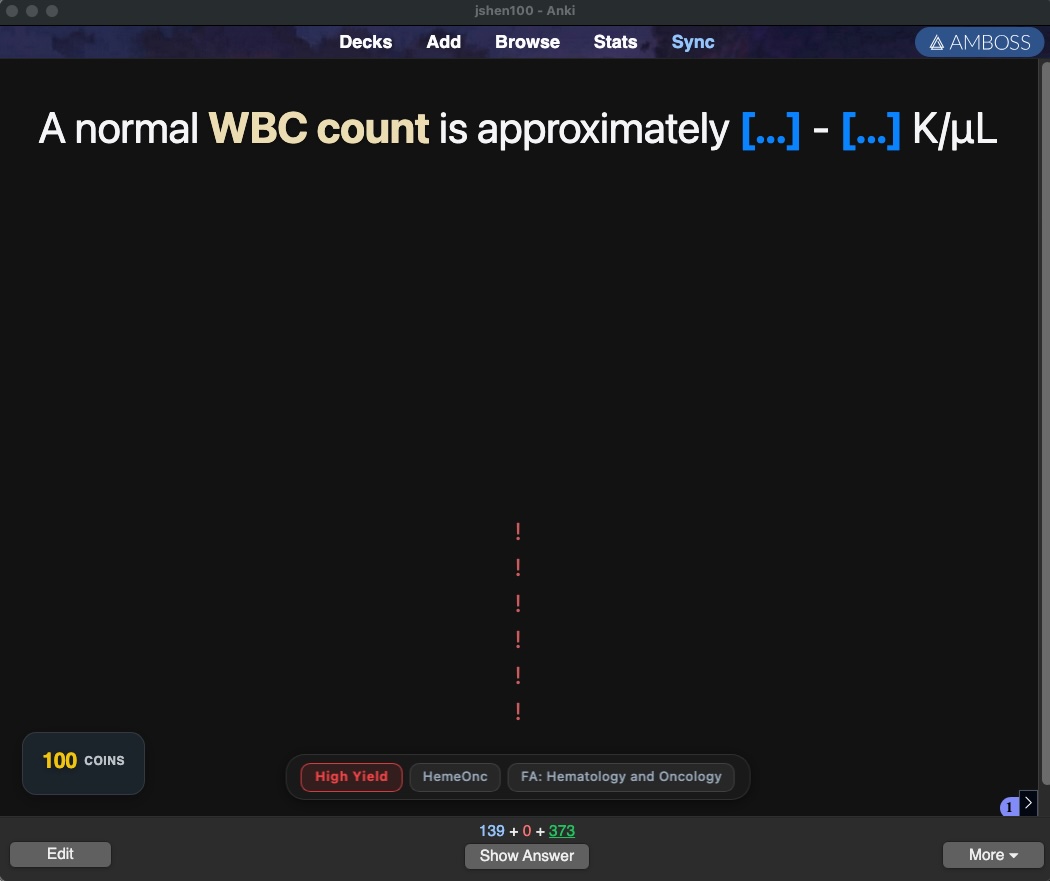
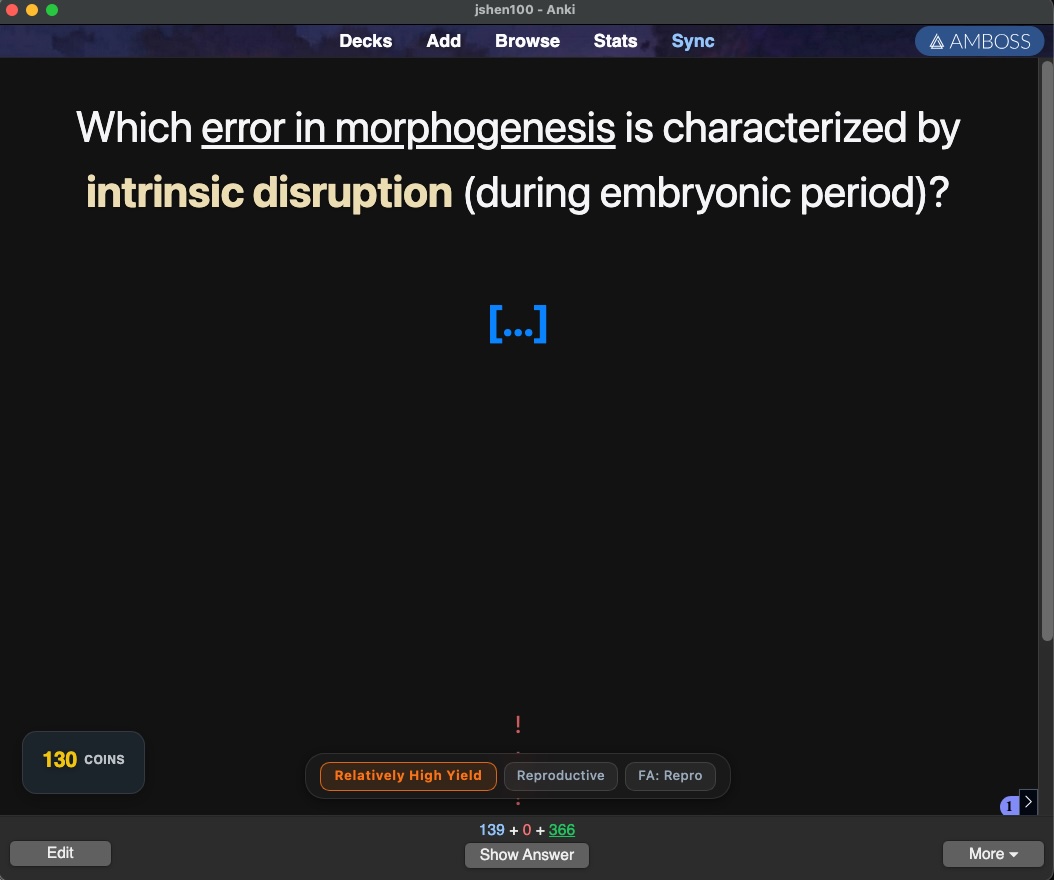
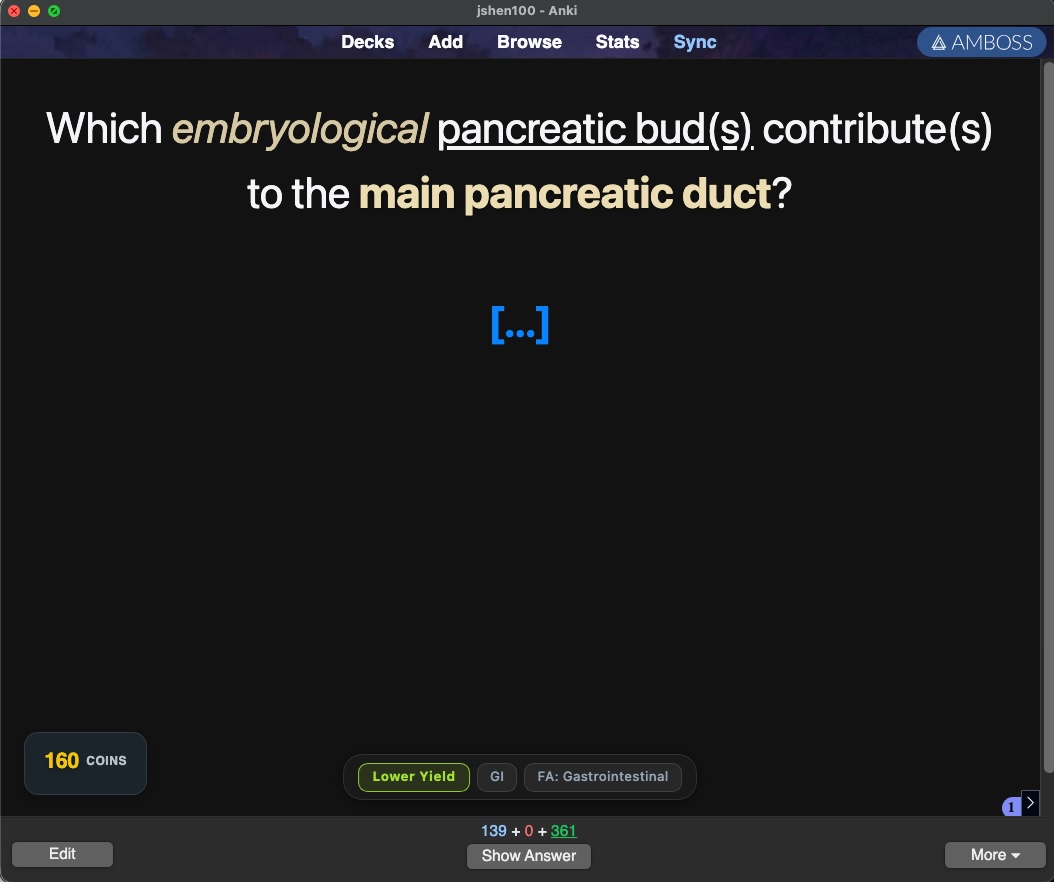
Yield Tags adds a small overlay to the Anki review screen that shows three things from an AnKing card’s tags: yield level, organ system, and First Aid chapter.
The overlay sits at the bottom of the screen and doesn’t interfere with card content or the answer buttons. Yield levels are color-coded across all five AnKing tiers — red for High Yield, green for Low Yield, with orange and amber in between. Light and dark themes are both supported.
NOTE: Cards that are not tagged with yield tags in Anking will not show yield tags during review. If a card doesn’t have a tag it’s likely the tagging rather than the addon.
1/24/26 Update: You can now adjust which tags are shown (including Step exam tag) via tools -> yield tag settings.
Screenshots
Reviews (3)
👍 2026-02-24
Thanks. Can I only show the high yield or not tag? I do not care about organ system and first aid tag for example.
👍 2026-02-23
This is amazing! Exactly what I’ve been looking for! Would it be possible to have ‘only step 1’, ‘only step 2’, ‘only step 1&2 overhaul’ tags display as well? Thank you for making this addon.
👍 2026-02-23
I love it
