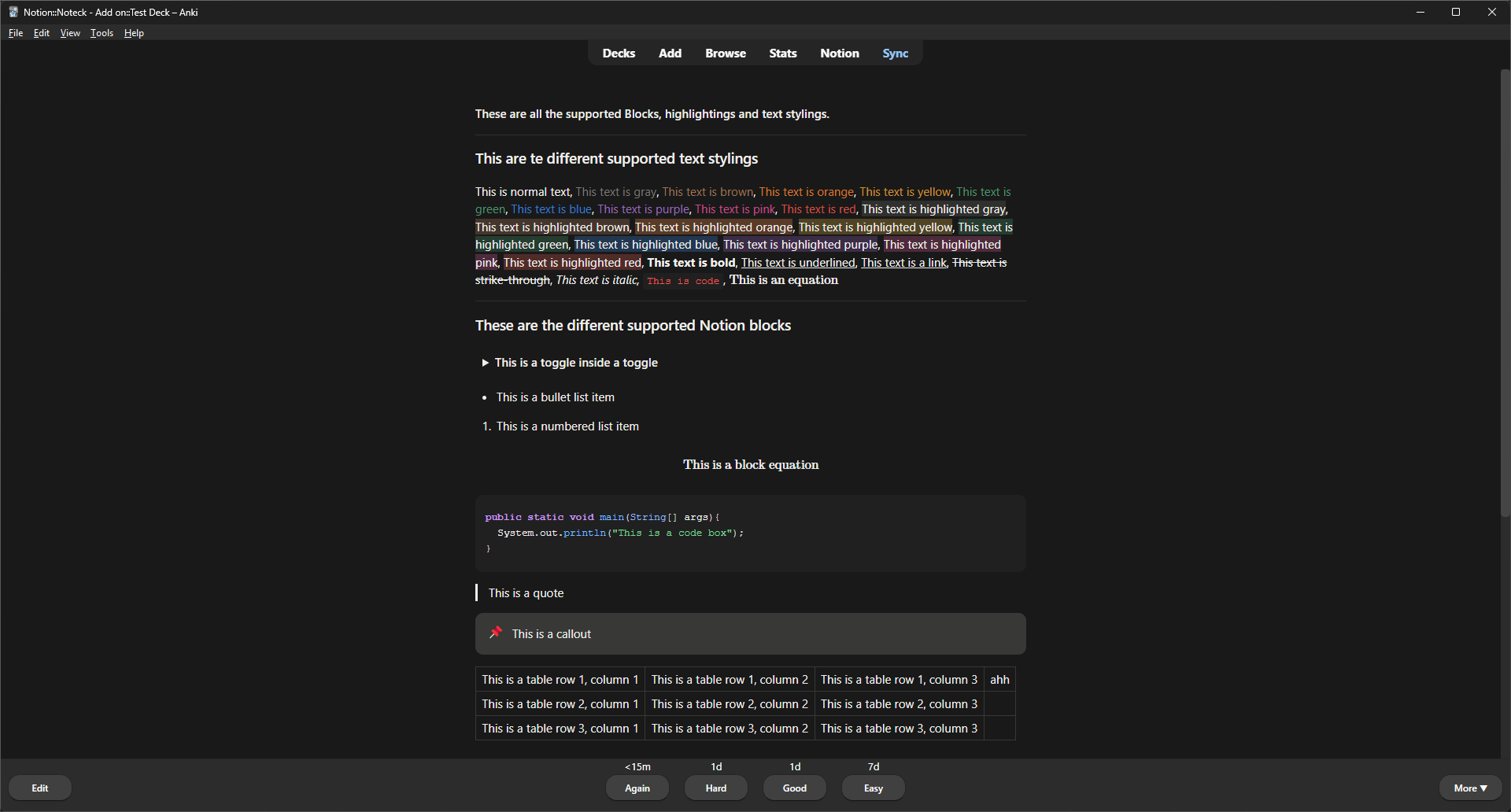
Noteck lets you maintain structured notes in Notion and study them in Anki without manual copy-paste. Create clean, consistent Anki cards directly from your Notion pages, and keep them in sync as your notes evolve. Noteck is for:
Students using Notion for structured notes and Anki for spaced repetition Med, CS, law, and language students Anyone tired of manually converting notes into flashcards
👉 Visit the official Noteck website for a step-by-step installation guide, screenshots, and detailed documentation.
What you can do with Noteck 📄 Keep your notes in Notion, your reviews in Anki 🔄 Sync only the pages you want 🧠 Generate multiple Anki card types from structured content 🎯 Control card behavior per page or per toggle 🖼️ Seamlessly integrate Image Occlusion workflows Supported card types Basic Basic (Reversed) Input Cloze (from highlighted text in top-level paragraphs) Daily workflow (how you’ll actually use Noteck) ✍️ Write and update your notes in Notion 🔄 Sync from Noteck (manual or automatic) 🎓 Review clean, updated cards in Anki Design principles Noteck uses one-way sync (Notion → Anki) to avoid conflicts Existing cards are updated instead of duplicated Your Notion notes are always the source of truth Image Occlusion cards are launched explicitly to keep you in control Contact
For questions about Noteck, bug reports, or feature requests, please contact me at info.noteck@gmail.com
Screenshots