Ankipedia – Wikipedia Tooltips in Anki
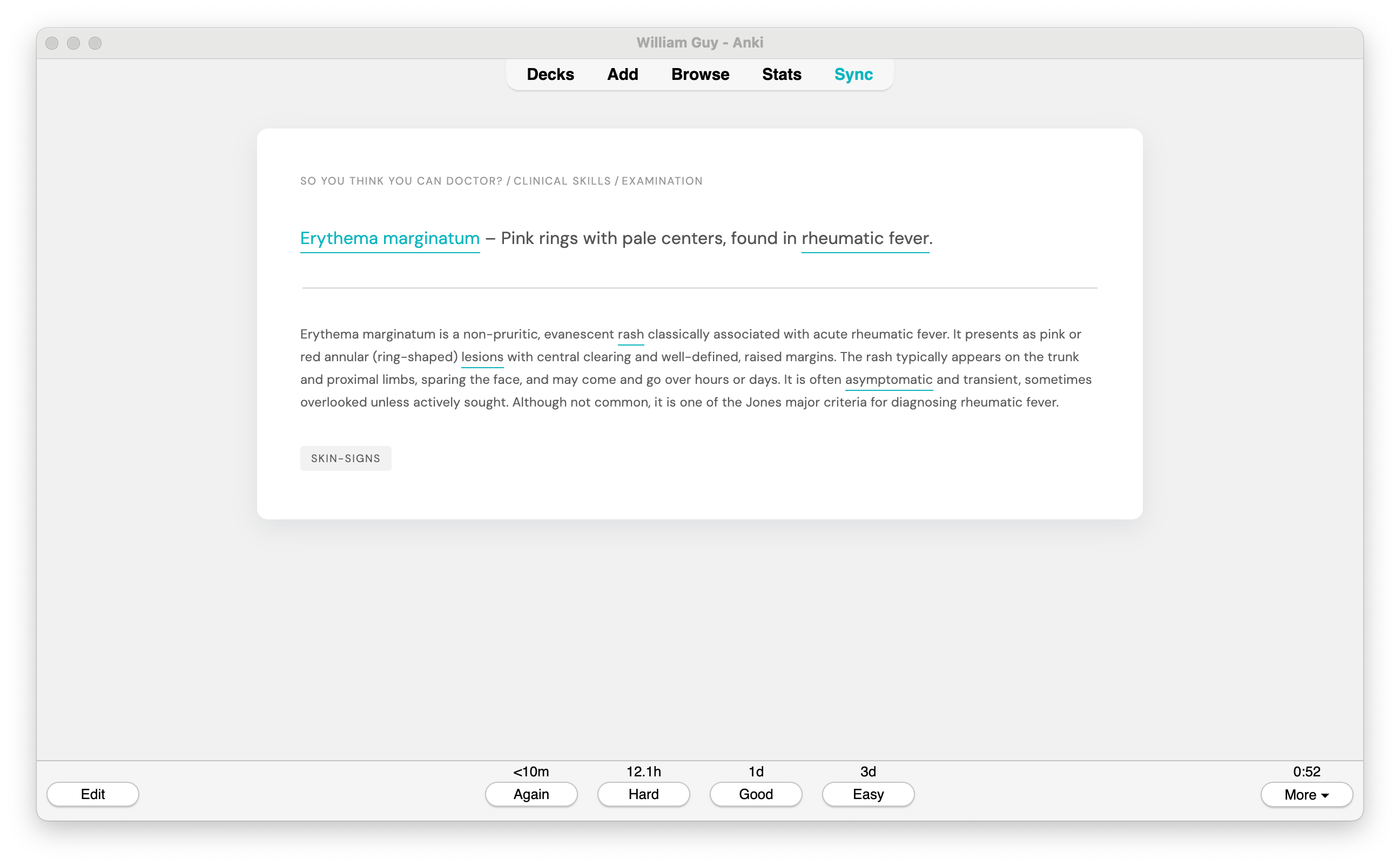
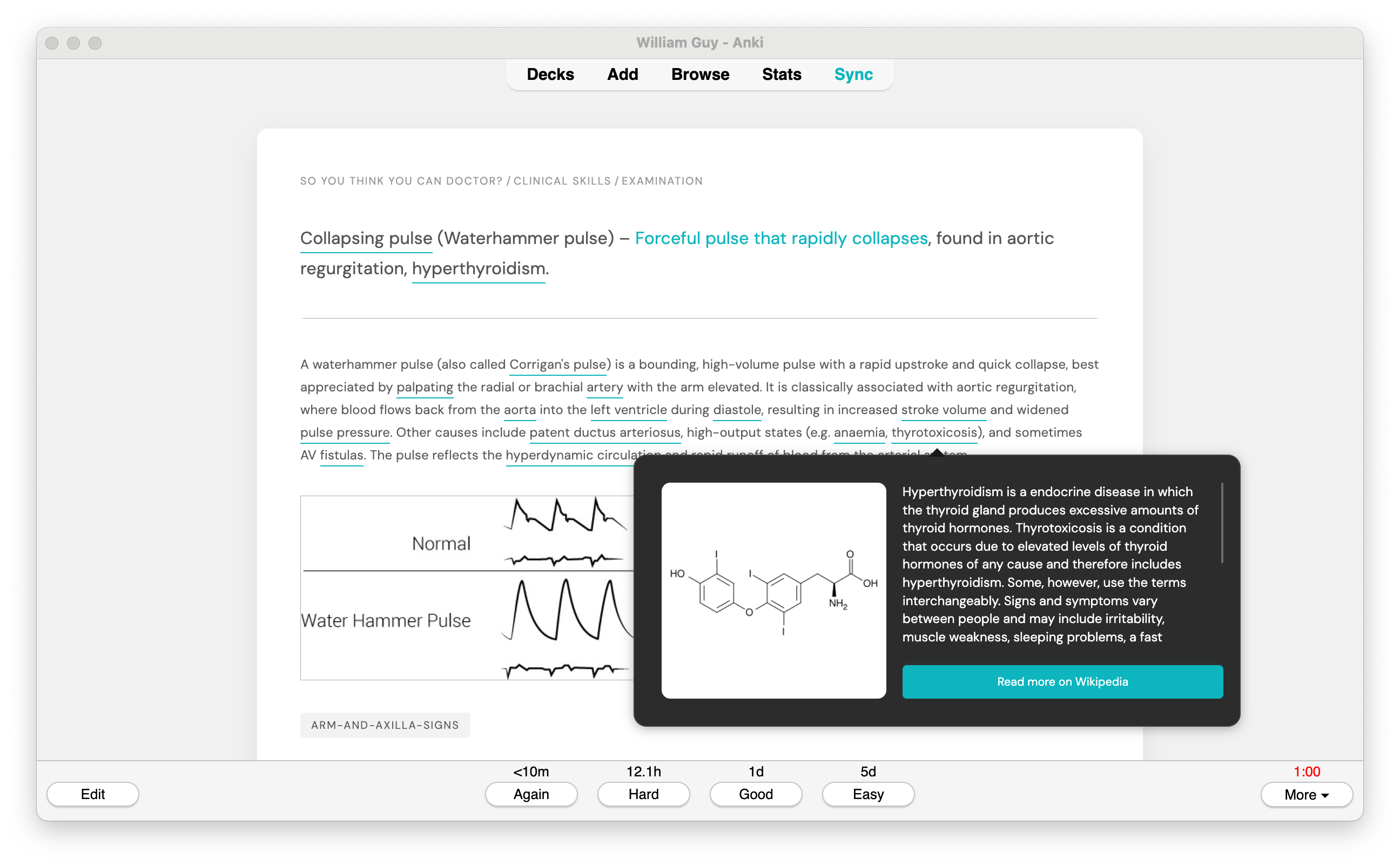
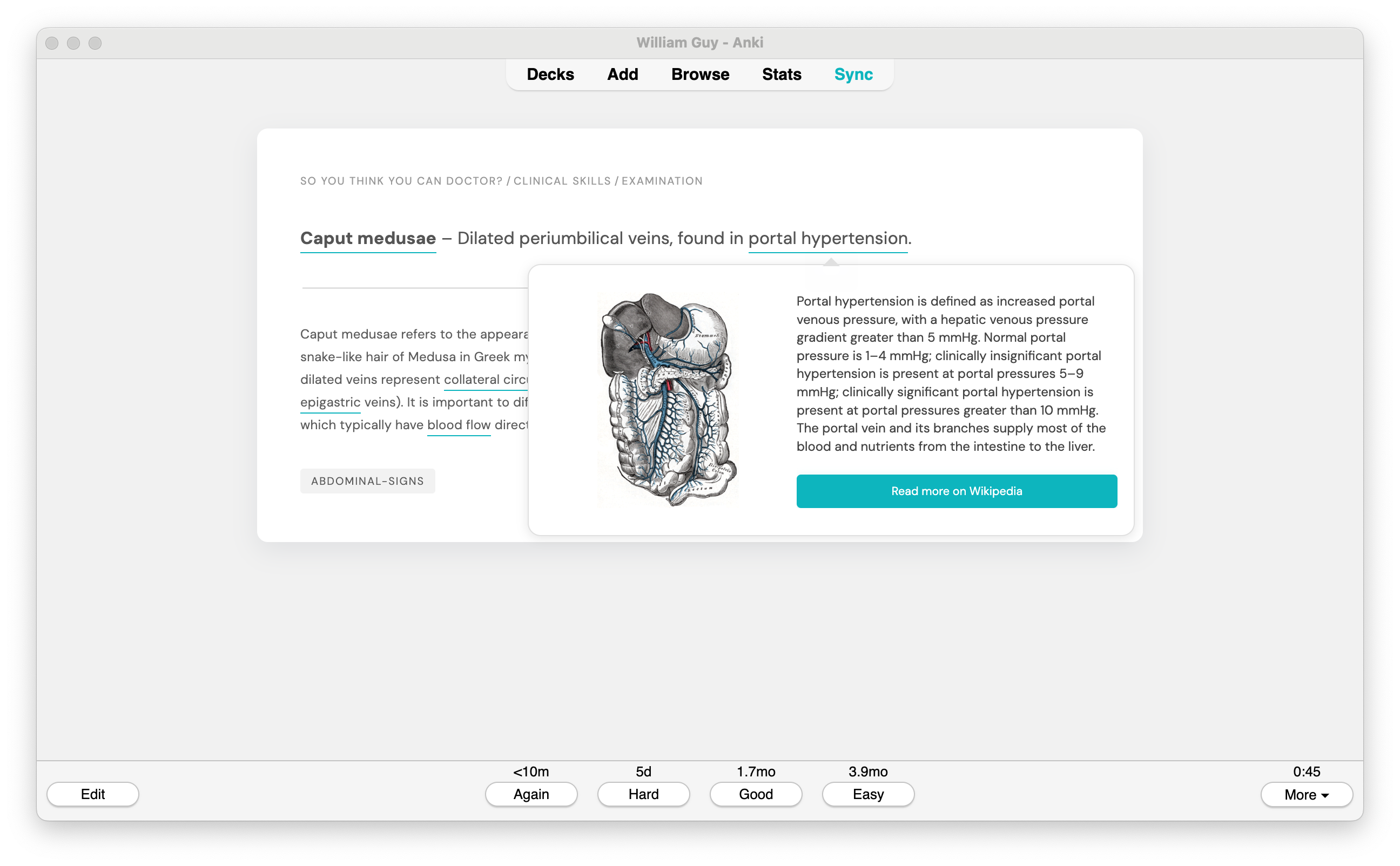
Ankipedia is an Anki addon that adds helpful Wikipedia pop-ups to terms in your flashcards, making it easy to understand unfamiliar concepts while you study. Just hover over underlined words during reviews to see short definitions and images — no extra clicks or effort needed.
Overview How it Works
When reviewing cards, this addon:
Scans card content based on your configuration Takes the content and queries Wikipedia for relevant pages Adds interactive tooltips showing Wikipedia summaries and images when hovering Saves results in a cache to avoid repeated API calls Usage
The addon works automatically - just review cards normally and hover over underlined terms to see definitions. The queries to Wikipedia take a few seconds, a short card (<50 words) should get responses within one second, longer cards (50 to 150 words) will take a few seconds.
Terms are detected in three ways:
Single words (unigrams) Two word phrases (bigrams) Three word phrases (trigrams) Four word phrases and longer are excluded to reduce calls to the Wikipedia API
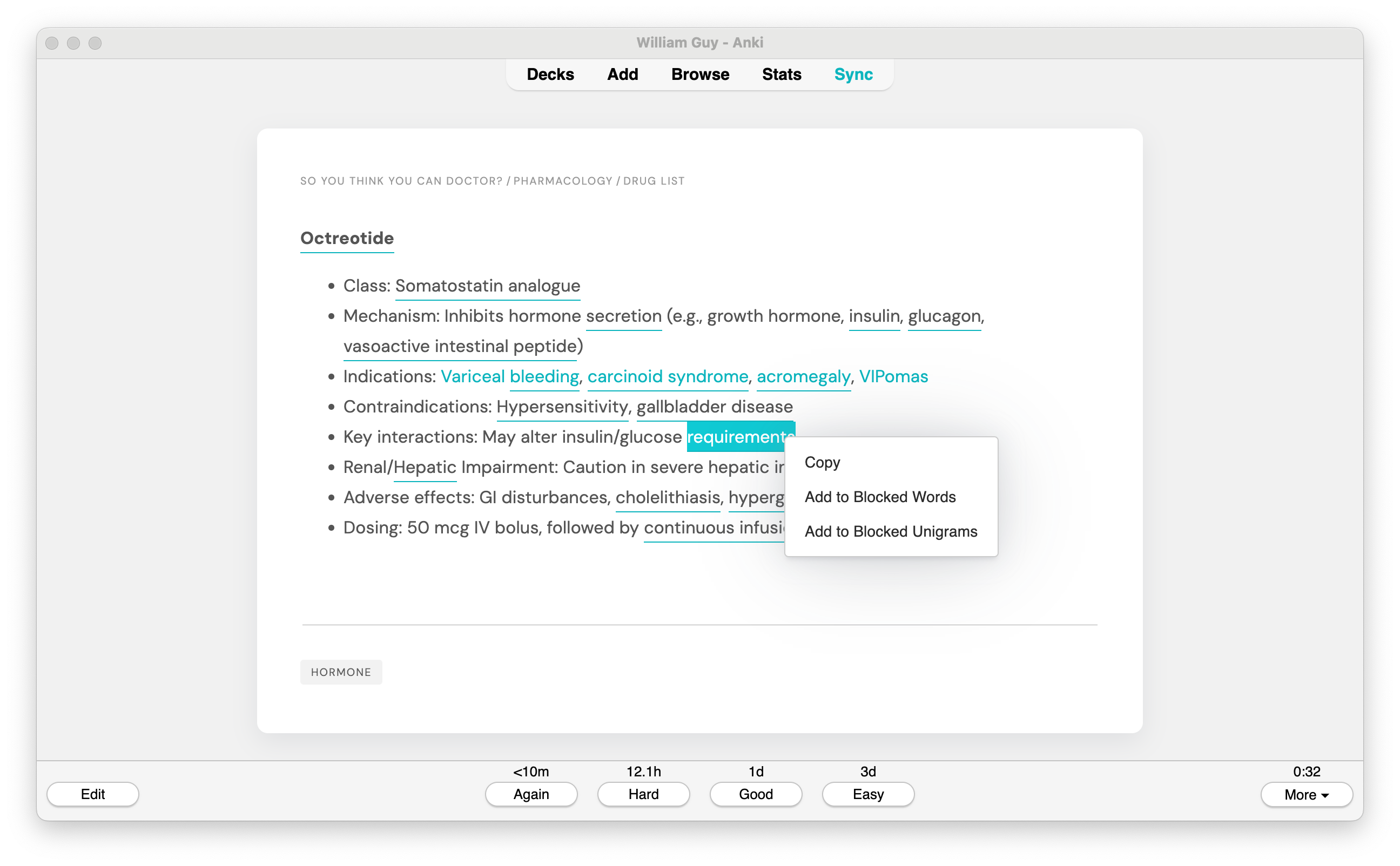
You can also right-click any underlined term to:
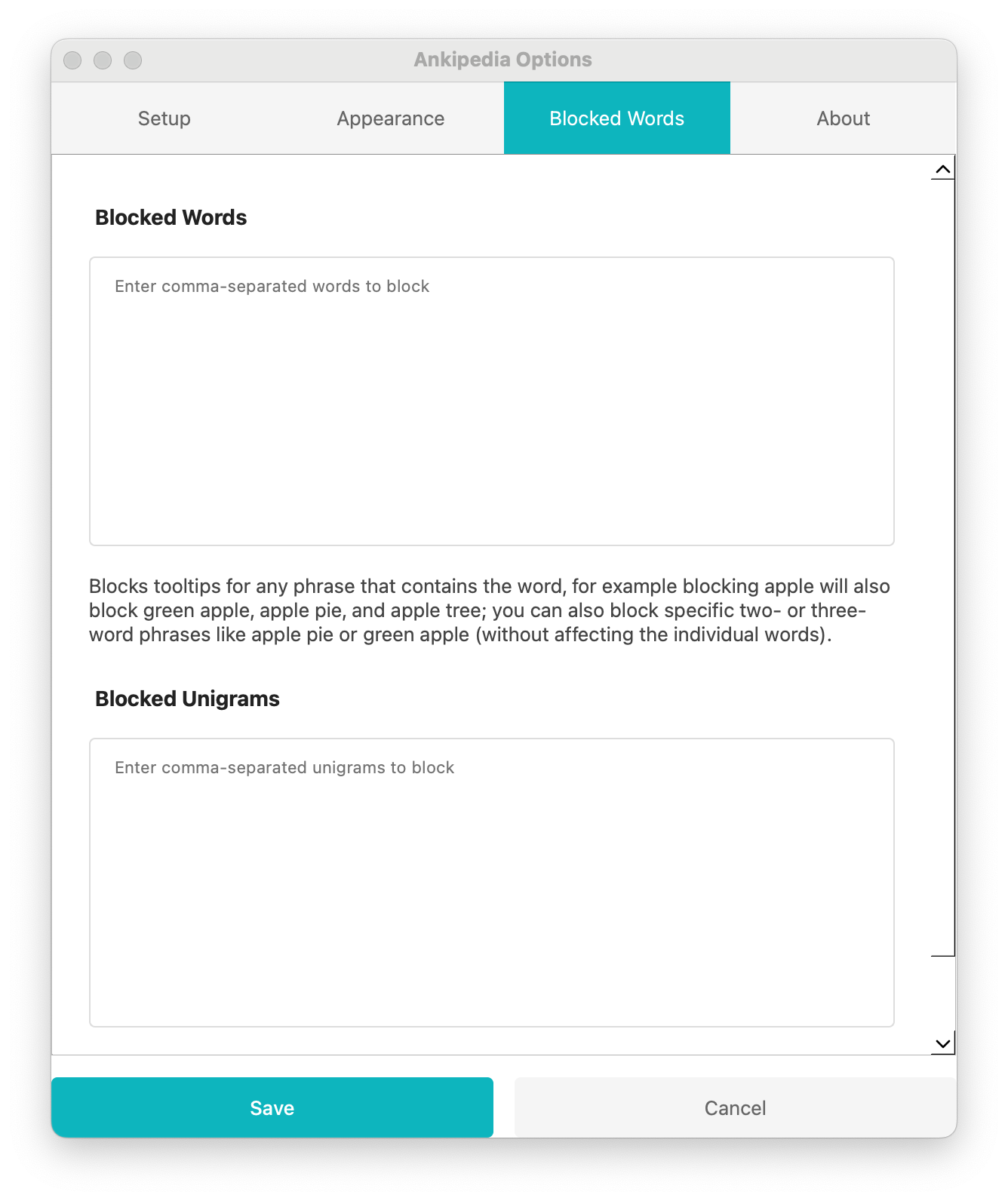
Copy the term text Add to Blocked Words (blocks the term and any phrases containing it) Add to Blocked Unigrams (only blocks the exact term when it appears alone) Configuration
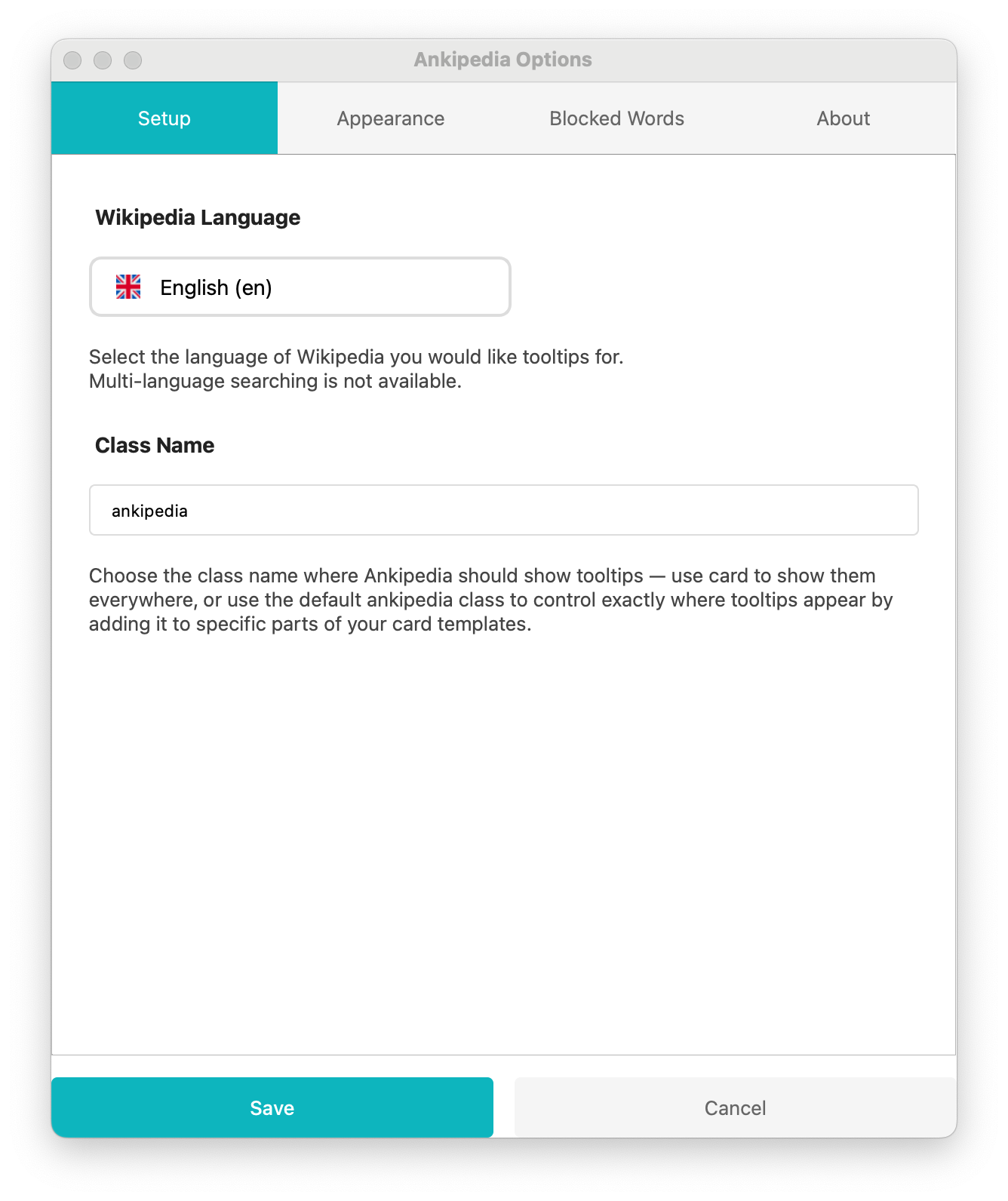
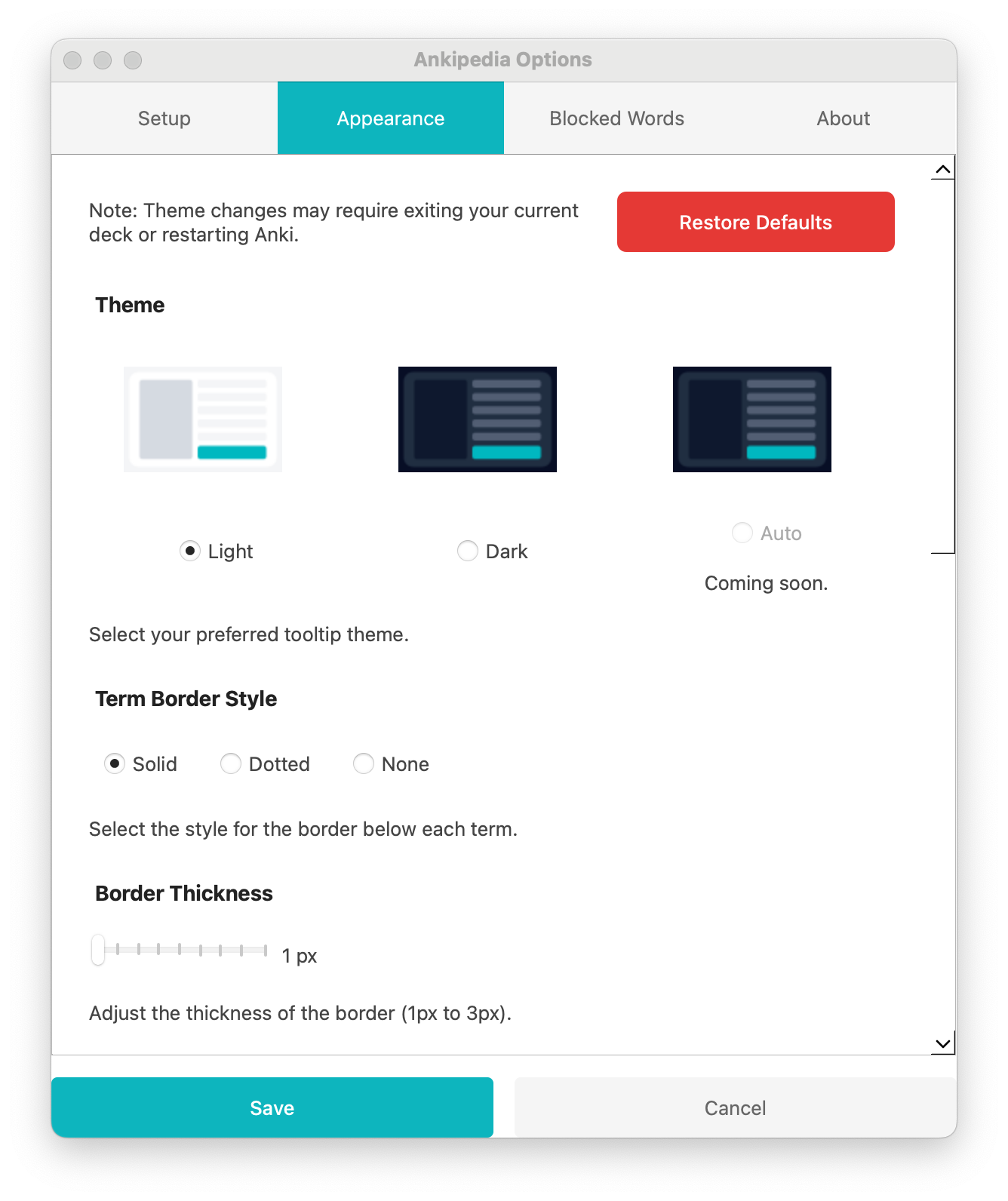
- Accessing Options Open Anki Go to Tools > Ankipedia Options Configure your preferences across 4 tabs: Setup Wikipedia Language: Choose which language version of Wikipedia to query (with flag icons) Class Name: Control which elements get tooltips (e.g. ‘card’ for all content) Appearance Theme: Light, Dark or Auto theme for tooltips Term Border Style: Solid, Dotted or None Border Thickness: Adjust from 1-3px Border Color: Customize the underline color Tooltip Button Colors: Customize background and text colors Blocked Words Blocked Words: Terms that will never show tooltips (includes phrases containing these words) Blocked Unigrams: Single words that won’t show tooltips when they appear alone About
Information about the addon and links to resources
- Setting Up Your Cards Choose where you want tooltips to appear: For all card content: Set Class Name to ‘card’ in options For specific fields: Add your chosen class name to those field wrappers You can use any valid HTML class name
- Tips You can apply tooltips to multiple areas by using the same class name The addon will only process new content when it changes Class names are case sensitive The class can be added to any element containing text Highlight and right-click terms to quickly add them to blocked lists Use the appearance tab to match your card styling
More Details Technical Details Uses Wikipedia’s REST API to fetch summaries Tooltip UI built with Tippy.js MutationObserver watches for card content changes Handles HTML sanitization and entity decoding Prevents tooltip nesting/overlapping Support
Created by William Guy. For issues and feature requests, please file an issue on GitHub.
If you find this addon helpful, consider supporting development:
Acknowledgements Wikipedia
Content accessed through Wikipedia’s API is licensed under Creative Commons Attribution-ShareAlike 3.0. Wikipedia® is a registered trademark of the Wikimedia Foundation, Inc.
Circle Flags
Flag icons used in the language selector are from Circle Flags by HatScripts, licensed under MIT License.
License
This addon is licensed under the GNU General Public License v3.0.
Screenshots

Liên kết hỗ trợ
Reviews (3)
👍 2025-08-22
how did i not know about this earlier it works great the only problem that it lags a bit and there’s no option to make the font larger
👍 2025-05-14
This is sick but it only works on the frontside of the first card for me.
Also, the settings are not really made for dark mode and you will get white text on white background.
👍 2025-04-21
It works really well, it’s fluid, minimal, and very practical when you have more dense cards with lots of terms that you want to remember at the same time. Good job!
