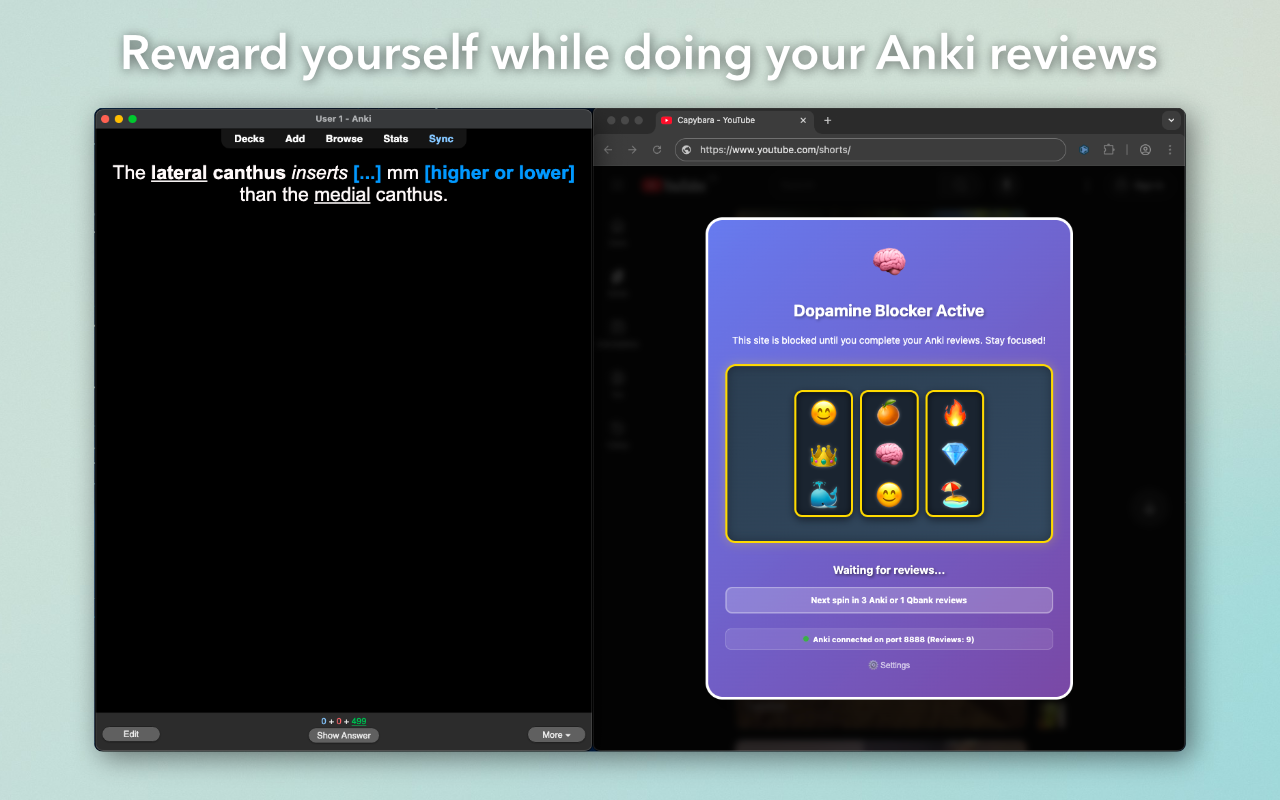
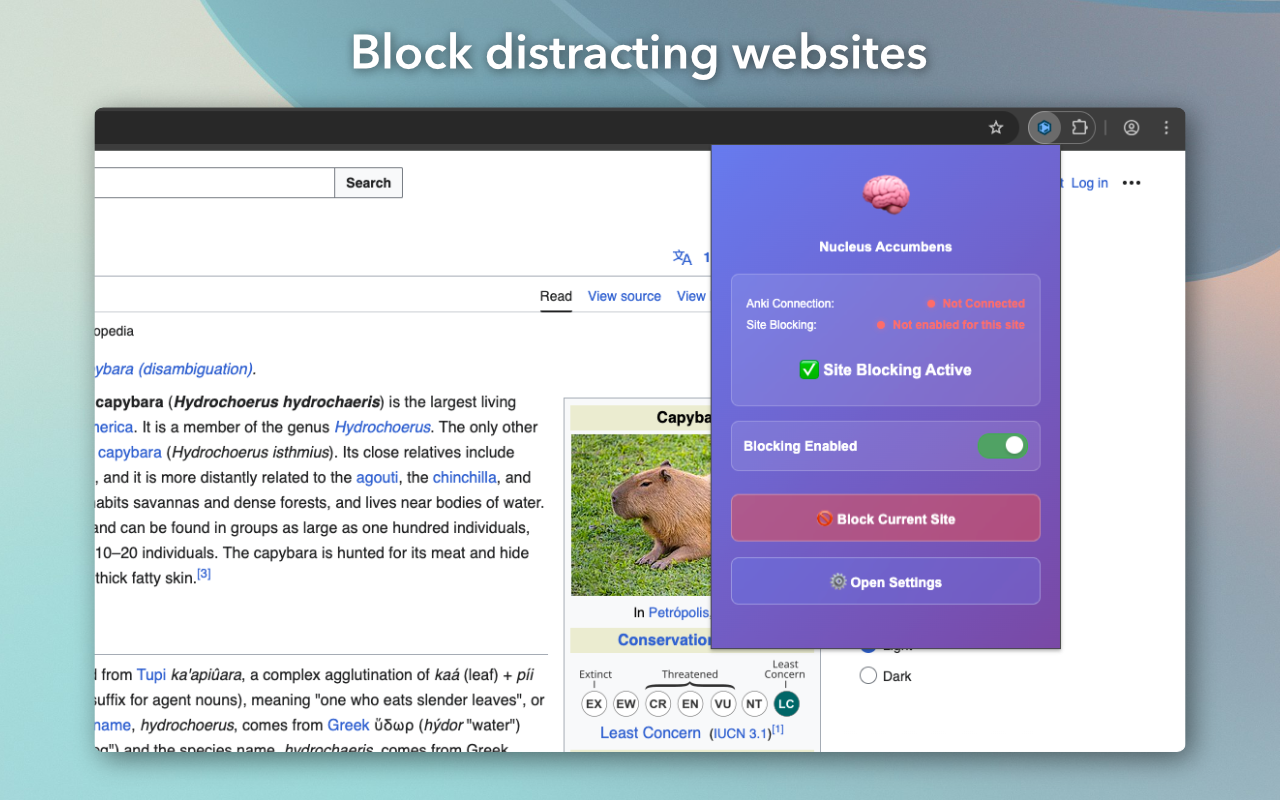
Block distracting websites and reward yourself with short breaks when you complete your Anki reviews!
This is the partner Anki add-on to the Nucleus Accumbens Chrome Extension.
‼️ You must also install the Chrome Extension to use this add-on: Nucleus Accumbens on Chrome Web Store
By using the Dopamine Anki add-on/Nucleus Accumbens browser extension, you agree to the terms of service.
Terms of Service Privacy Policy 🛠 Setup Instructions
Install Dopamine Anki add-on:
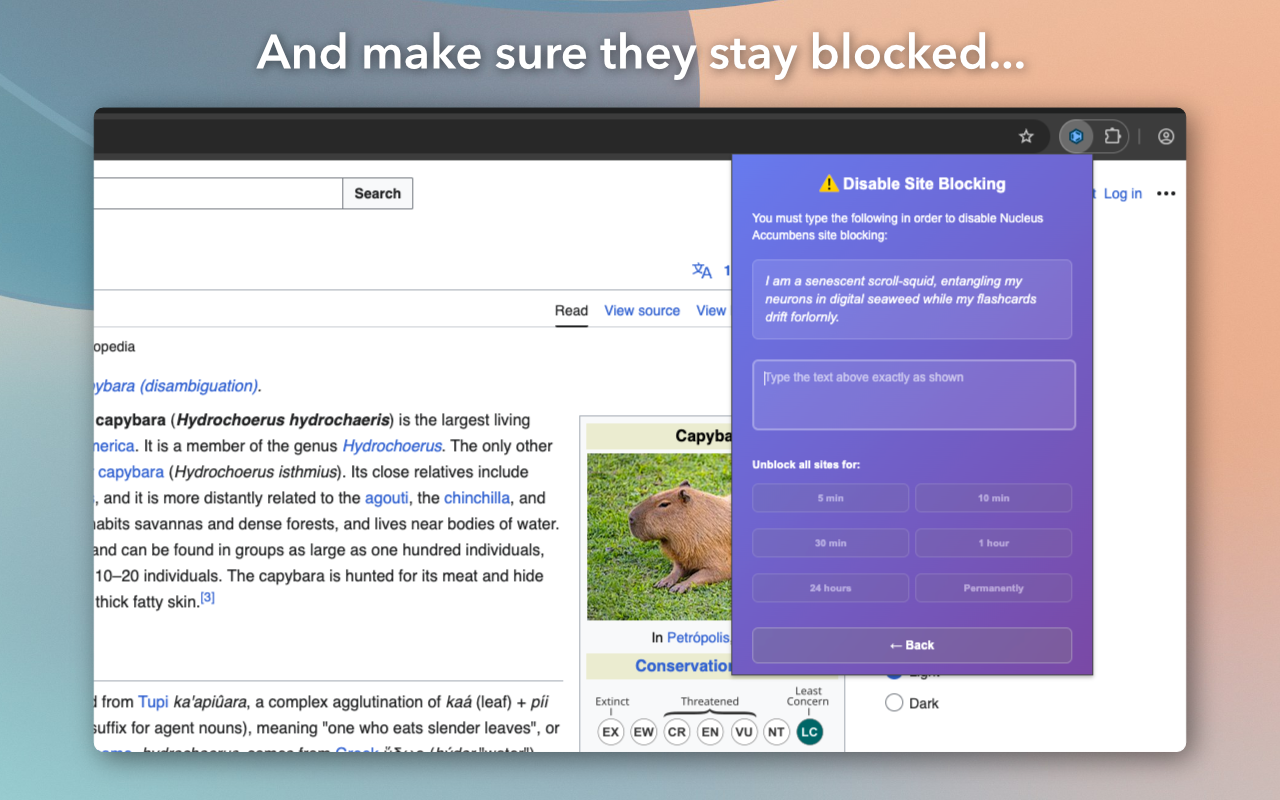
In the Anki desktop app, go to Tools → Add-ons → Get Add-ons Enter the installation code below to install Dopamine Save changes and restart Anki Install the Nucleus Accumbens Chrome Extension Open a distracting website in a Chrome window and start doing your Anki reviews! 🦭 Features Block common time-wasting websites (e.g. YouTube, Instagram, TikTok, Facebook, Netflix, Reddit) Get rewarded with temporary access to these sites after completing Anki reviews Supports rewards for completing question banks such as: UWorld OphthoQuestions BCSC Self-Assessment Program DermQBank Automatic video pausing/unpausing (and muting) on: Instagram Reels TikTok YouTube Shorts ⚙️ Settings
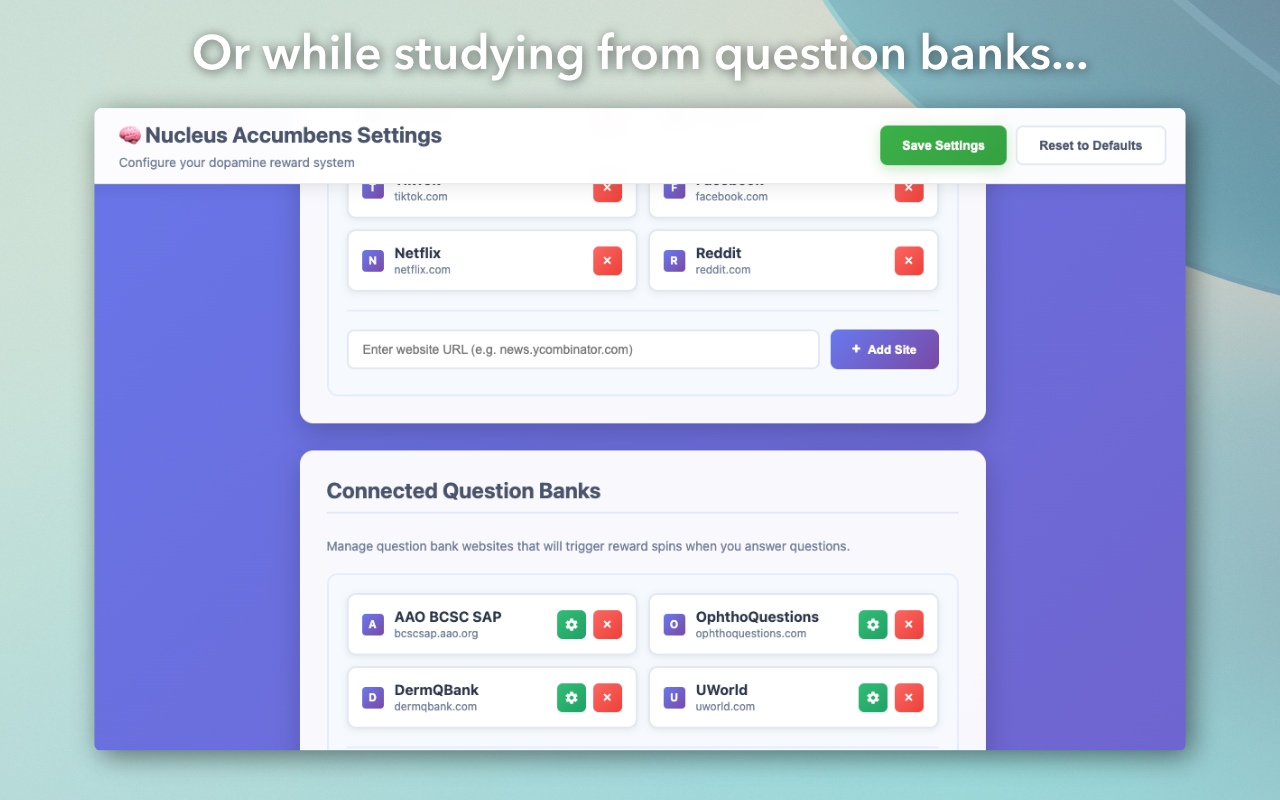
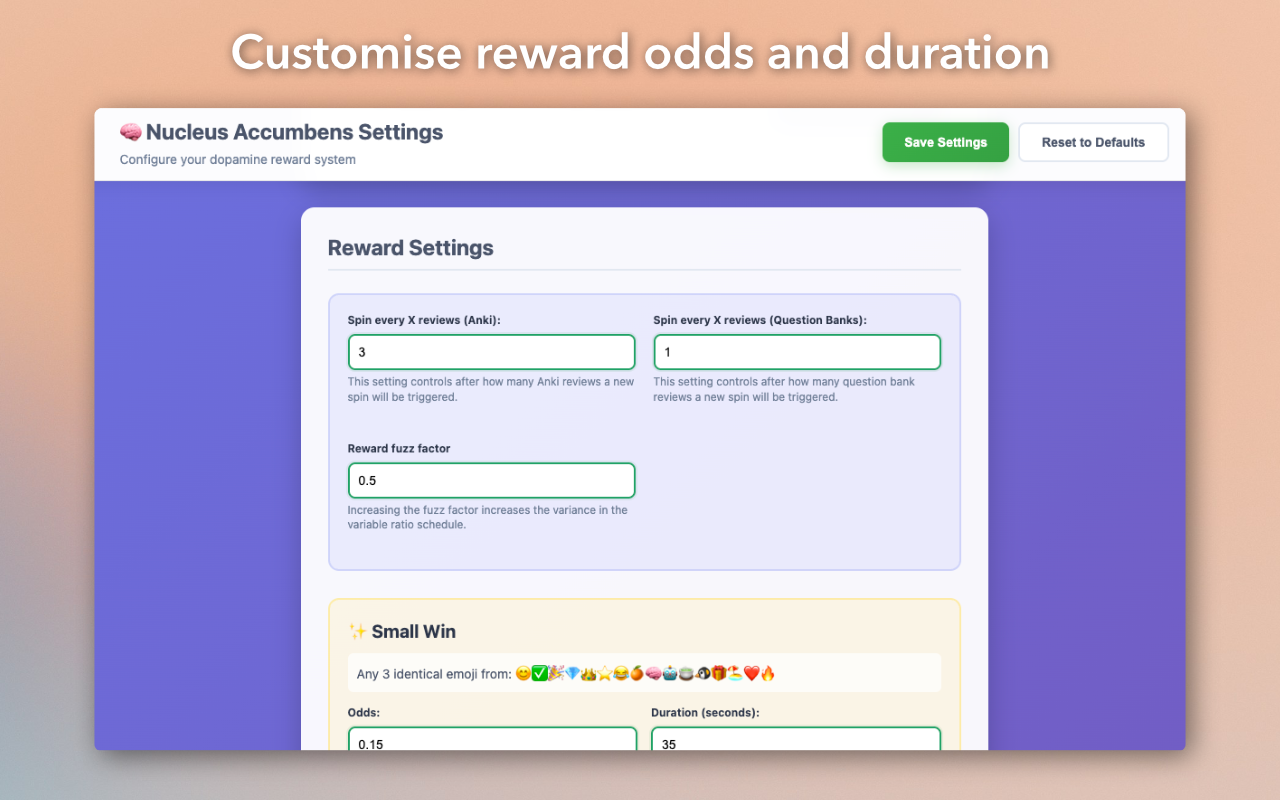
Access the Nucleus Accumbens Settings page to customise:
Blocked websites Connected question banks Reward odds and duration Display options ⚠️ Issues / Bug Reports
Submit bug reports here: Bug Report Form
🖼️ Additional Screenshots
Screenshots
Reviews (1)
👍 2025-07-31
this is the best of its kind. keep it upppp
