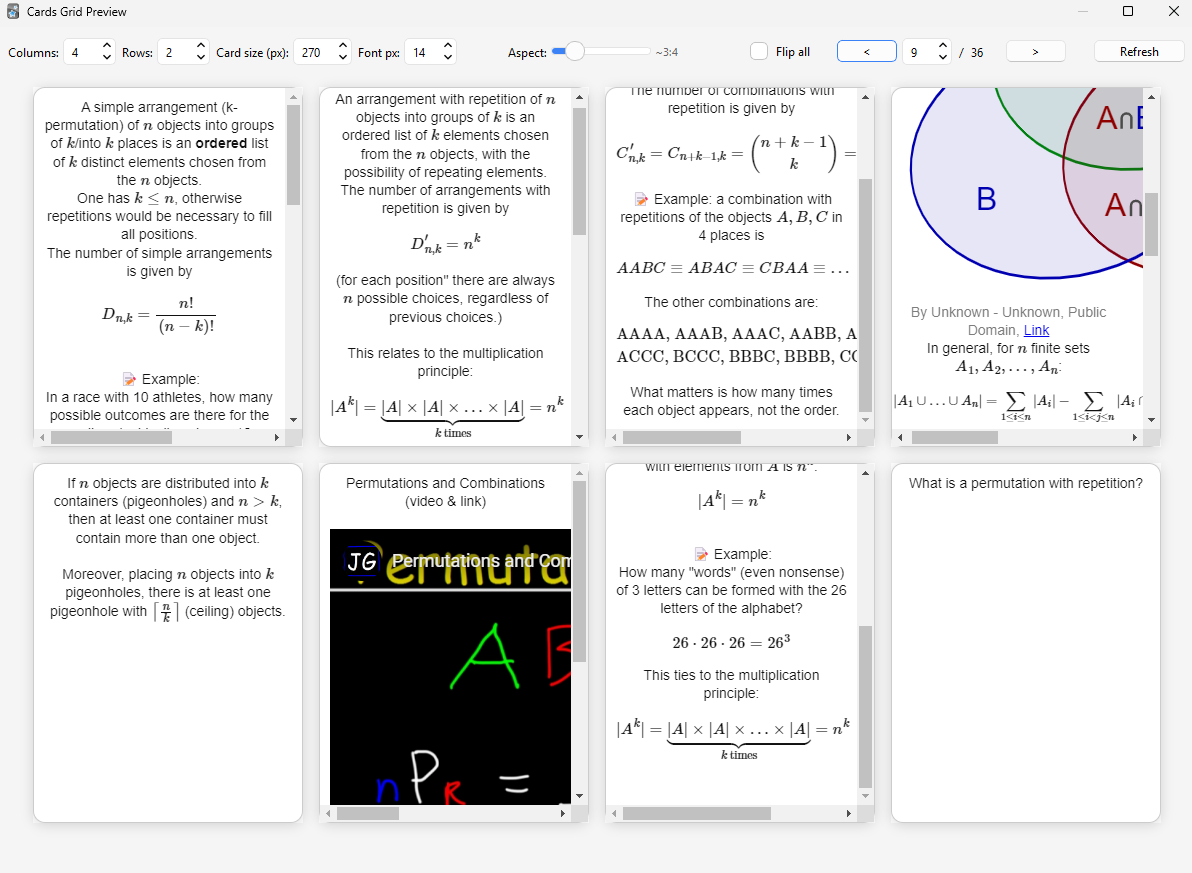
An Anki add-on that displays all cards from the currently selected deck in a customizable, paginated grid view. Perfect for previewing at a glance all the cards in a visual deck.
Features Responsive grid layout: Adjustable columns and rows per page Card customization: Variable card size and font size Adjustable aspect ratio from tall to wide formats Interactive flipping: Hover over cards to see the back side with smooth 3D animation Click cards to manually flip them Toggle “Flip all” to show all answers at once Smart pagination: Navigate large decks efficiently with page controls Full LaTeX and media support: Complete MathJax v3 with Anki’s default packages (ams, mathtools, physics, braket, cancel, color) Supports both ( ) and $ $ for inline math, [ ] for display math
⚠️ Images, audio, and other media are not supported.
Usage Select any deck in Anki’s main window Open via Tools → Cards Grid Preview or press Ctrl+Shift+G Use the toolbar to customize: Adjust grid dimensions and card size Change font size and aspect ratio Navigate between pages for large decks Toggle flip-all mode
Screenshots