This addon scrapes images from Google search results and inserts it into your card.
On the card editor (from either the “Add” or “Browse” dialog), there are three buttons added right before the More button on the upper right portion of the editor: Search Image, Previous Image and Next Image.
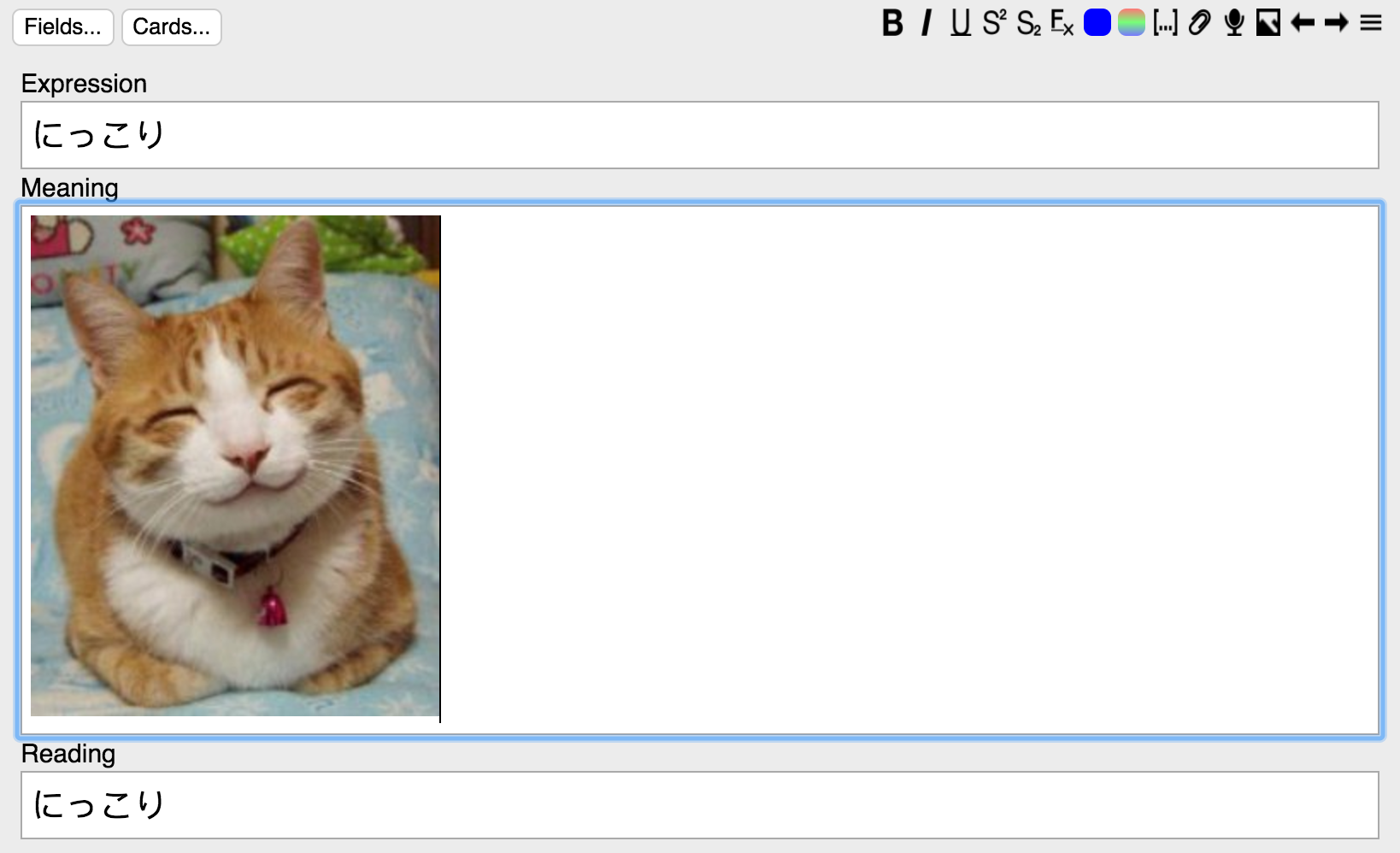
Basically just type in your search term in the first field of the card, and use those buttons. The image will be inserted/updated in the second field.
If you are unfortunate enough to, say, live in China and have no access to Google, go to Tools -> Image Search -> Network Config, and set your proxy settings. Note that this is a global setting that will affect all calls to urlopen(), even if they are from Anki itself or other Anki plugins, although if you have restricted Internet access you probably need it anyway. (TBH this should be an entirely separate plugin, or just be integrated into Anki itself, but whatever).
If you are encountering certificate errors when retrieving images, and you are on a trusted network, go to Tools -> Image Search -> Network Config, and check the box “Bypass HTTPS Verification”.
You can track the project here.
Screenshots

Liên kết hỗ trợ
Reviews (29)
👍 2025-10-31
didn’t work
👍 2025-10-31
Fixed the addon https://ankiweb.net/shared/info/178037783
👍 2022-08-21
Didn’t work for me :(
The working alternative I found here https://ankiweb.net/shared/info/432495333
👍 2022-02-17
good idea but there is author didnot intrest in update it for lastest anki versions
👍 2022-02-12
not working.
👍 2021-07-19
it literally doensn’t work
👍 2020-11-15
Doesn’t work! Please someone make an updated version this would be so useful
👍 2020-07-29
Doesn’t work
👍 2020-07-17
WOW. this is the best addon i have ever GAVE!!!!
👍 2020-04-29
Error code every time I try. Simply does not work. Good thing you can easily drag images from Google into the text box.
👍 2020-04-05
Update 2: This add-on genuinely does not work any more due to outdated scraping methods. It’s a shame. I might ask the dev if I may update it at some point, but for now it’s better to use another add-on if you can find it.
Original review: Absolutely wonderful addon. I’m glad to see that it still works.
Setup: Restart after installing. Then go to Tools > Image search > Network Config > Change to proxy.
To change which fields images load into, go to Tools > Add-ons > Click on Image Sea
👍 2020-02-07
no longer works. returns 0 images. even when it did was incredibly buggy
👍 2020-01-08
Amazing add-on! An essential! I don’t understand all the downvotes.
👍 2019-09-13
It is a good addon.
People who have trouble to download images from google just follow the instructions in the addon description and change the server from local to “Use system proxy”; that will make the things OK.
👍 2019-06-21
Excellent.. if it works , just change the type of Internet connection proxy
👍 2019-04-03
works with change in network config as mention in reviews but sometimes has crash!
👍 2019-02-21
Not working for me. Receiving this error when attempting to delete the add-on:
An error occurred. Please use Tools > Check Database to see if that fixes the problem.
If problems persist, please report the problem on our support site. Please copy and paste the information below into your report.
Anki 2.1.9 (ae67c976) Python 3.6.7 Qt 5.12.1 PyQt 5.11.3
Platform: Mac 10.14.3
Flags: frz=True ao=False sv=1
Caught exception:
File “aqt/addons.py”, line 387, in onDelete
File “aqt/addons
👍 2019-01-10
Works well for me on Anki 2.1!
Keep in mind that you need an Expression and Meaning fields. The image will be downloaded into the Meaning field.
I also needed to go to Tools -> Image Search and change to Use System Proxy.
👍 2019-01-06
various errors. Doesn’t work.
👍 2019-01-06
connection refused can’t load any images. I’m in the US - don’t know if my location matters.
👍 2018-12-19
Google Images: [WinError 10061] No connection could be made because the
target machine actively refused it
👍 2018-11-11
Simple but it works! My default card doesn’t have a “Meaning” field, so I just changed that line of the code. .^_^. Thank you so much!
Oh and people who say the code doesn’t work…you need Anki 2.1. 2.0 won’t cut it.
👍 2018-09-08
doesnt work
👍 2018-08-13
This is a GREAT plugin. I am not sure why folks keep saying it is not available— perhaps the server was down or something. But if you try to install it (the same way you install all Anki plugins), it works fine.
I have noticed one little catch. As you scroll through images to choose what you want, they are all added to your media folder. So when you are searching for a word, if you scroll through 10 images then keep the last one, your card will have that one image (perfect) but the media fol
👍 2018-07-18
Add-on no longer exists
👍 2018-06-06
Download ID leads to 404 not found. This addon appears to no longer be active
👍 2018-05-17
Thank you so much.
Good addon. Wish to be able on anki v2.0
👍 2018-02-02
This should come in very handy. Great job!
👍 2018-01-24
It works as described, thanks for the super add-on.
