Welcome to KanjiEater’s GoldenDict Japanese Toolbelt!
You can get support for this add-on at KanjiEater’s Deep Weeb Lounge: https://discord.com/invite/agbwB4p
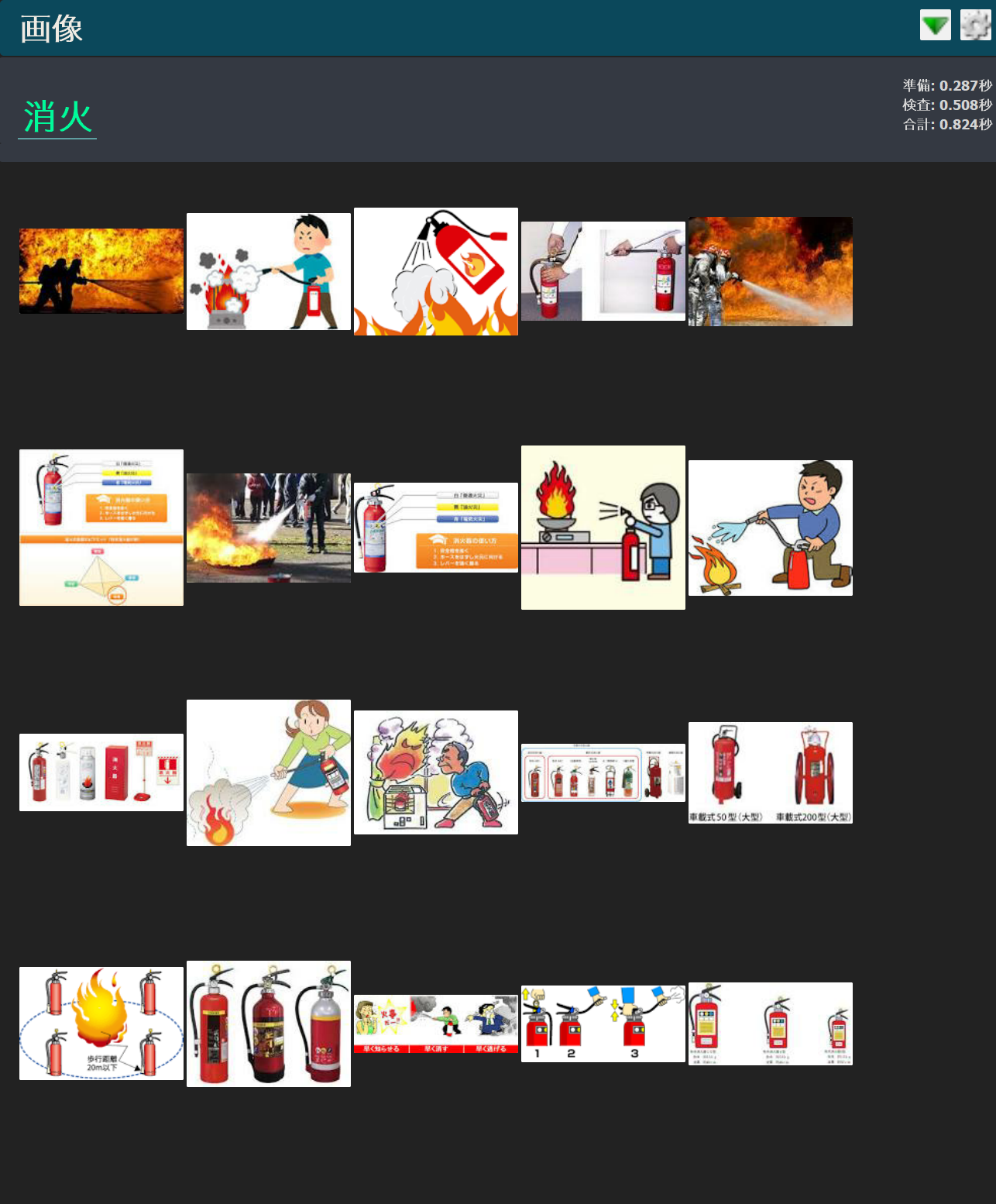
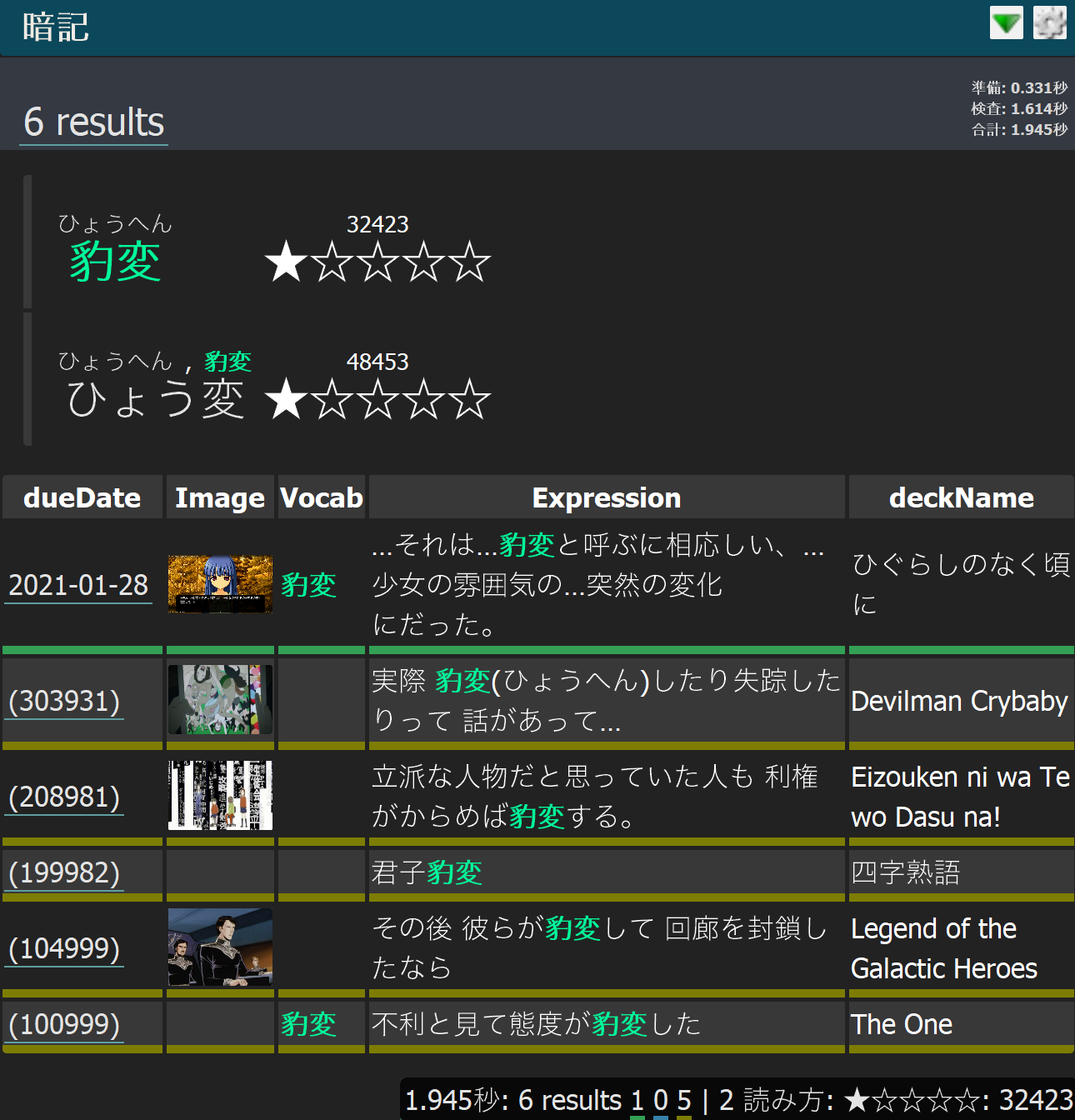
This add-on is a set of tools primarily targeted at fellow Japanese learners. It integrates with the external dictionary program GoldenDict. It allows you to look up a word in multiple standard epwing dictionaries, as well as Google Images, Jisho.org, and even your own Anki collection! You can use Subs2SRS decks as a dictionary! POW! You can also send definitions to Anki to help with card creation.
Currently there is also a beta feature to map a hotkey in the Anki Addon configuration that instantly takes images, audio, and text and intelligently put them in the right Anki field on a card during card creation. Capture-Key-Auto-Paste-POW-WOW!
There are many features in this Toolbelt, for a full list please put some time aside to dive into the deep dive video:
Video Guide: https://www.youtube.com/watch?v=5FAgFC9NYAo
How is this different than other dictionary apps (like Migaku or Yomichan)? There are a lot of overlapping functionality with Migaku & Yomichan. You can’t do all of this with either of them though. Here are some things you can do with this toolset
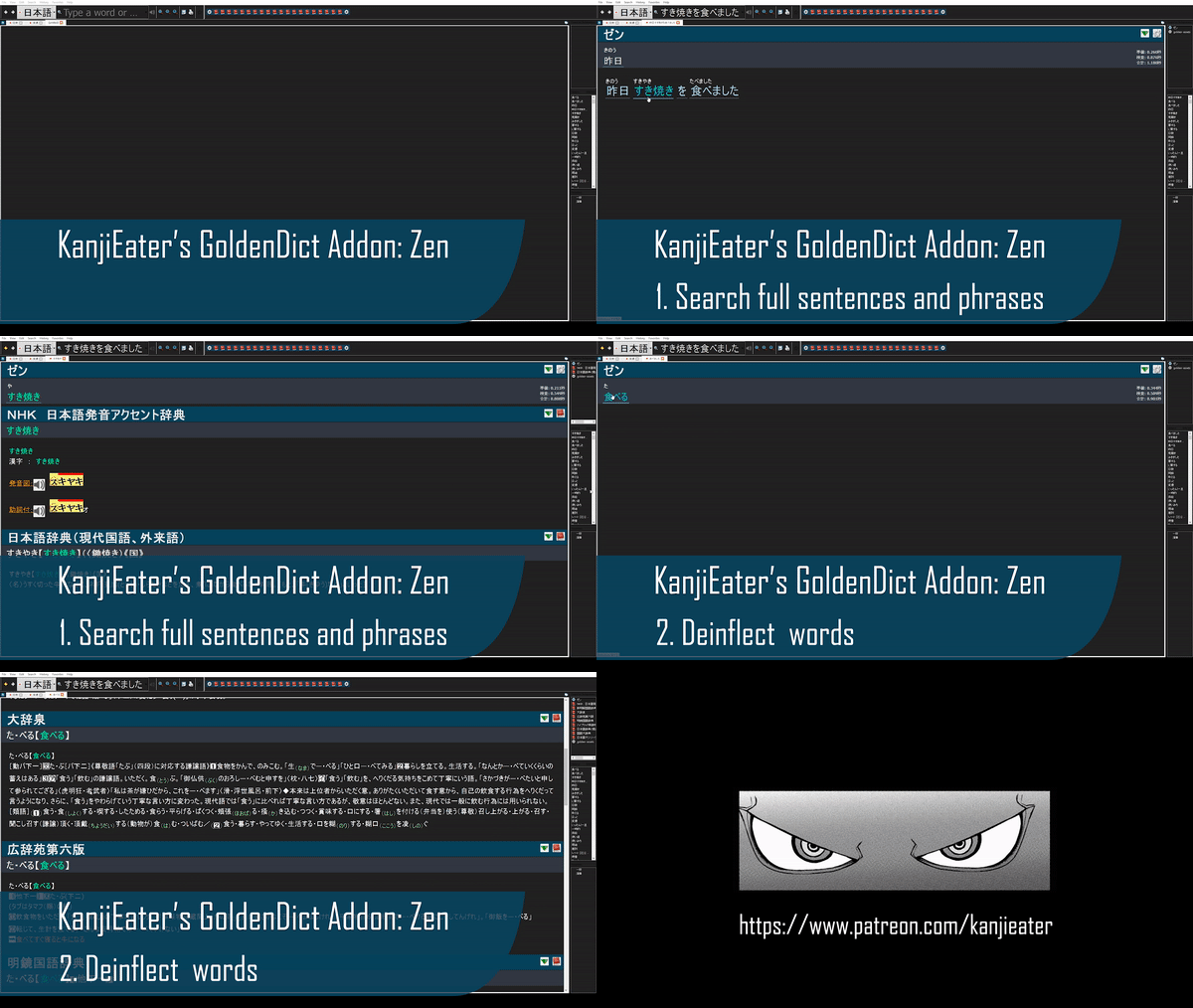
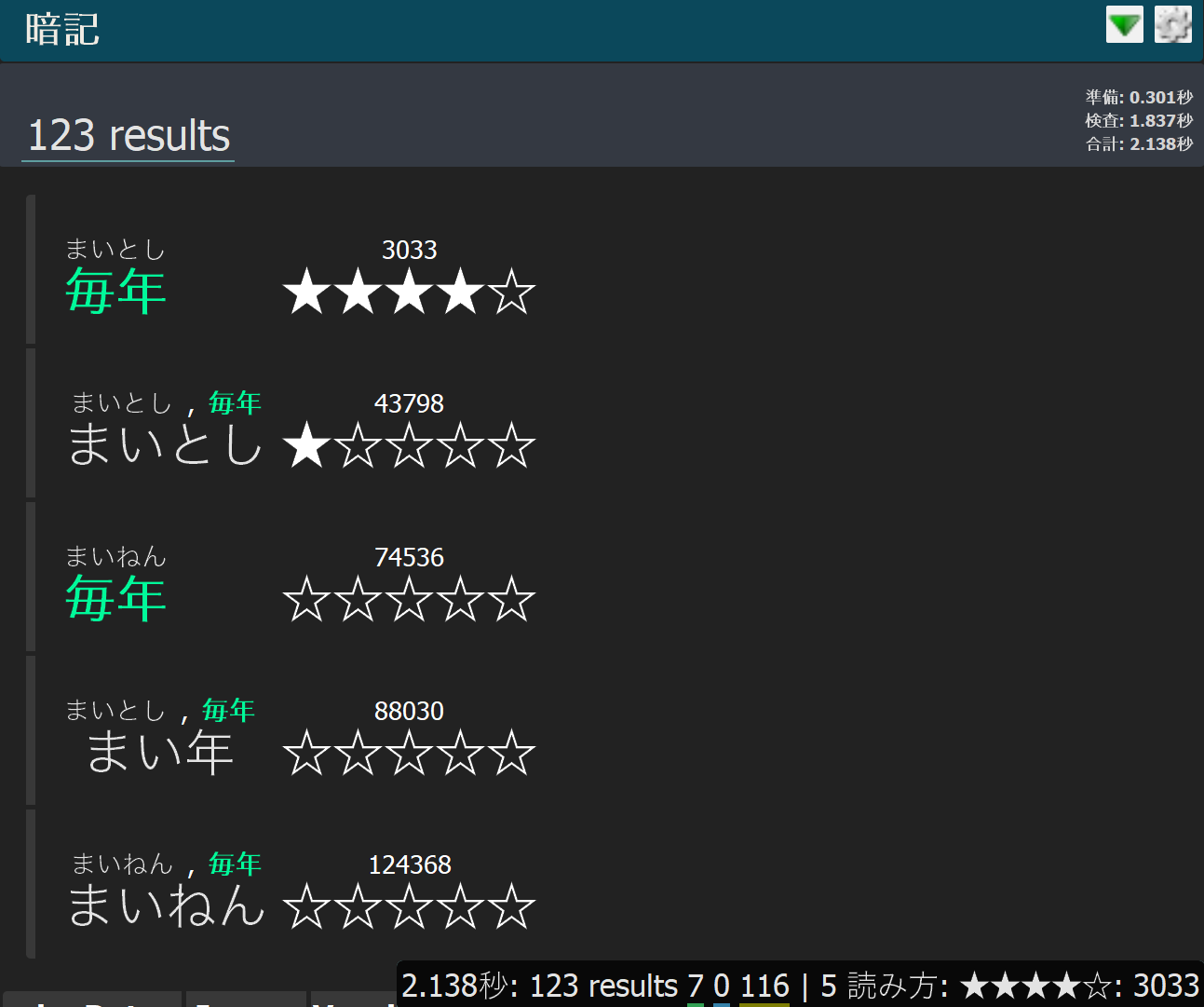
Full phrase deinflection ( not just single words) & Jisho’s recommendations Google Auto Correct Frequency list that tells you which reading is most popular Automatically do a custom search in anki - essentially turning a sentence bank into an dictionary of example sentences. Automatically add Images, Audio, or Text from the clipboard to the appropriate field from any app with a global hotkey
All documentation is maintained at GitHub.
Currently the Toolbelt consists of 5 Tools:
Zen (ゼン - Jisho.org)
Images (画像 - Google Images)
Anki (暗記 - Anki)
Frequency (Contained in Anki Tool - Netflix Frequency List)
Golden Assets (golden-assets - Word Highlighting & More)
Changelog
1/2/2021 - Public Release 3/21/2021 - Minor updates and inclusion of styles 4/25/2021 - Major update. 7/28/2021 - Updated styles (recopy to your GoldenDict Config) & Fixed Google Images, added related searches Now supports latest beta build of GoldenDict. Please update to the latest version here. Then extract that 7z file (with winzip, winrar or a 7z extractor program) to your C:\Program Files. This should result in C:\Program Files\GoldenDict and a bunch of files inside. Be sure to select yes to any files that conflict with C:\Program Files\GoldenDict, we want to update everything in it to the latest version. 8/29/2021 - Style fixes and cleanup
Switched fonts. Please install <addon-folder>247820692\assets\fonts\yugothic.ttf.
The qt-style.css is now included alongside the theme.
The anki copy images now should work at their installed location without any extra work.
Fixing issues with the AutoPaste threading - this feature is still in beta.
Support If you have an issue, join the discord & post in #tech-support: https://discord.com/invite/agbwB4p
If you find my tools useful please consider supporting via Patreon. I have spent countless hours to make these useful for not only myself but other’s as well and am now offering them completely 100% free.
Motivate me through PayPal: Please follow the a link below to buy me a coffee, sandwich, meal, or anything else you’d like if you find my work interesting.
If you can’t contribute monetarily please consider following on:
Screenshots



Liên kết hỗ trợ
Reviews (5)
👍 2025-05-15
How do I make it work on Linux Mint?
👍 2021-10-17
great!
👍 2021-08-23
Amazing !!!
👍 2021-08-14
This plugin badly needs a clear description actually explaining what it does, how the screenshots relate to that (or GoldenDict), and preferably link a demo apkg to hands-on show what it produces. An ulta-lowres gif isn’t cutting it and nobody new is going to watch a 28min video either. Comment from author Hey thanks for the support, I think you’re right. I would love to make this as beginner friendly as possible - the reality is that takes more time & I don’t mind tailoring to the more advanced
👍 2021-01-12
Image feature is really helpful - makes sentence mining easier
