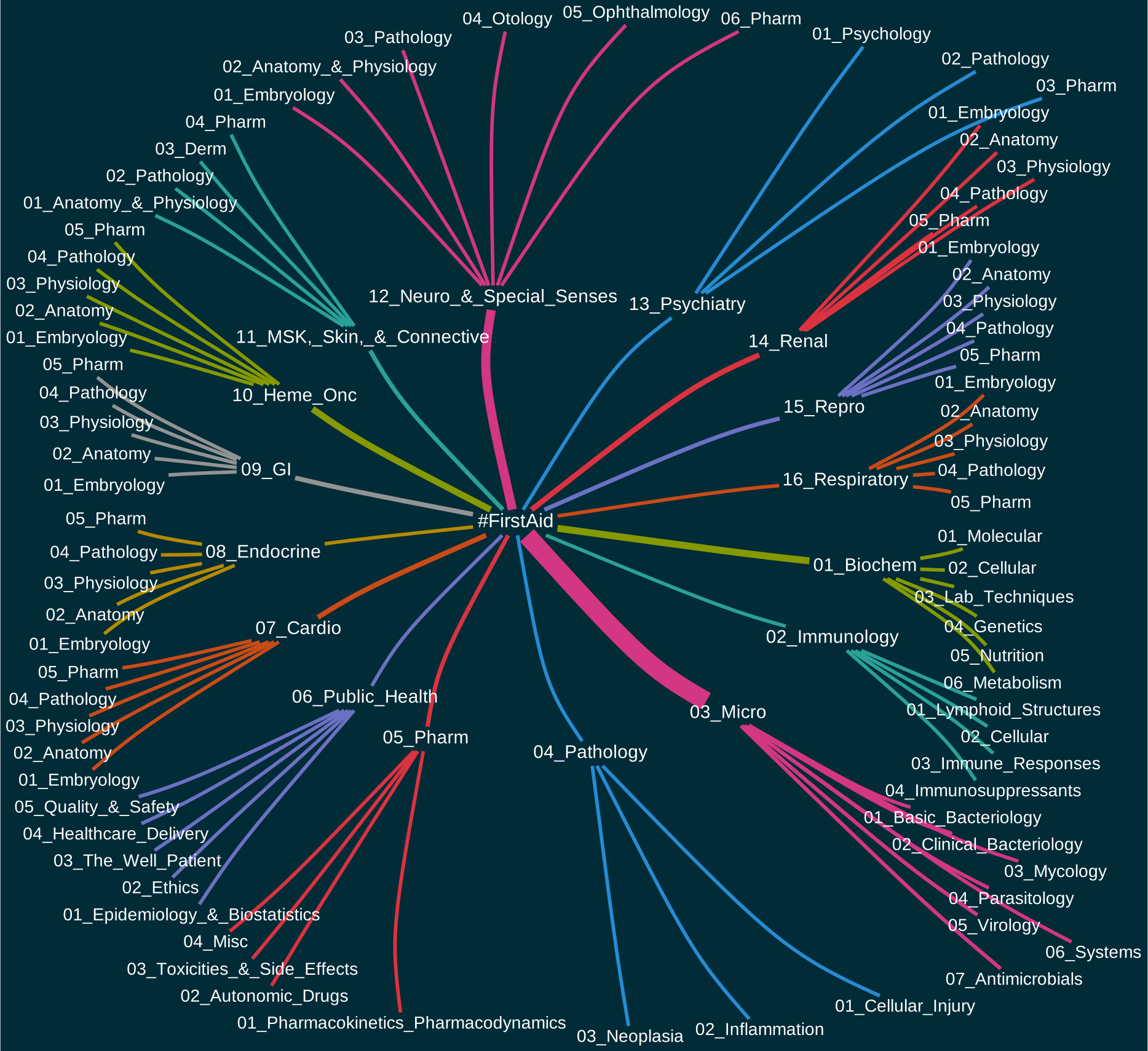
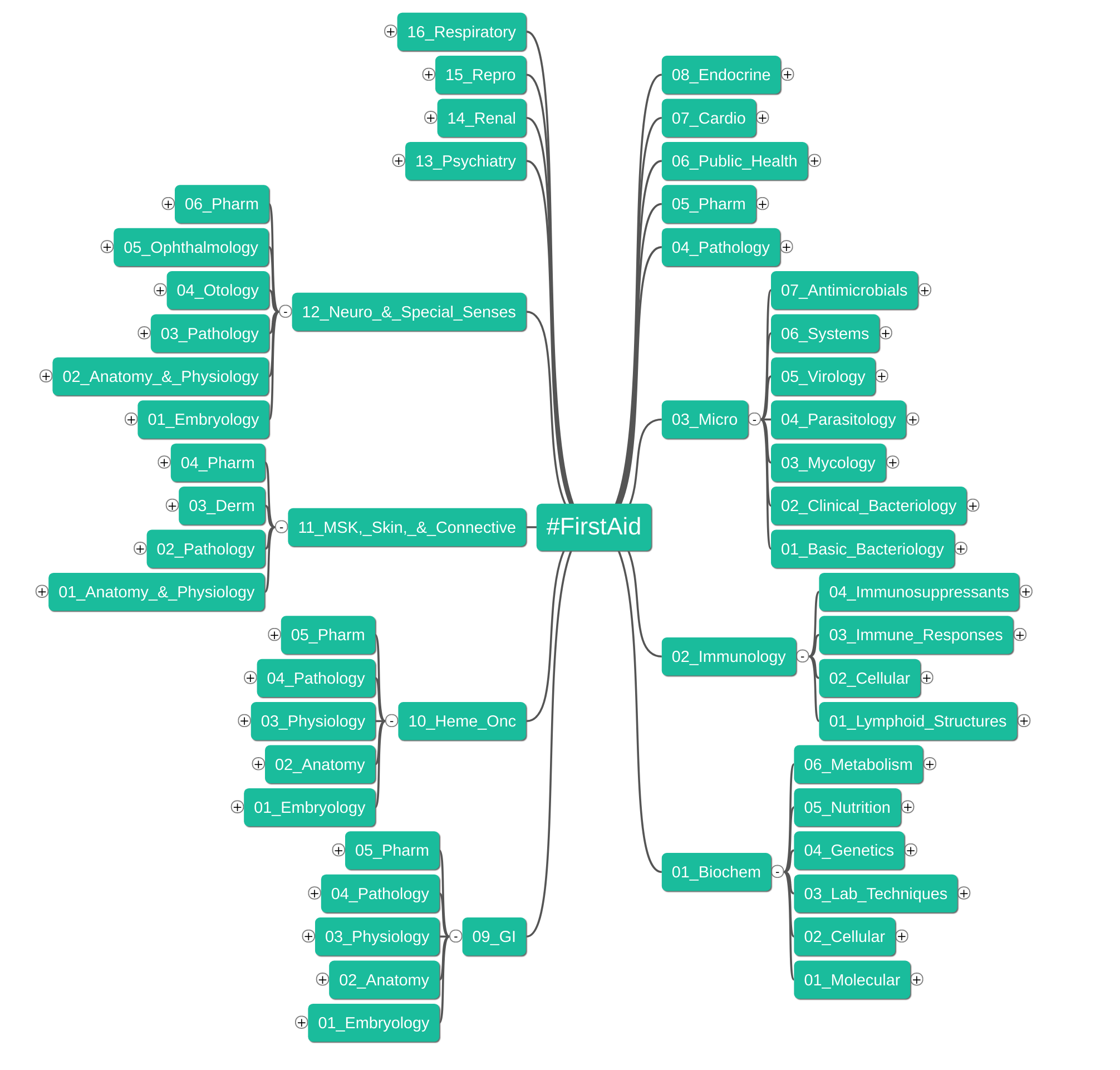
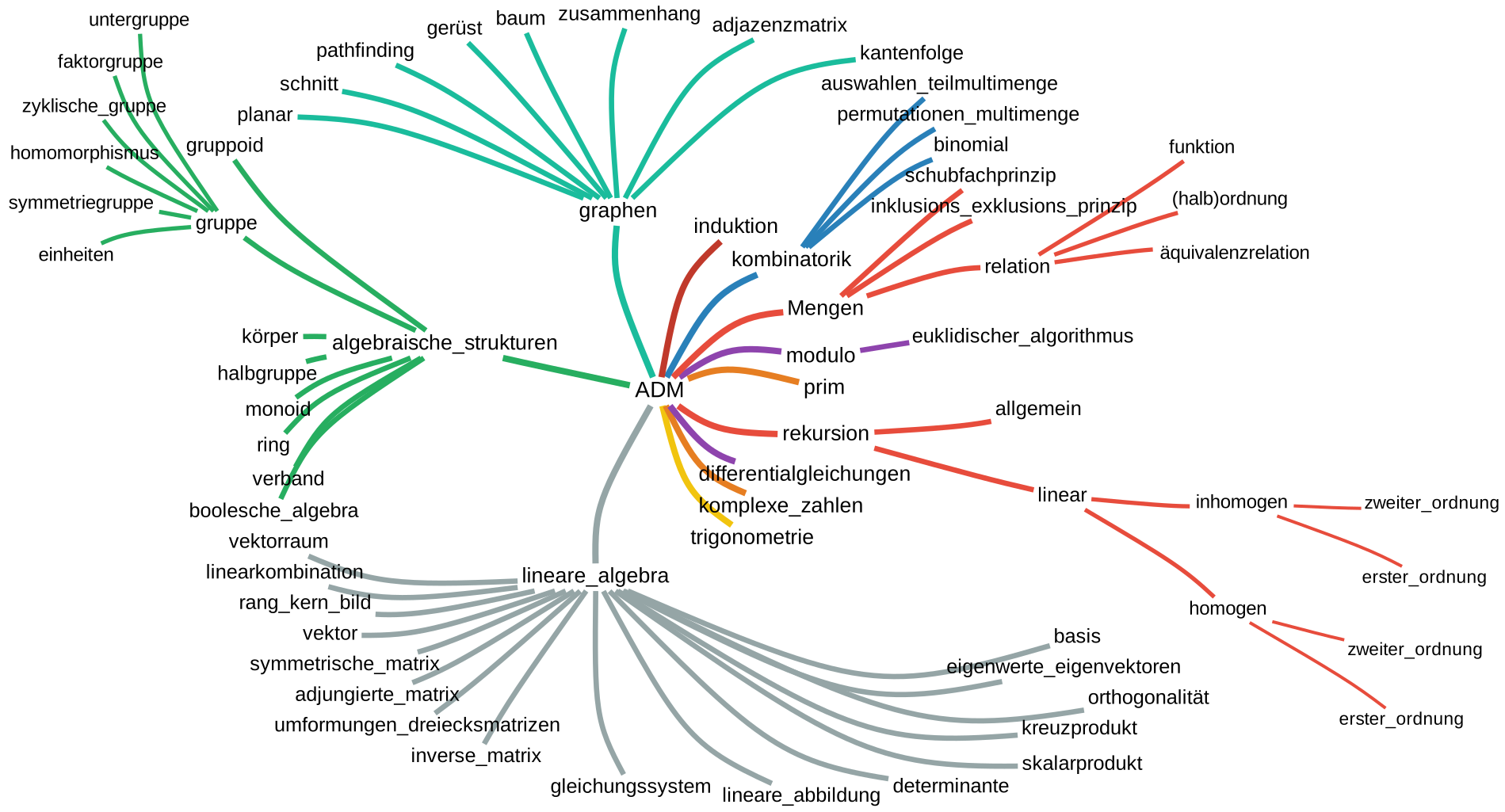
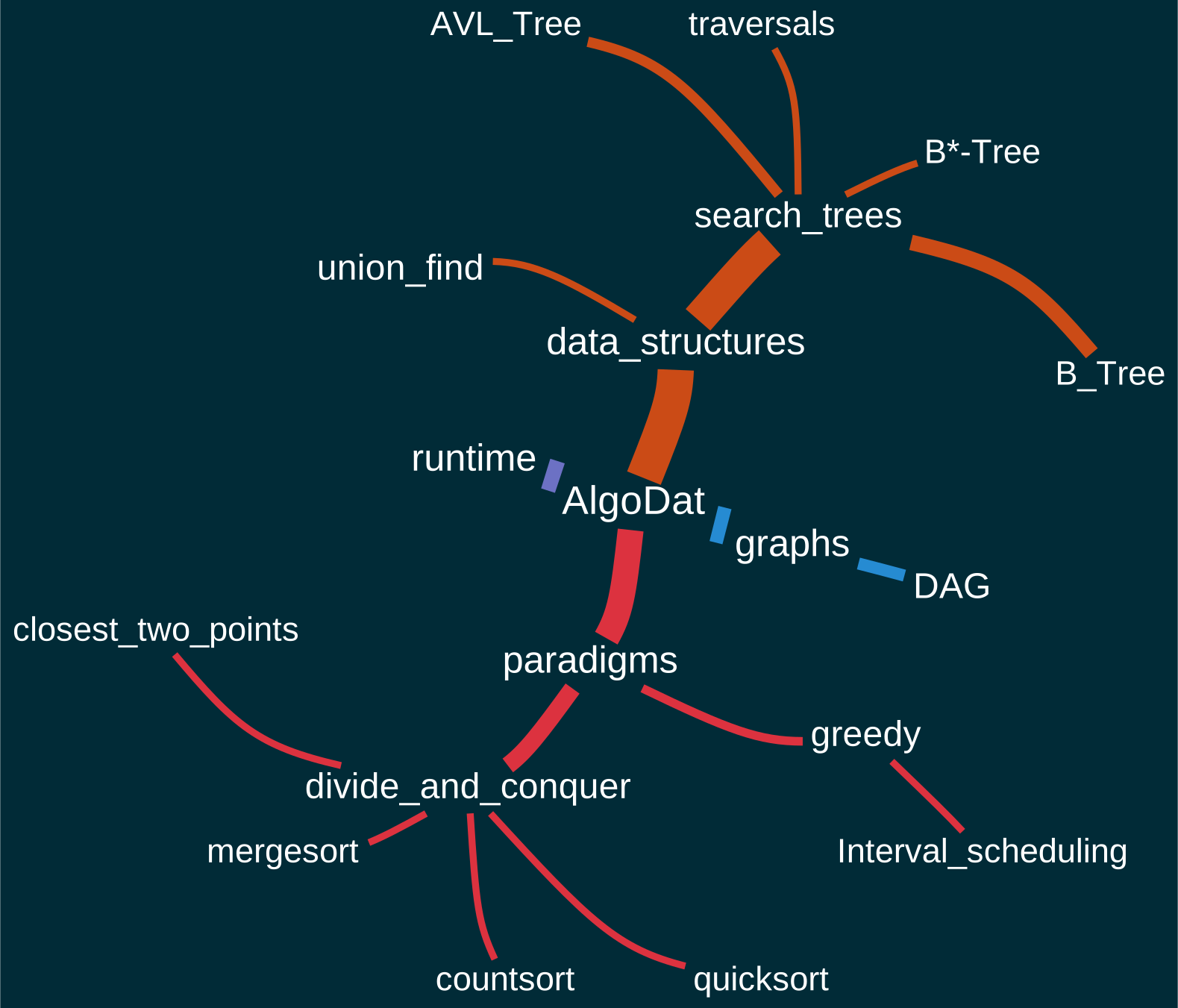
This add-on draws mindmaps/graphs/visualizations of a tag hierarchy.
Installation This addon needs graphviz to be installed and to be on the PATH. If you are using Windows make sure to check “Add to path for all users” during installation. If you are using Mac Os detailed instructions for how to install graphviz can be found below.
Problems, Bugs, Errors, Improvements If you have an idea for an improvement or encounter a problem please create an issue on Github.
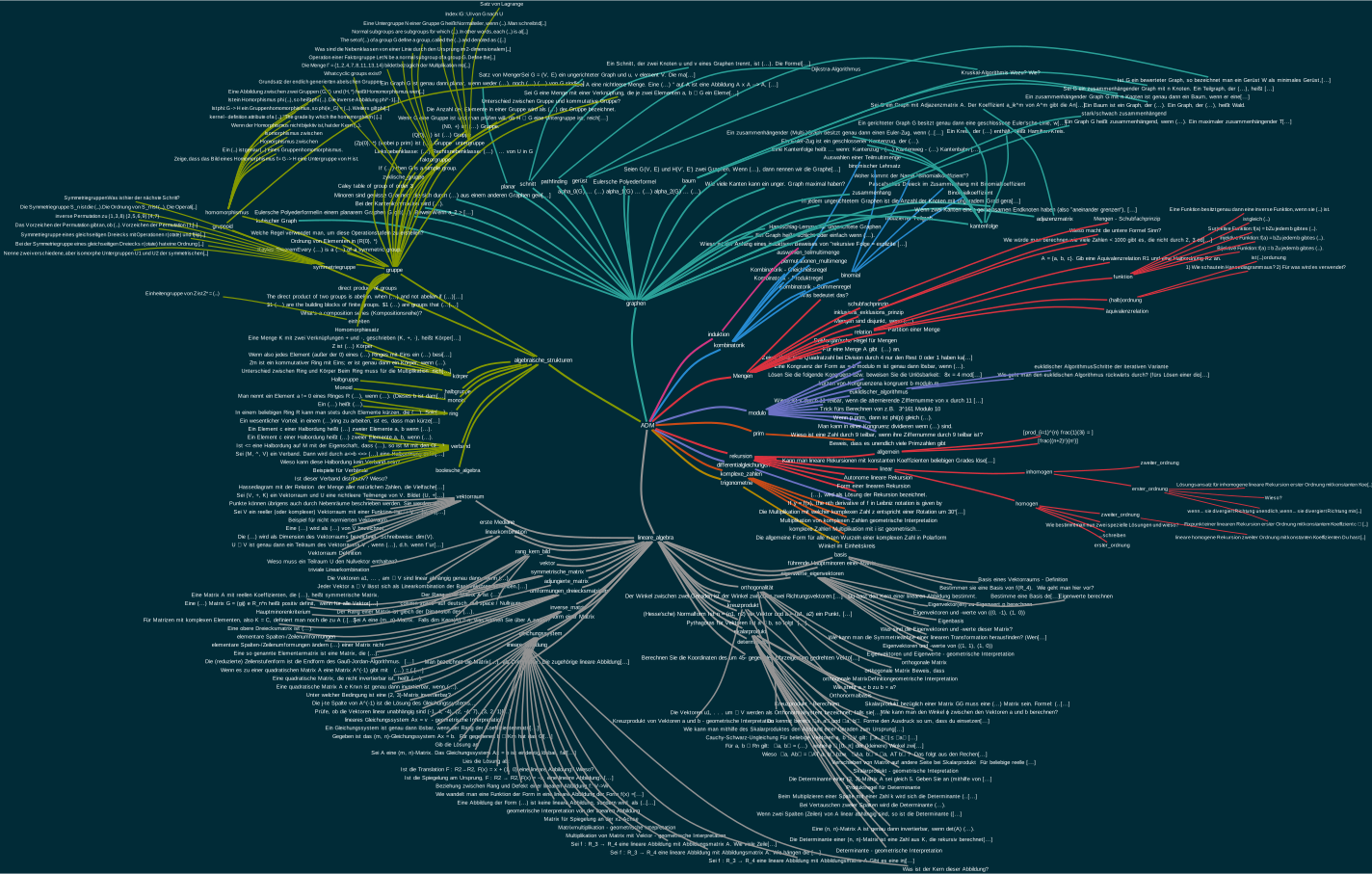
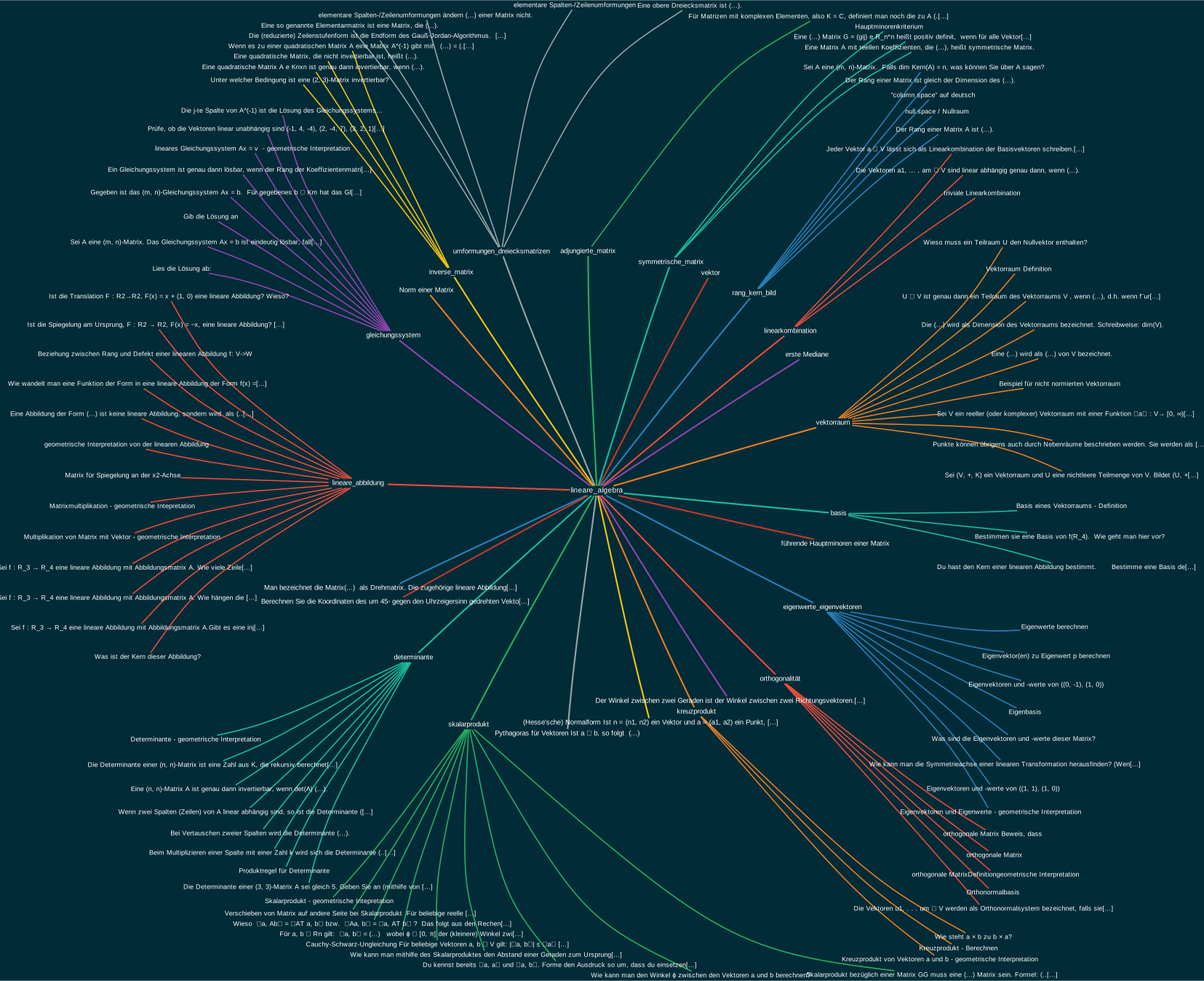
Results
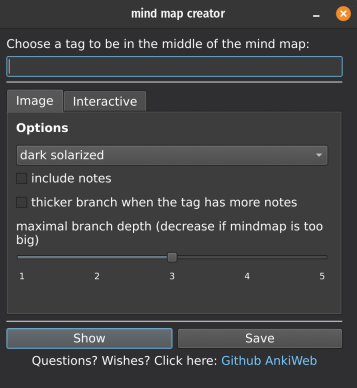
Usage Go to the Card Browser->Mindmap->Create mindmap This dialog will show up:
Installation of graphviz on Mac Os First you need to install homebrew (https://brew.sh/) if you don’t have it yet. To do this, open the terminal, paste the line below and press enter: /bin/bash -c ”$(curl -fsSL https://raw.githubusercontent.com/Homebrew/install/HEAD/install.sh)”
Then tell homebrew to install graphviz by pasting this into the terminal: brew install graphviz
This might be enough to make it work, but if it isn’t run this in the terminal: brew —prefix graphviz
This will give you the path to a file named “dot”, for example “opt/homebrew/bin/dot” Copy this path by selecting the text using your mouse and pressing command+c. Then go to Anki and tell it about the location of the file named “dot” by following the steps shown in the video. Note that the path to the file might be different in your case.
Changelog 2022-11-16 Fix scrolling in the preview window (thanks to github user khonkhortisan) and an error on the qt6 version of Anki 2022-11-15 Fix incompatibility with some add-ons 2022-04-03 Removed unnecessary warning when saving mindmap in non-interactive mode 2022-01-31 Added experimental Interactive mindmap + support for Anki 2.1.50 2021-05-19 Fixed “Show” feature not working on Windows 2021-05-19 Branches are sorted alphabetically now 2021-05-18 Added maximal branch depth slider, Fixes 2021-05-08 Added workaround for Anki not finding graphviz. Fixes 2021-04-25 “Include notes” now works with all notes that have a field named “Front” 2021-04-24 Fixed some crashes + UI improvement 2021-04-22 Improved Show window 2021-04-19 Small fixes 2021-04-11 Moved menu to Browser, added Show button 2021-02-26 Fix: some tags not showing, crash when invalid tag name was chosen, some other things 2021-02-28 Added (more notes - bigger branches) option, Some fixes
Support my work If this add-on is useful to you please consider buying me a coffee:
Screenshots

Liên kết hỗ trợ
Reviews (16)
👍 2026-02-08
not available for the newer versions of anki
👍 2024-03-12
For those looking for more alternatives, this addon is also a very good option: https://ankiweb.net/shared/info/1420819673 and https://ankiweb.net/shared/info/1077002392
👍 2022-12-22
Amazing dude. You always reply to messages. How can you be a doctor and a programmer at the same time?
Is it possible to make modifications to tags from the interactive mode? Is it intended that they are not permanent yet? Comment from author before post was edited Do you use hierarchical tags? For example: javascript::types, javascript::DOM::events
The add-on generates mind maps based on the hierarchy of such tags.
👍 2022-06-14
Interesting! Would you mind telling me what your regular workflow with regards to tagging is? Or could I contact you somewhere?
👍 2022-04-09
am using mojave OS so I downloaded ‘graphviz’ from “macport” instead of “homebrew”.
How do I proceed now?
I did do the install with macport “sudo port install graphviz”
so what do I need to do next instead ? Comment from author Replied you on Github.
👍 2022-04-03
So handy
How can I save the files as PDF or like svg?
Thx Comment from author You can save the mind map as svg by clicking the save button in the Image tab of the mind map creator window
👍 2022-03-02
thank you :)
I use this one for memorizing some words
so is there way to make blanks without erasing words?
or remains the first letter alone?
like cloze tests? ㅇ-[like] like this o-[ ]? Comment from author before post was edited Thanks for the like! What do you mean by blanks? Is this about the mind map?
👍 2022-02-24
Very nice!
EDIT: now it works like that for me too! My Anki has been acting a bit weird in the last couple days, so maybe that was the cause. Anyways, thanks! Comment from author before post was edited Hmm the tag text input should work like this already… Can you tell me with which tag it didn’t work for you?
👍 2022-02-01
One of the best addons I’ve ever seen. You get a outline of your knowledge, which is very usefull to prove your memory recollectiion skills.
👍 2021-10-12
I can’t express in words just how helpful this is…
Thanks a lot!
👍 2021-09-20
Very cool idea, thank you!
👍 2021-05-19
Really like the option to adjust the branch thickness to the number of notes. Makes for a great overview!
Also, the author’s response to my suggestion on GitHub was incredibly fast.
👍 2021-05-07
thank you. it is perfect add-on. you genius!
👍 2021-05-02
It does not show an error. It’s just when I click on to make or preview the Mindmap, it just shows back an empty small black screen. And gives nothing when I click on save . Also I am on the latest version of the add on.
———
I used following terminal command :
Comment from author I updated the add-on. It should work now… or at least show an error message. Thank you for your patience. By giving feedback you help make the add-on better for all users. :)
👍 2021-02-24
Awesome idea
👍 2021-02-23
This concept is amazing!, can you please make a mindmap addon that we can use for notes.? It would drastically ease the effort/time needed to memorize the pathology of diseases and the symptoms they manifest. Comment from author Have you tried the “include notes” option? It draws the text from the notes on the map. The downsides are that it doesn’t work for all notes, and the image gets really big with many notes (like the second example picture).
To draw the mindmap I need to have some hie
