Create flashcards in Google Sheets and sync them to Anki. Now with AI support!
Stop wasting time creating cards one by one. Use the power of spreadsheets to manage your study material.
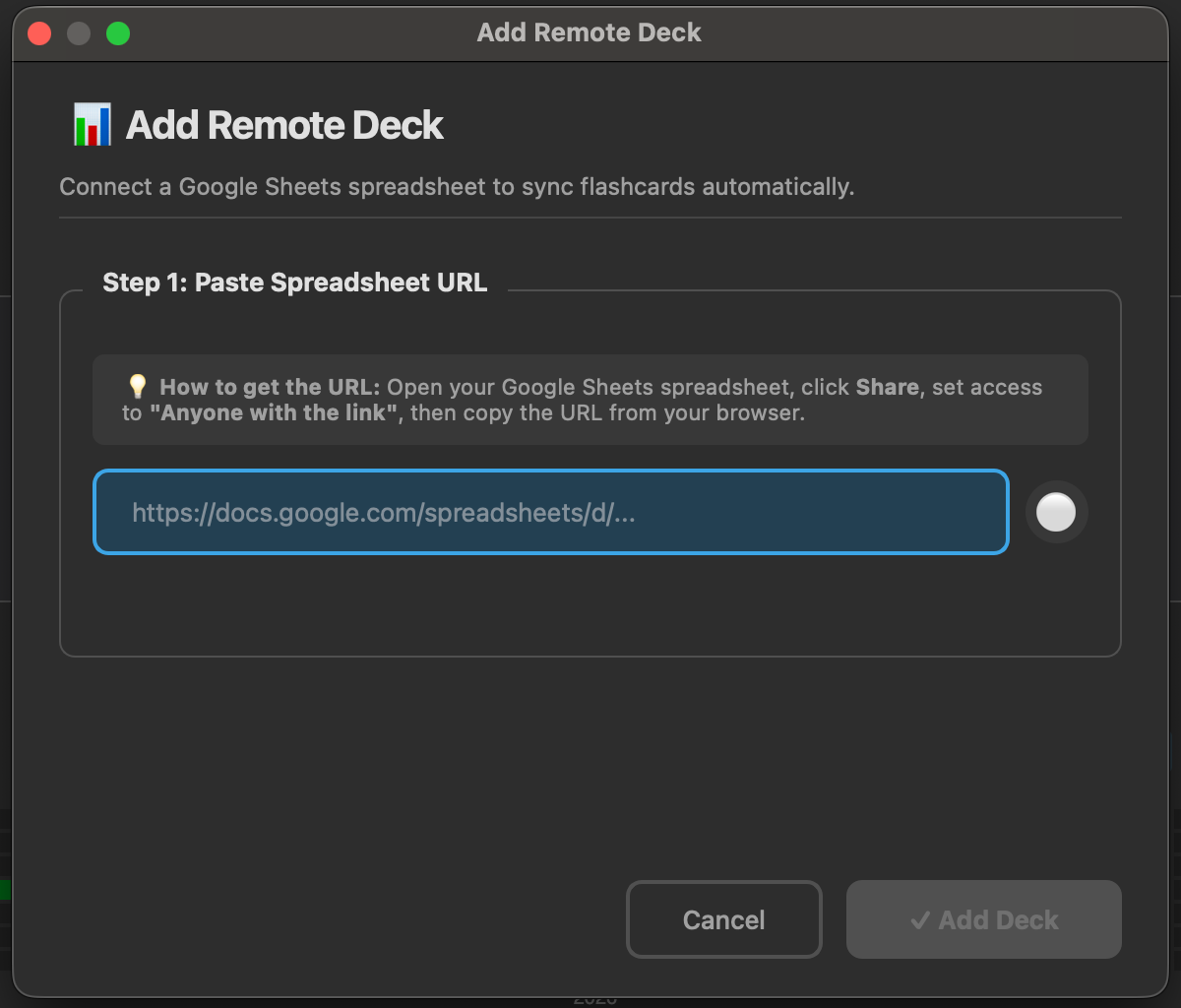
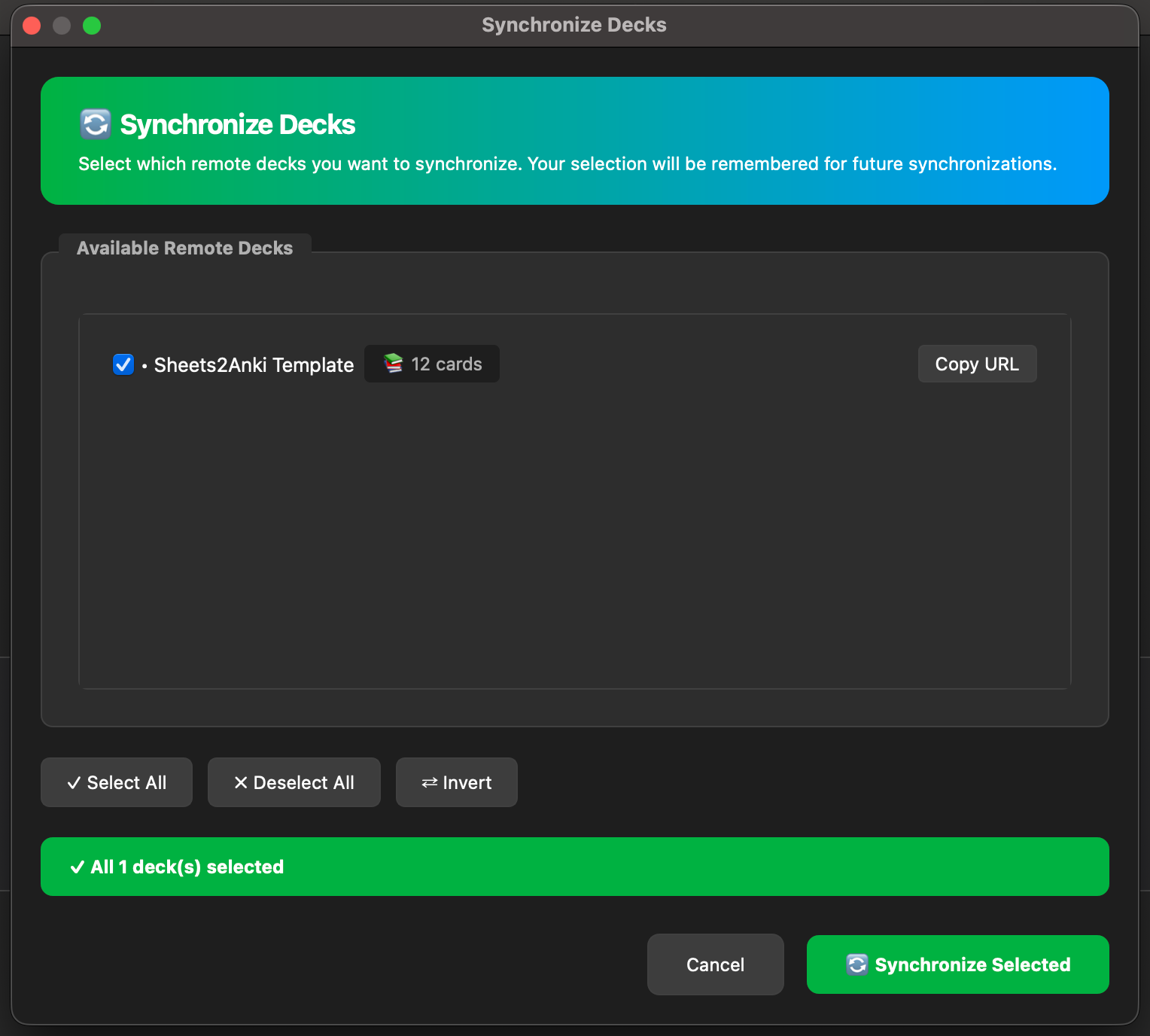
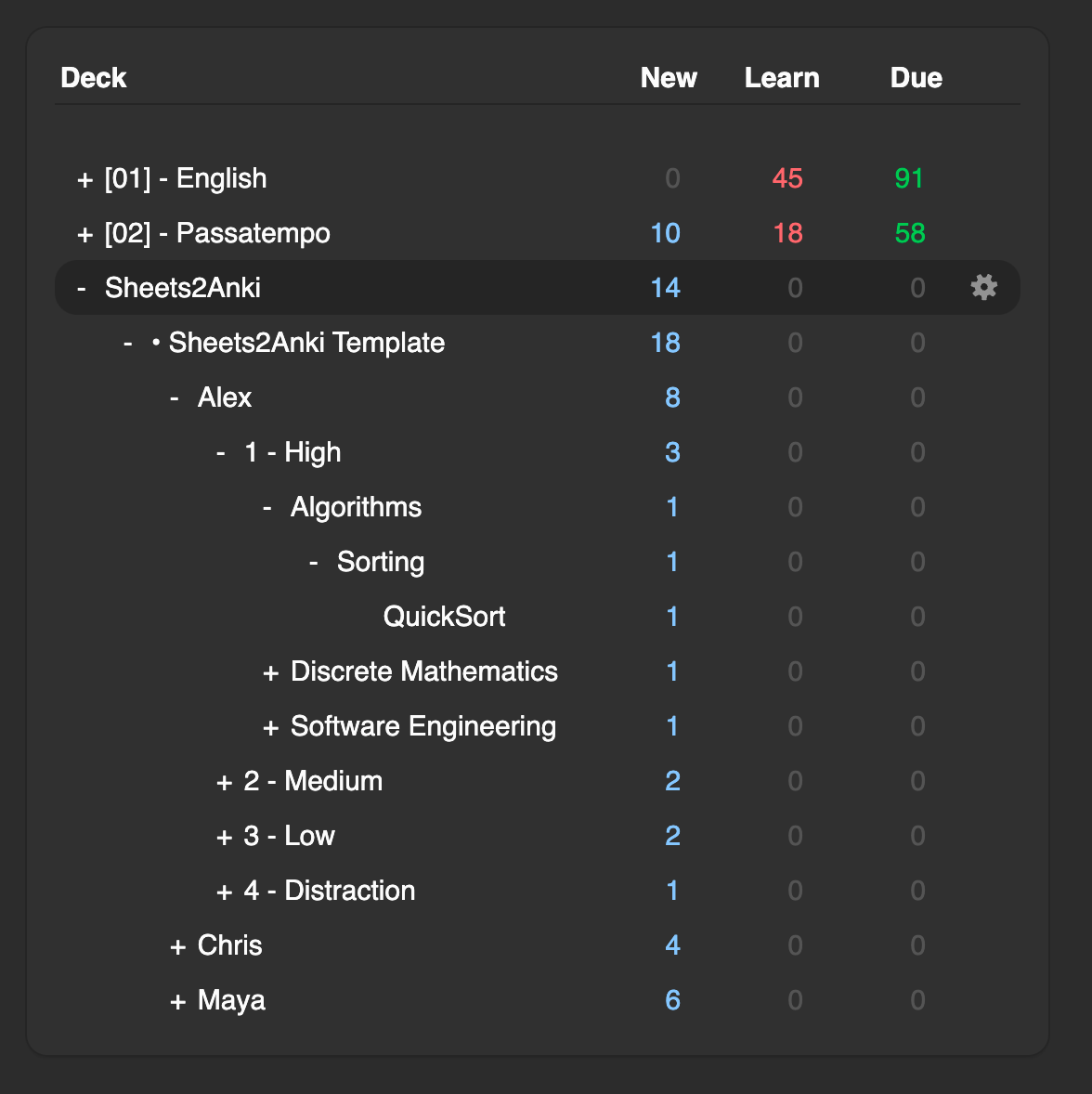
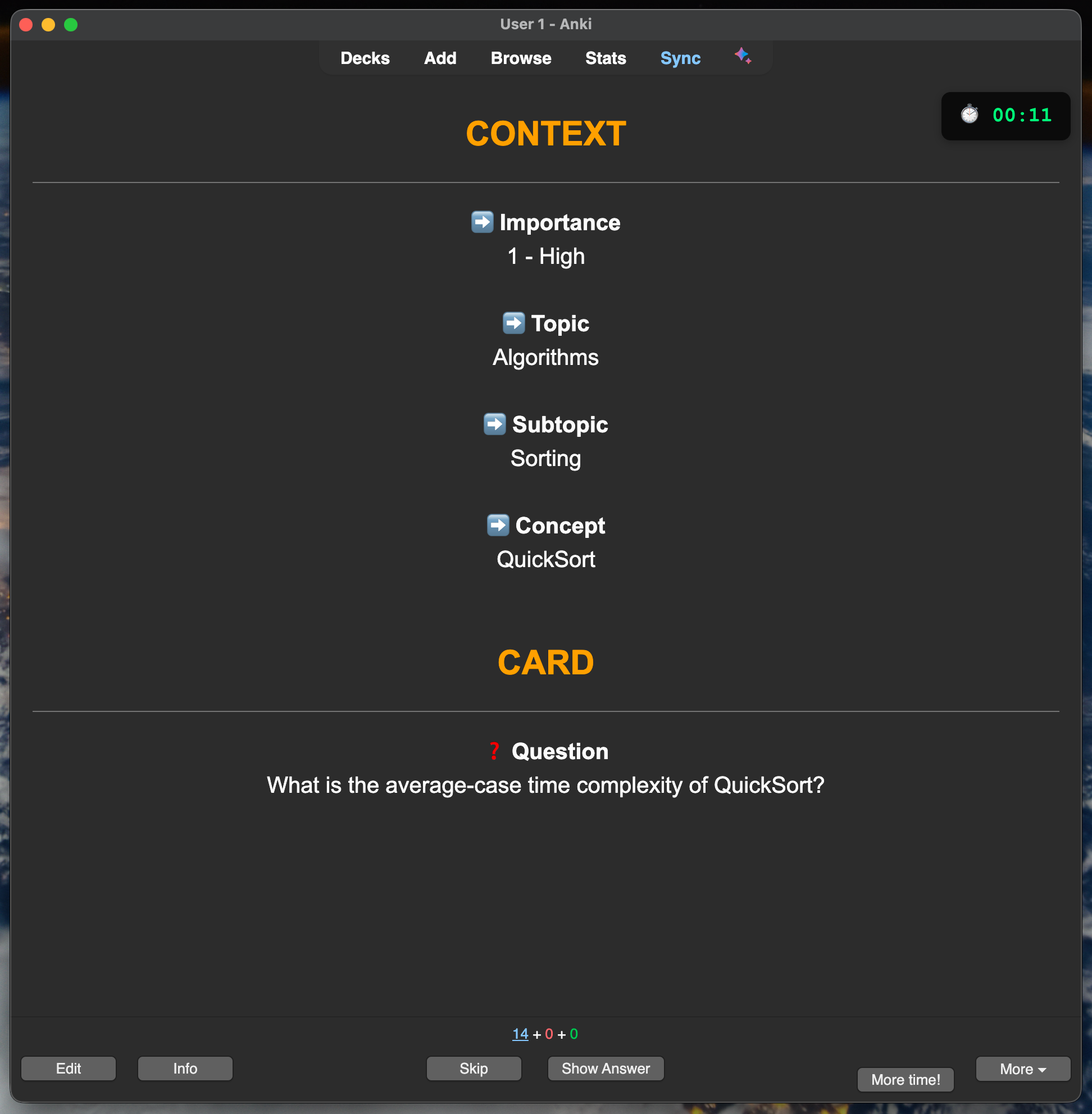
🚀 Key Features Bulk Creation: Write hundreds of cards as fast as you can type. 🤖 AI Integration: Use Gemini, Claude, or OpenAI to get explanations directly in your cards. Collaboration: Work with friends or students on the same spreadsheet. Smart Sync: Cards are automatically organized into subdecks (Topic > Subtopic). Rich Media: Supports HTML, Images, and Videos (YouTube/Vimeo). Cloze Support: Automatically detects {{c1::cloze}} cards. ⚡ Quick Start Get the Template: Click here to copy the Official Google Sheet Template. Connect: In Sheets: Share -> Anyone with the link can view -> Copy Link. In Anki: Tools -> Sheets2Anki -> Add Remote Deck -> Paste Link. Sync: Press Ctrl+Shift+S to bring your cards into Anki. 📋 How it Works
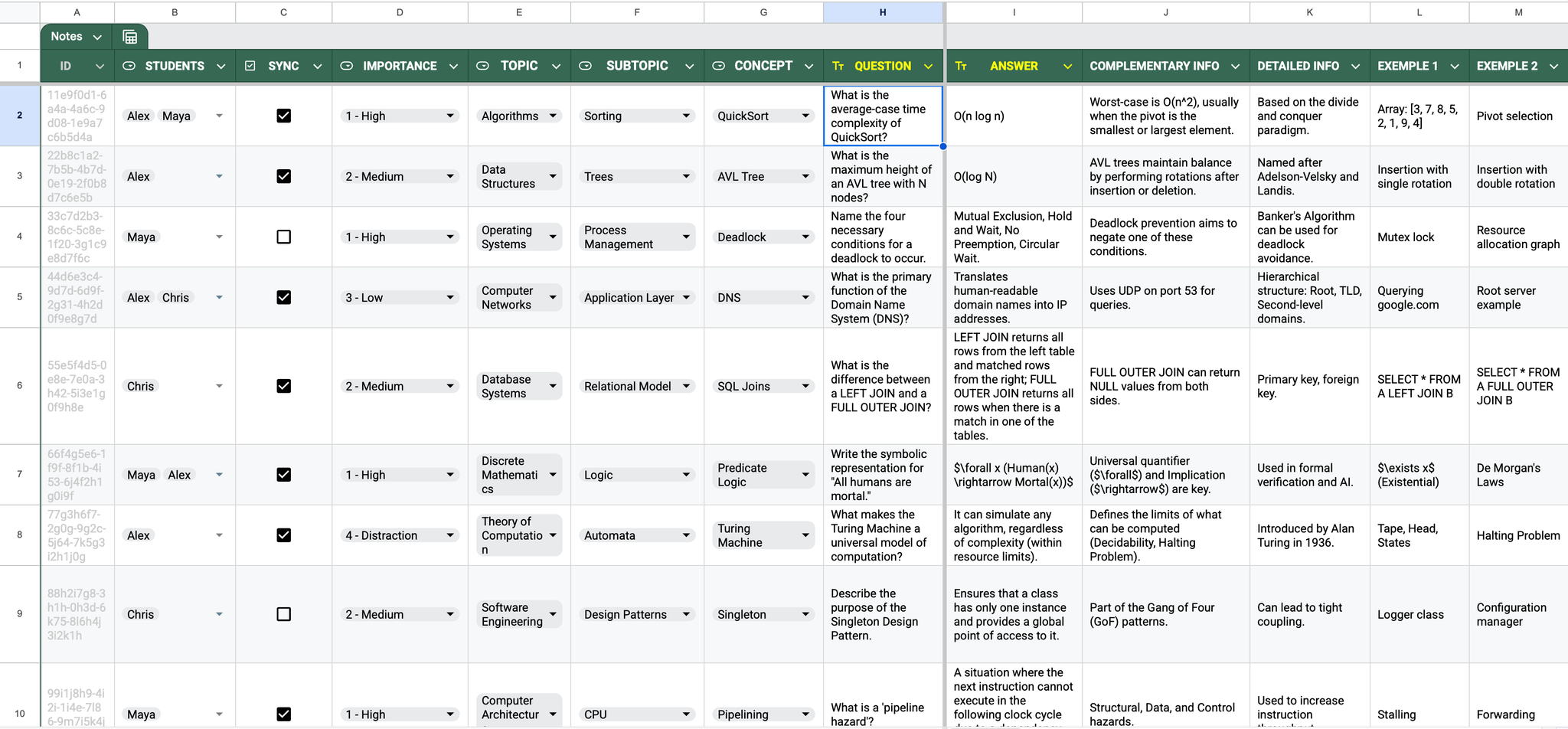
Simply fill in the columns in the spreadsheet:
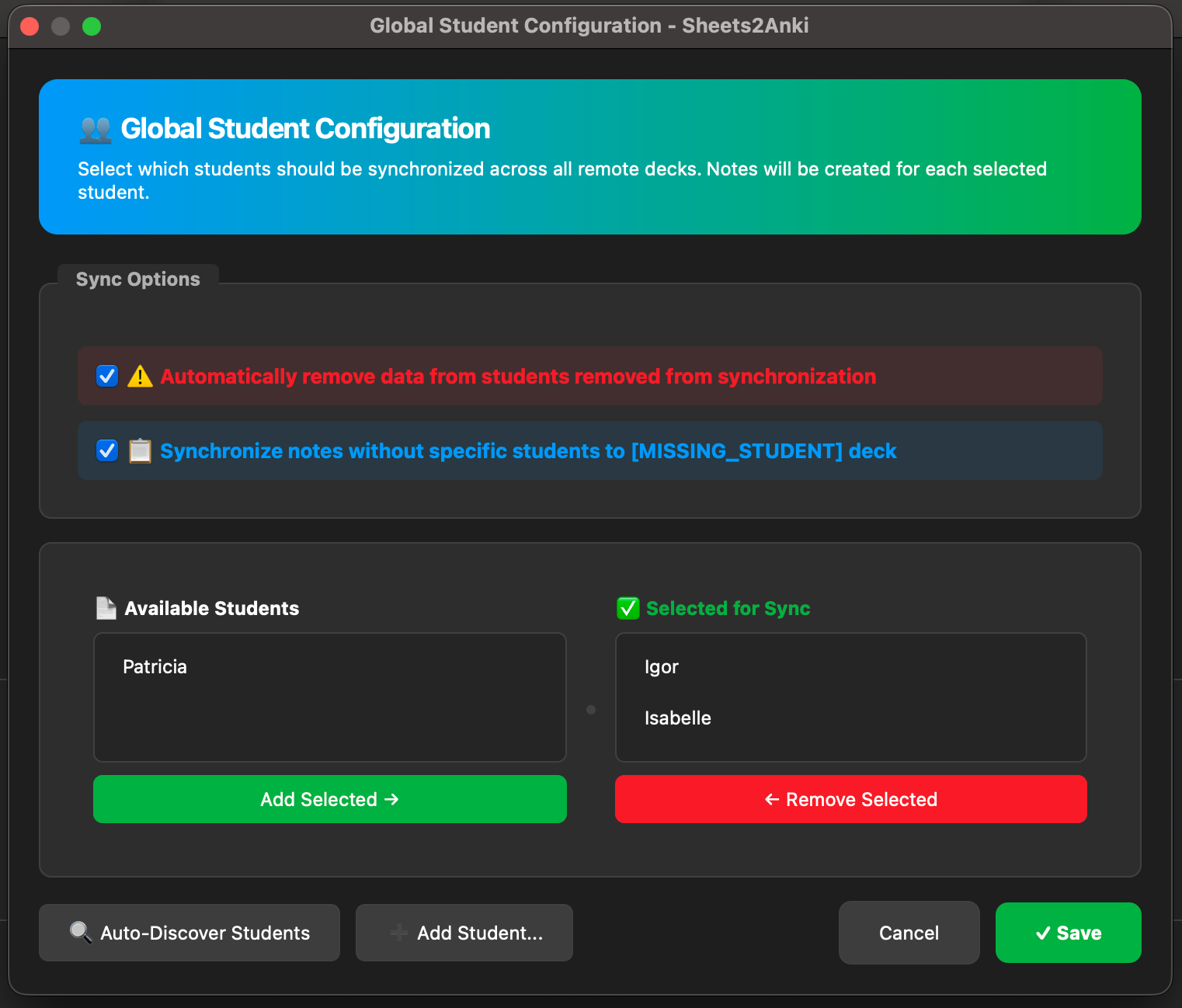
ID: Unique identifier for updates. | Q101 STUDENTS: List os students who wants to learn the information. | Igor, Isabelle, Jack SYNC: Mark the checkbox to sync this row. | TRUE QUESTION: The front of your flashcard. | Capital of France? ANSWER: The back of your flashcard. | Paris
The add-on handles the rest, creating beautiful, organized notes in your collection.
Full documentation and Instruction Manual: igorrflorentino/sheets2anki
📸 ScreenShots
👇 Support the project on GitHub
—> GitHub Page <—
Screenshots