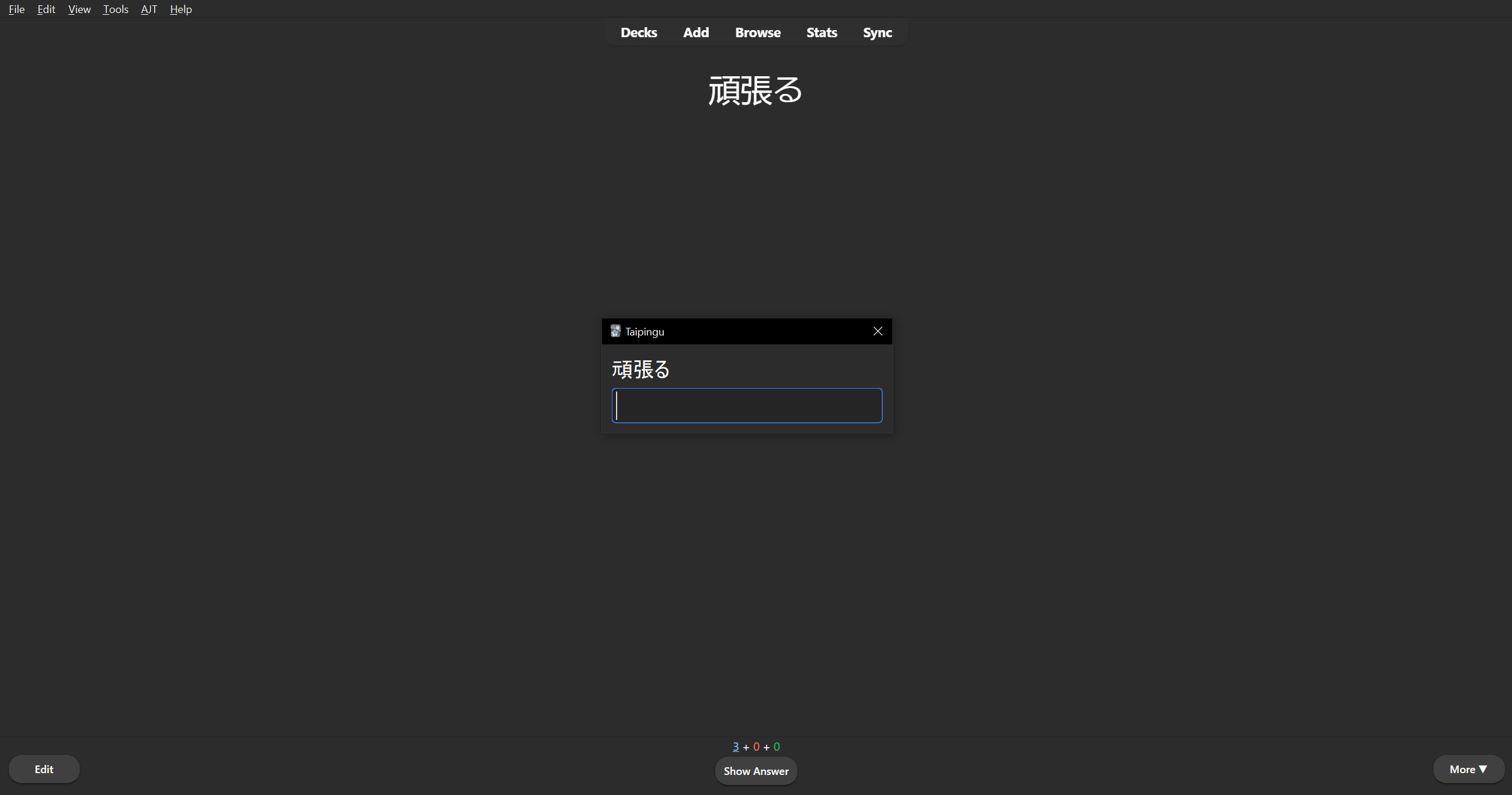
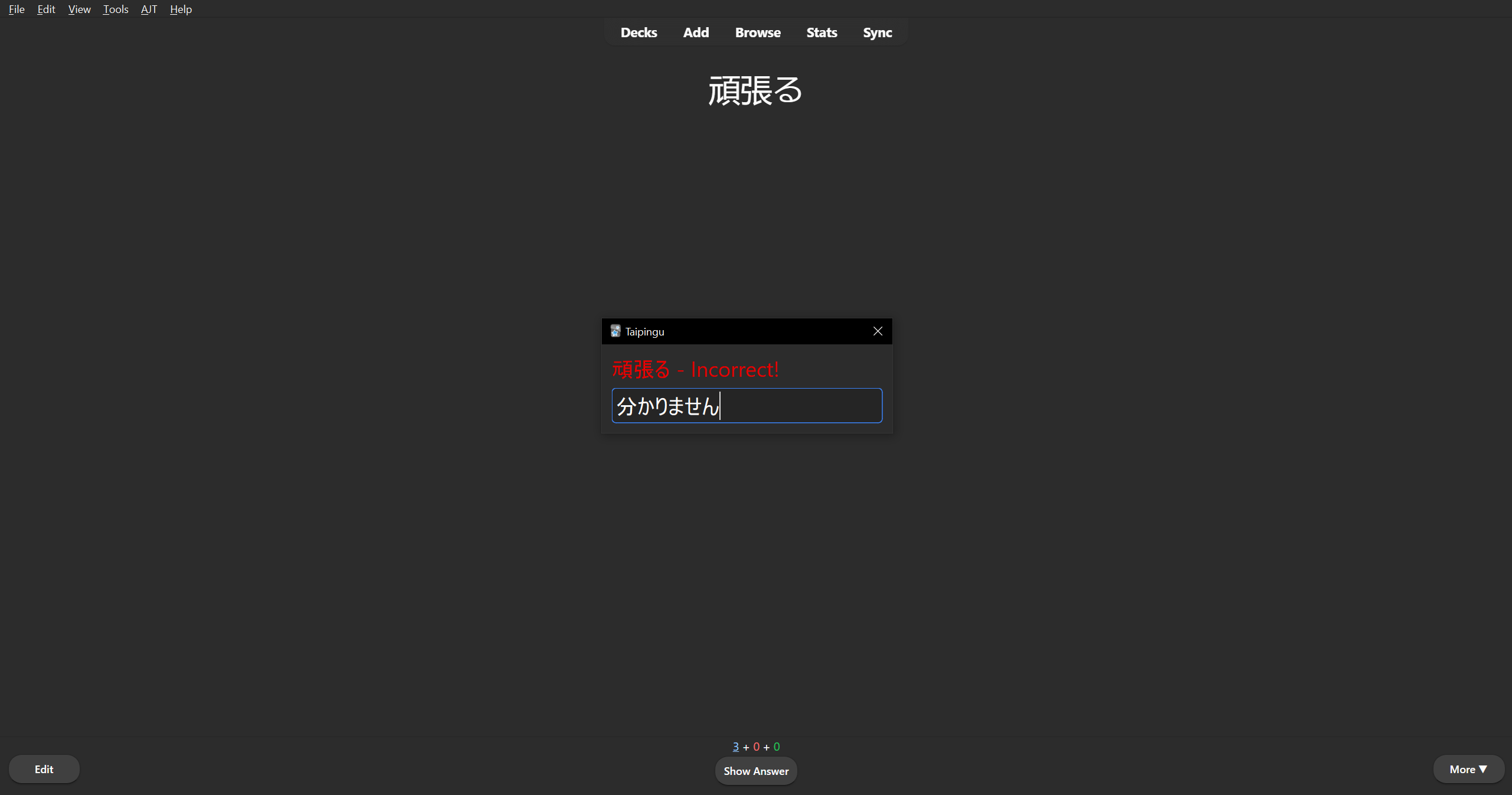
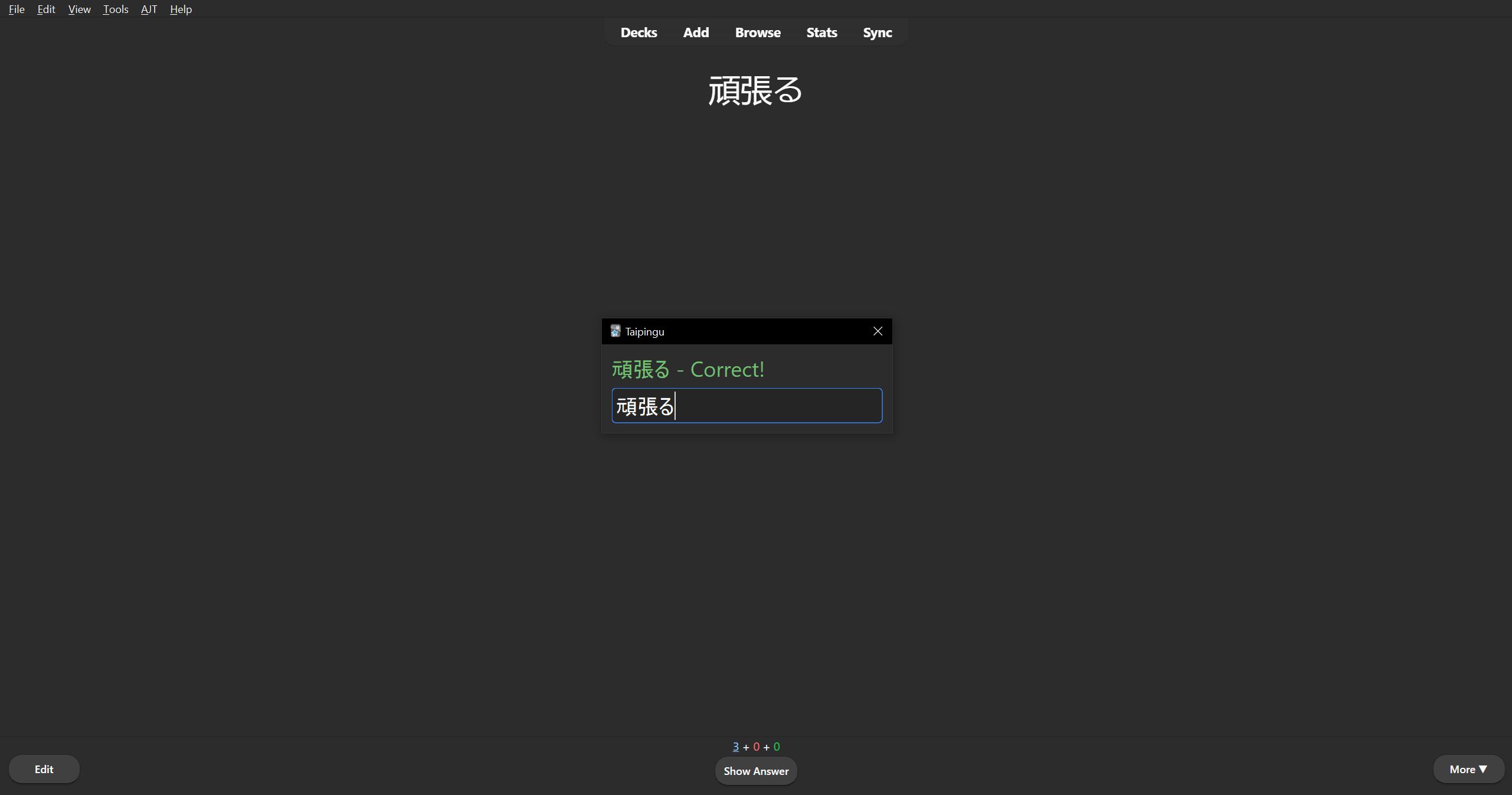
Add-on for Anki that adds quick typing tests for any card. Shows an additional dialogue box when reviewing a card that asks for typed input that validates against the shown content.
To let Taipingu detect the correct content for your deck(s)/card(s), go to Tools > Add-ons > Taipingu, select Config and add the field names of your cards that contain the relevant fields to the trigger_fields array (ensure that there is no comma after the last item).
To find the field name of a particular card type, go to Browse > Note Types > [Card Name] and check which field contains the relevant text.
Press Enter to check your typed answer against the card content. If it is correct, pressing Enter again will exit the dialogue for this card. If you are unable to type the word correctly and wish to exit, press Esc.
Typing tests can be enabled/disabled at will via Tools > Taipingu > Enable typing test.
Great for practicing typing in a language you are learning in addition to general studying.
Screenshots