This add-on allows you to import ZIM files and access their data inside Anki. The main focus of the add-on is to support extracting information such word definitions, example sentences, pronunciation, etc. from the Wiktionary ZIM files and add them to notes. This is a fork of the Wiktionary add-on. The plan was to add ZIM support to the Wiktionary add-on in addition to the original support for Kaikki files, but I got some ideas to extend the add-on with ZIM-specific additions like a pop-up dictionary and a local server that can be accessed from other add-ons, so I decided to split it into a new add-on to keep the Wiktionary add-on simple.
Supported dictionaries Currently supported Wiktionary versions are the following:
Greek Spanish German Turkish
We try to support the ZIM files provided by the Kiwix team at https://wiki.kiwix.org/wiki/Content_in_all_languages If you want to see support for your language, you can open a feature request in the issue tracker. If you’re a developer and want to contribute, please see development.md.
Usage
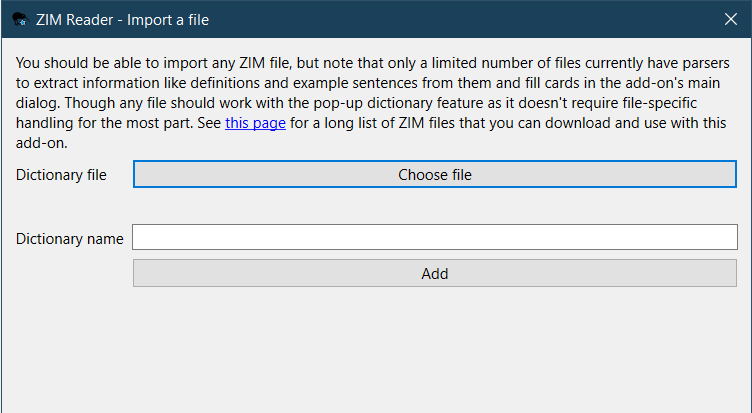
Importing a ZIM file The dialog under Tools > ZIM Reader > Import a file allows you to import a new ZIM file and make it available for use in the add-on. The Kiwix library has a lot of ZIM files available for download.
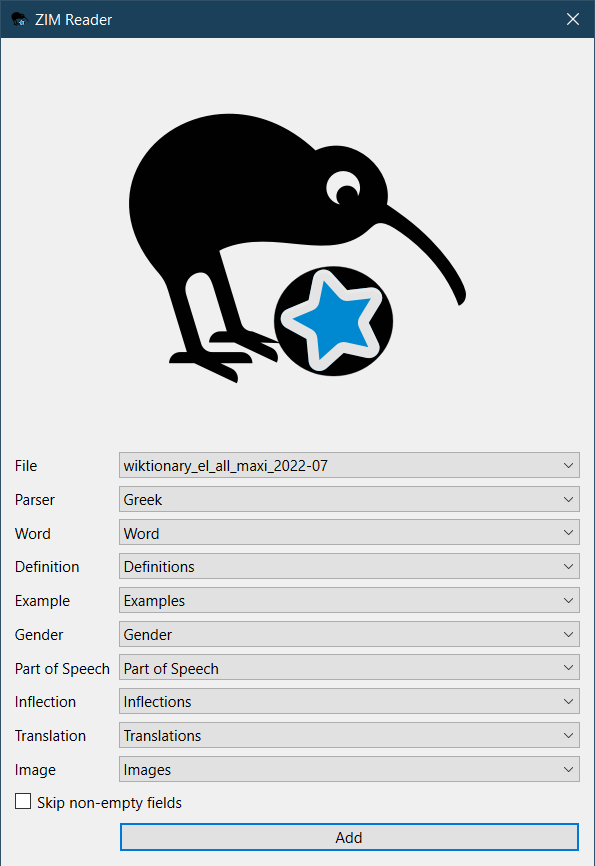
Filling in notes The add-on provides an interface to fill existing notes with defintions, example sentences, etc. from imported files. The interface can either be accessed from a button in the editor, or via the Edit > Bulk-define from ZIM file menu item in the browser for bulk operations on selected notes. You can also configure shortcuts from Tools > Add-ons.
Explanation of some options:
File: The imported ZIM file you want to extract info from. Parser: For the add-on to understand how to extract data from the chosen file, you need to tell it what “parser” it should use to do that. Only a limited number of ZIM files for a couple of languages currently have parsers. Word: The field where the word you want to query exists. The other options decide to which field each kind of supported info goes.
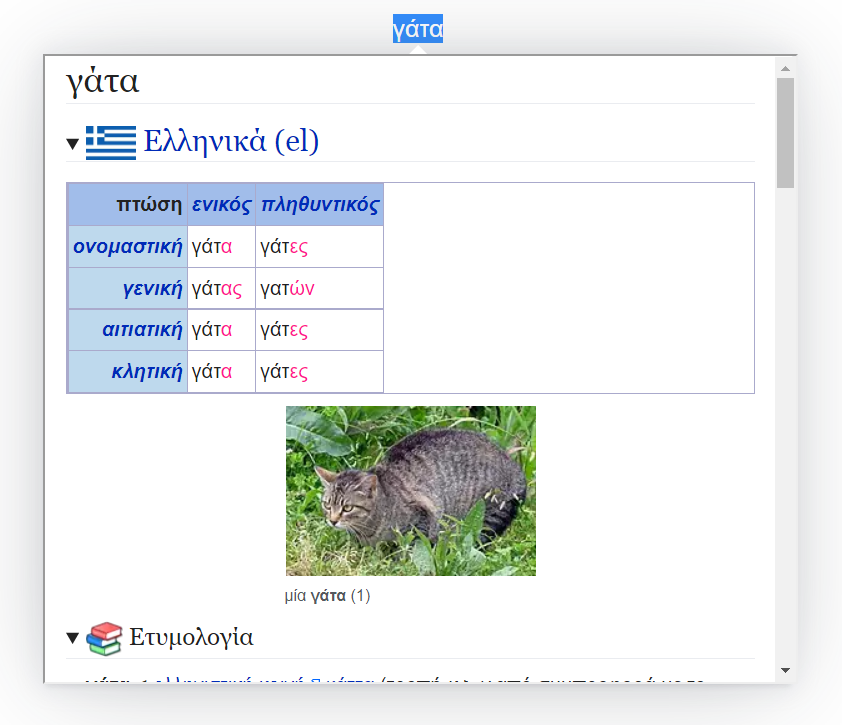
Pop-up dictionary There is also a feature to look up words in the reviewing screen in imported ZIM files. Unlike the “fill-in” feature, this should work on any imported ZIM file without the need for a special parser. If you select any word and press “Alt+Shift+S”, a pop-up should be shown with the page of the selected word if found. You can configure the ZIM file used for the pop-up feature and some other settings from the Settings dialog.
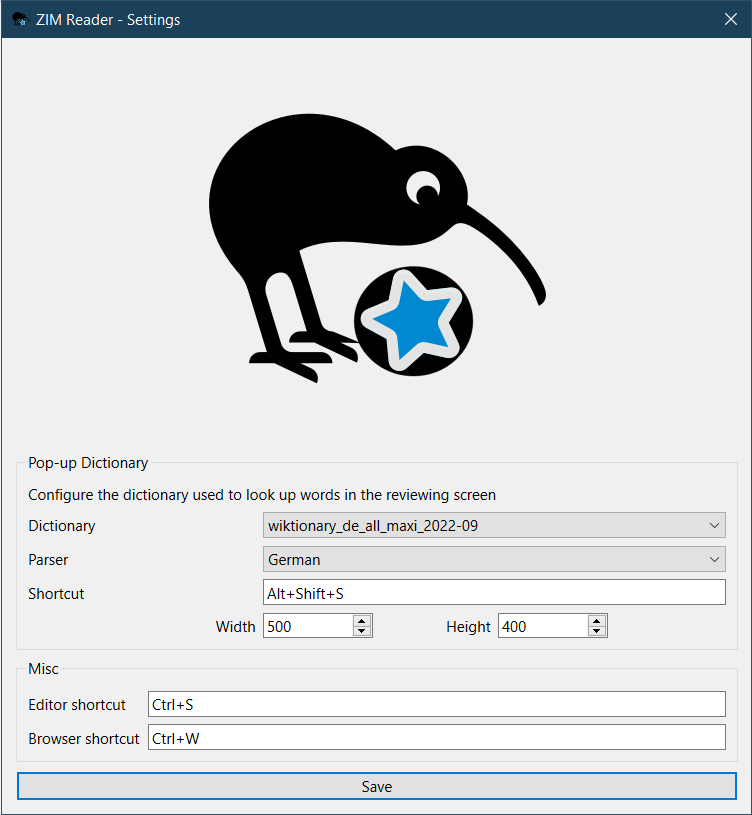
Settings You can configure some settings of the add-on from Tools > ZIM Reader > Settings. Currently only the pop-up dictionary’s settings are configurable here. For the parser option, if your chosen dictionary file doesn’t have a dedicated parser, you can simply choose the “Default” parser. Parsers here are currently only useful to convert a word to its base form and search for that instead using language-specific rules if the exact word doesn’t have a page in the dictionary.
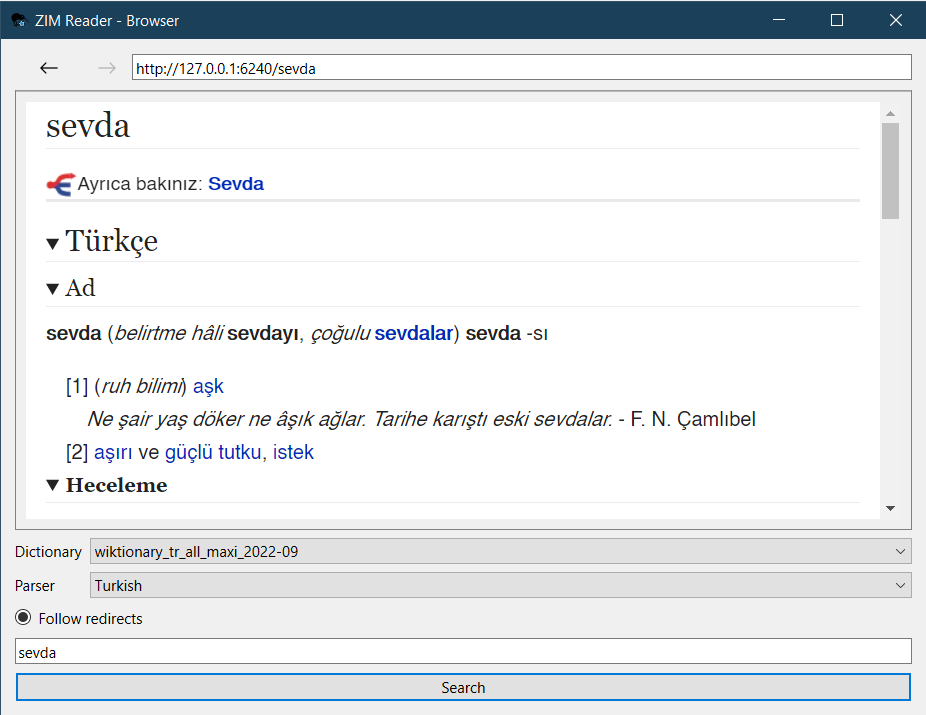
Browser You can browse the contents of imported ZIM files from the window under Tools > ZIM Reader > Browser.
Changelog
See CHANGELOG.md for a list of changes.
License GPLv3 or later. See LICENSE.
Credit
The logo is adapted from the Kiwix logo (licensed under the CC BY-SA 4.0) and the Anki logo from the Papirus icon theme (licensed under the GPLv3).
Support & feature requests Please post any questions, bug reports, or feature requests in the support page or the issue tracker. If you want priority support for your feature/help request, I’m available for hire. You can get in touch from the aforementioned pages, via email or on Fiverr.
Support me Consider supporting me if you like my work:
I’m also available for freelance add-on development on Fiverr:
Screenshots




Liên kết hỗ trợ
Reviews (8)
👍 2024-07-23
I keep getting the message ‘Example_Word was not found in the dictionary.’ Does it only parse German words in the German version, or can I, for example, get bulk entries for Russian, Czech, or other languages from the German version? I tested the ‘Wiktionary’ add-on, and it works just fine, but I need the entries for the German version.
👍 2024-05-07
先好评, 因为它没有在最新的版本报错。我会在接下来一个月考试通过后去尝试使用它。 我惊讶于竟然一眼看到了曾经一闪而过的想法的最终实践!
👍 2024-02-17
Simply perfect! Please keep up your good work!
I am looking forward to learning Russian with this add-on too! :D
👍 2023-06-22
Great!
👍 2023-03-14
Amazing work from an amazing developer.
👍 2022-11-09
Excellent work🙌
Perfect for learning language such as german
👍 2022-11-08
Nice add-on
It has helped me alot with my germany deck
Thank you
👍 2022-10-06
Excellent developer !
