Anki AI Dock
🏋🏻VERSION 1.2.5🏋🏻
fixed perplexity issue The last page you had opened in the dock will now be saved and will automatically reopen whenever you launch or close the editor.
🏋🏻NEW VERSION 1.2.2🏋🏻The last page you had open in the dock will be saved and automatically reopened when you open and close the editor.
Now there’s a button with a 💡 to open and close the dock. New global shortcut, you can now send text directly from the AI chat and fields. Ability to select multiple fields for the shortcut, with memory for your selection The addon now remembers the last opened page, so you can keep the same chat.
Tired of switching between Anki and your favorite AI? Anki AI Dock brings services like ChatGPT, Gemini, and Claude directly into your study workflow.
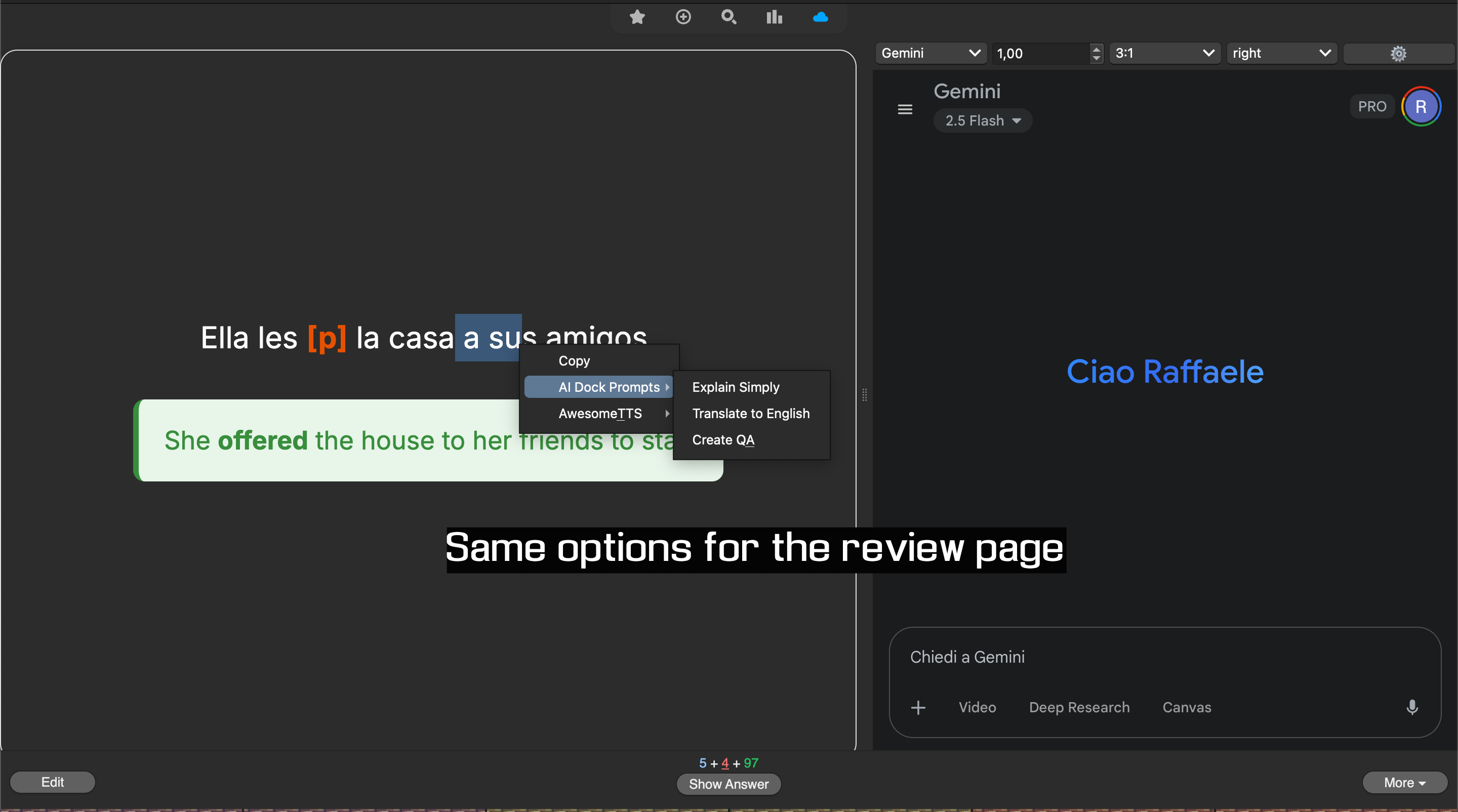
This addon embeds a handy web panel right into Anki’s editor and reviewer, letting you generate, translate, or explain content for your flashcards without ever leaving the app. Speed up your card creation and supercharge your learning.
📸 Screenshots
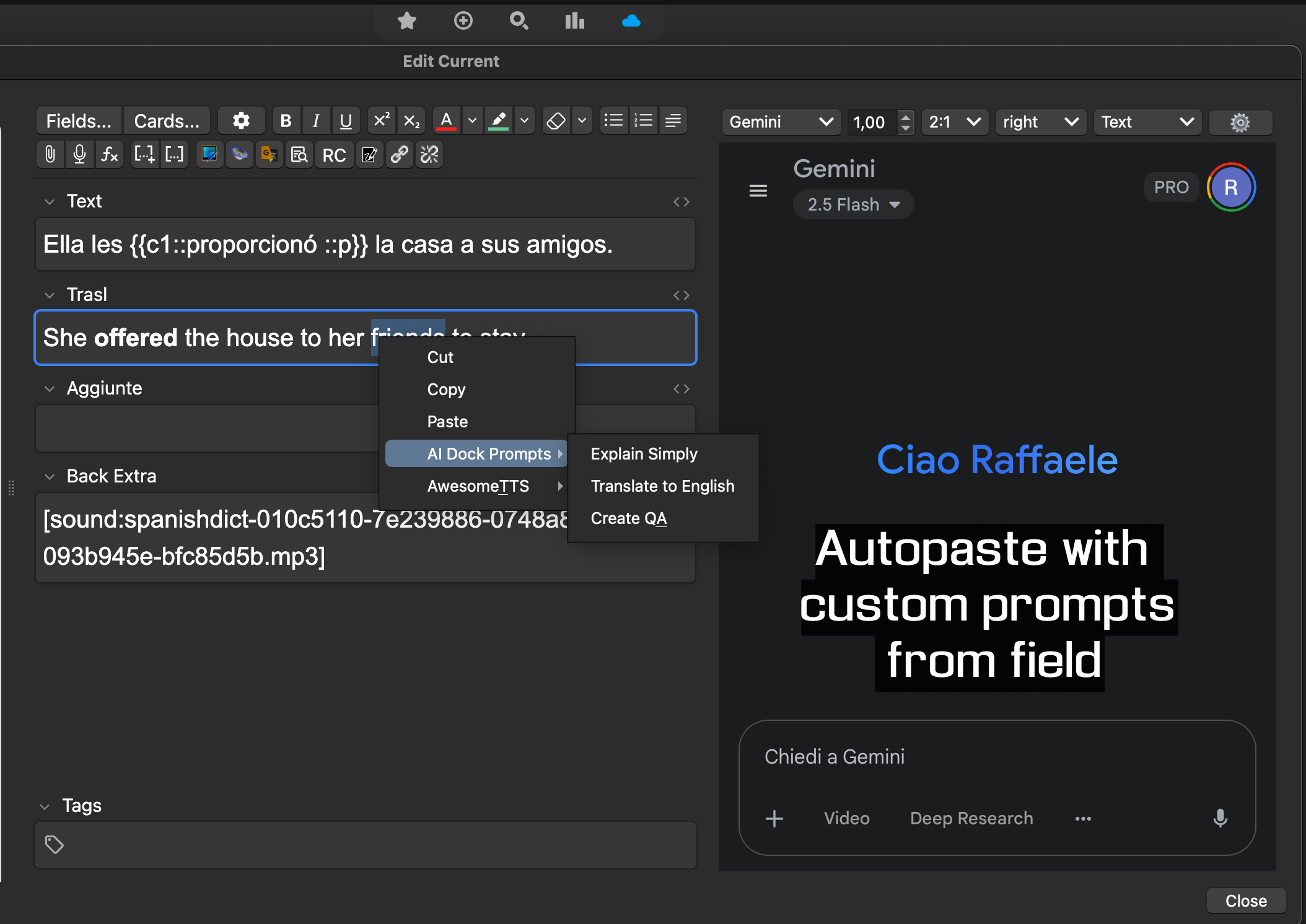
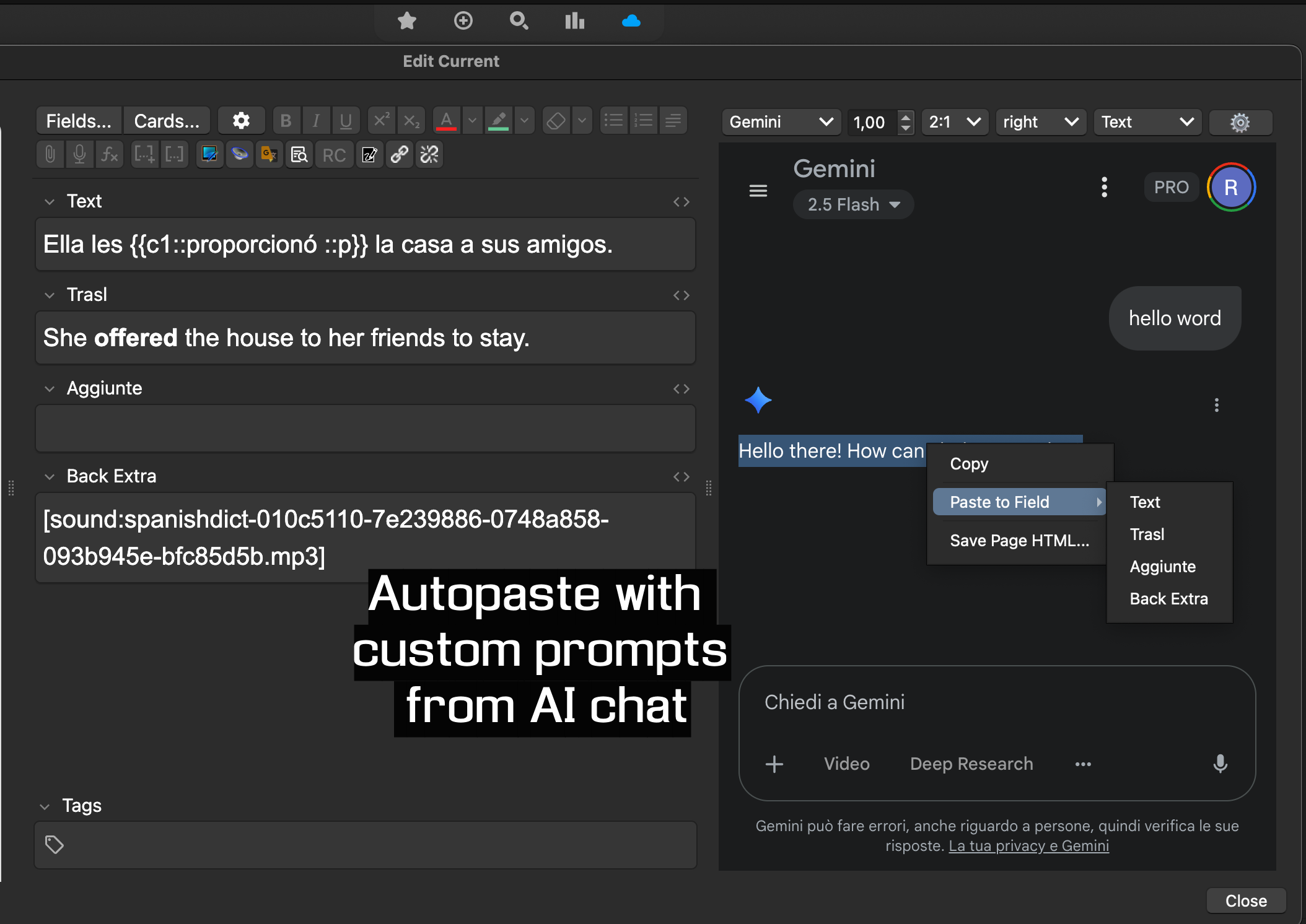
✨ Features AI at Your Fingertips: Embed any AI service (ChatGPT, Gemini, Perplexity, etc.) in a dockable panel. If it has a URL, you can add it. Powerful Custom Prompts: Create reusable prompts like “Explain {text} simply” to instantly query the AI with selected text from your notes. Effortless Paste: Send the AI’s response directly into any note field with a single click or a keyboard shortcut. No more manual copy-pasting! Customizable Workspace: Place the dock wherever you want (right, left, top, or bottom) and set up global shortcuts for your most common actions. 🚀 How It Works Select Text: Highlight any text in an Anki field. Send to AI: Right-click (or use a shortcut) and choose one of your custom prompts. The addon will send your text to the AI. Paste Response: Once the AI responds, select the text in the dock and use the “Paste to Field” command to send it straight into your note. ⚙️ Configuration
You can customize everything from Anki’s main menu: Tools > AI Dock Settings.
From there, you can:
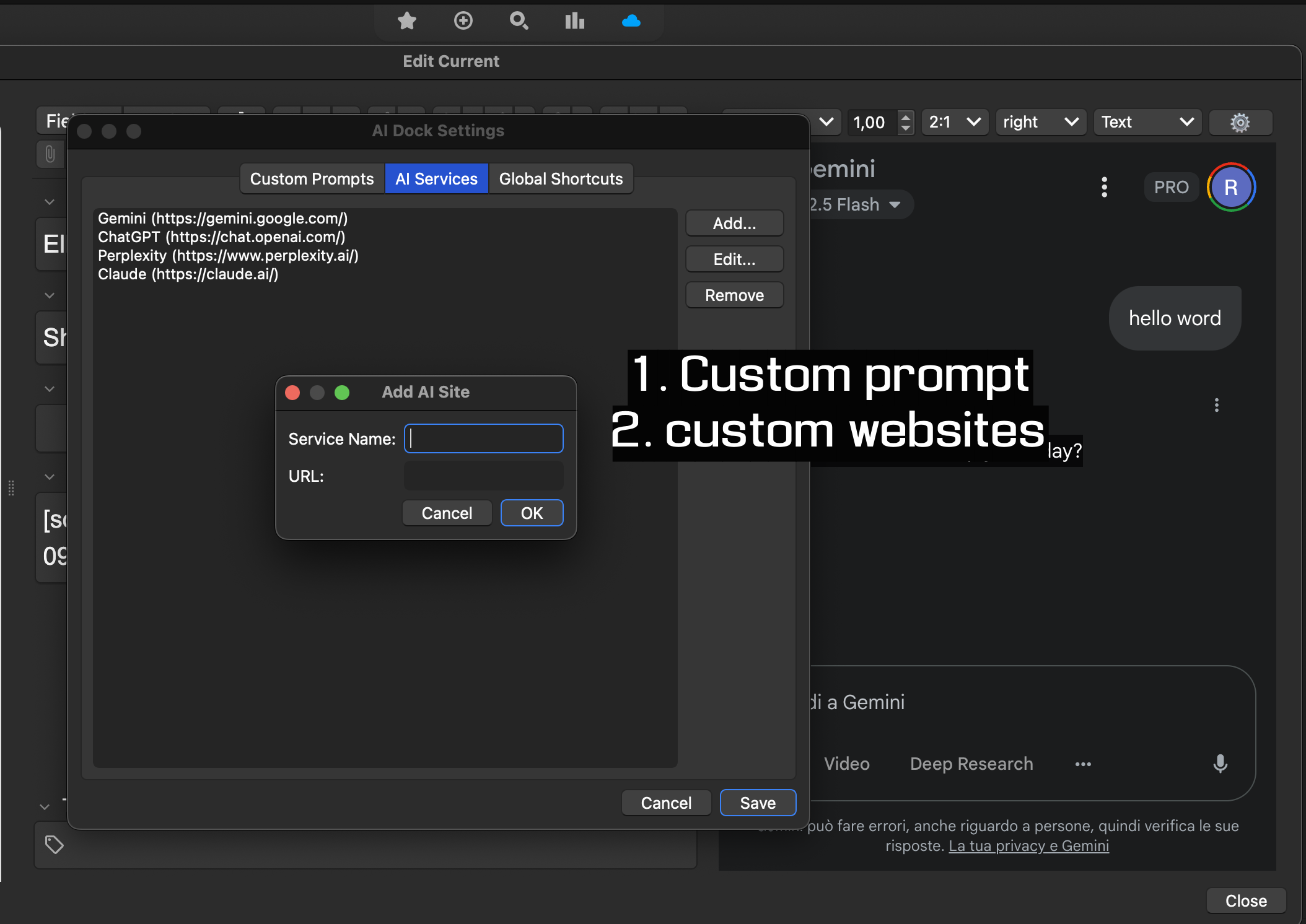
Manage Prompts: Add, edit, or remove your custom prompts. Add AI Services: Add new AI websites or modify the default list. Set Shortcuts: Configure your keyboard shortcuts for maximum speed.
Github page : https://github.com/rrx2/Anki_Ai_Dock
Screenshots
Liên kết hỗ trợ
Reviews (11)
👍 2026-02-10
Tried this Synapse and AI sidebar, all are good
👍 2025-12-01
The plugin is great—simple yet powerful. but there seems to be some little problem with the new version. For one, the Tools > AI Dock Settings option appears to be missing, although the plugin’s settings page can still be accessed from the pop-up sidebar. Second, when returning to the Anki main interface, this AI interface does not automatically collapse, and it cannot be closed using shortcuts either. I can only collapse it by entering the study card interface and use shortkeys.
👍 2025-11-17
Great addon! It would be cool if there was a way to the chat to reset to a new one each time you close and open Anki, personally I don’t need to save the last page I opened
👍 2025-10-13
The Gemini window won’t load, it’s different from the plugin description page. Can you fix it?
👍 2025-08-26
Waiting for the Perplexity fix - I use other Perplexity add ons and it is CONSTANTLY changing on Perplexity’s side with no sense or sensibility or communication to developers, so I can’t imagine how difficult it’d be to need to adapt to it.
Thank you!! This is amazing work (even the idea is crazy good let alone execution). Comment from author done. Here for suggestions and future bug fixing requests: https://www.reddit.com/r/Anki/comments/1lxkv68/finally_a_useful_and_free_ai_addon_for_anki_no
👍 2025-08-18
This is exactly what is was looking for.
A minor bug: Formatting of custom prompts will break after saving and editing them again.
👍 2025-08-18
Sending text to Perplexity does not work. Comment from author Yeah, they make small changes every now and then. I should use a more robust approach for perplexity as for ChatGPT. Give me a week I’m swamped at work right now. I’ll update this comment then.
👍 2025-07-30
Very nice, works with the latest beta, the window can be hid, and additional webpages (like from Cambridge or other translaters) can be added as well. Thank you for this gorgeous and time saving add on.
👍 2025-07-19
Awesome addon thanks! Is there any way to log into ChatGPT? It gives me “wrong username and password” even when my password is assuredly right
EDIT: Thanks again for the addon. I was just wondering if there was a way to turn off the AI on the Browse section. The only problem is that it gets in the way of the Card Preview. I think it would be a cool idea to turn on / off which viewer you want it on (Main Deck, Reviewer, Add, Edit, Browse). Thanks once again! Comment from author I used Google t
👍 2025-07-13
It works perfectly, and I believe that it contributes to my learning process.
👍 2025-07-13
best add on ever but the autopaste custom prompts doesnt seem to be working in my laptop any fixes? otherwise i think its very helpful and amazing Comment from author before post was edited fixed if you use ChatGPT now
