Anki-Deck-List
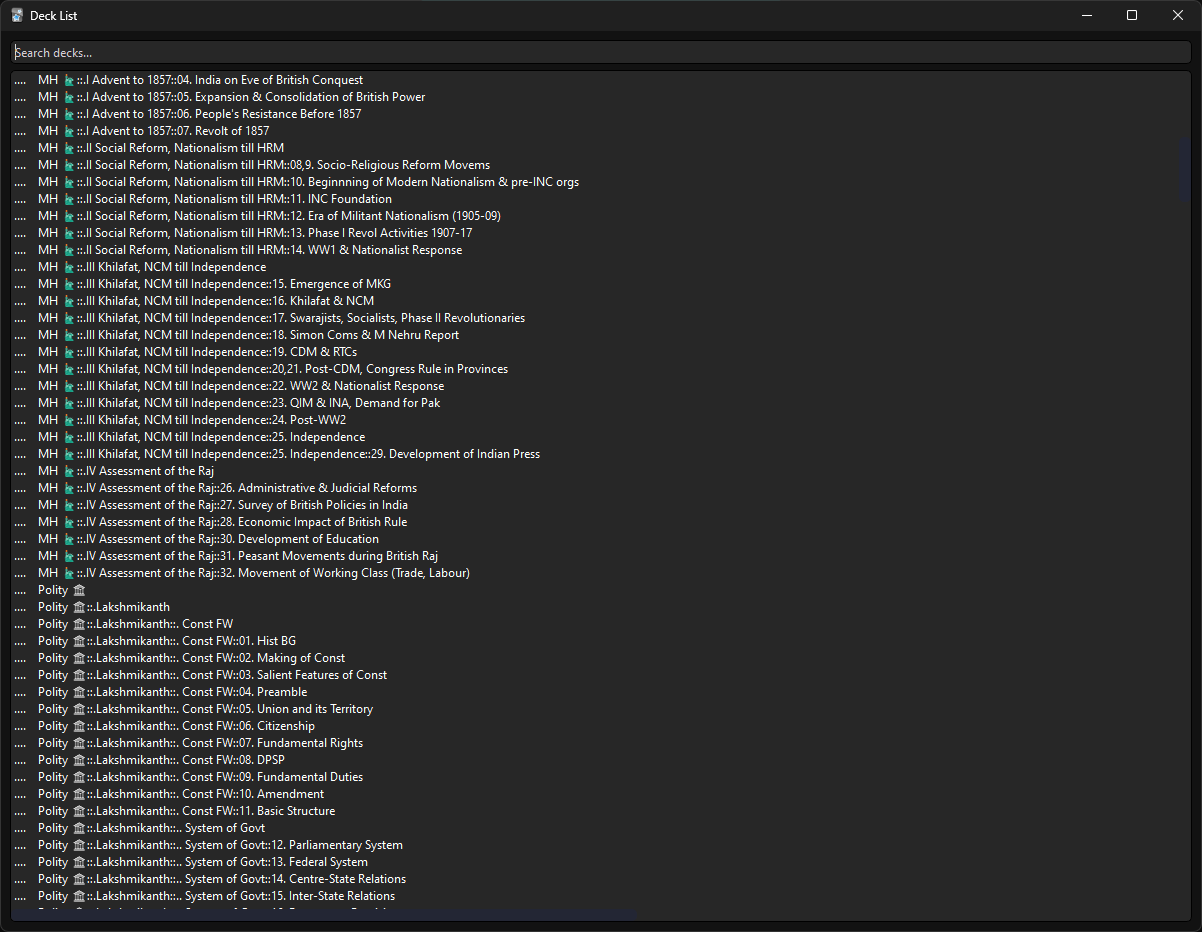
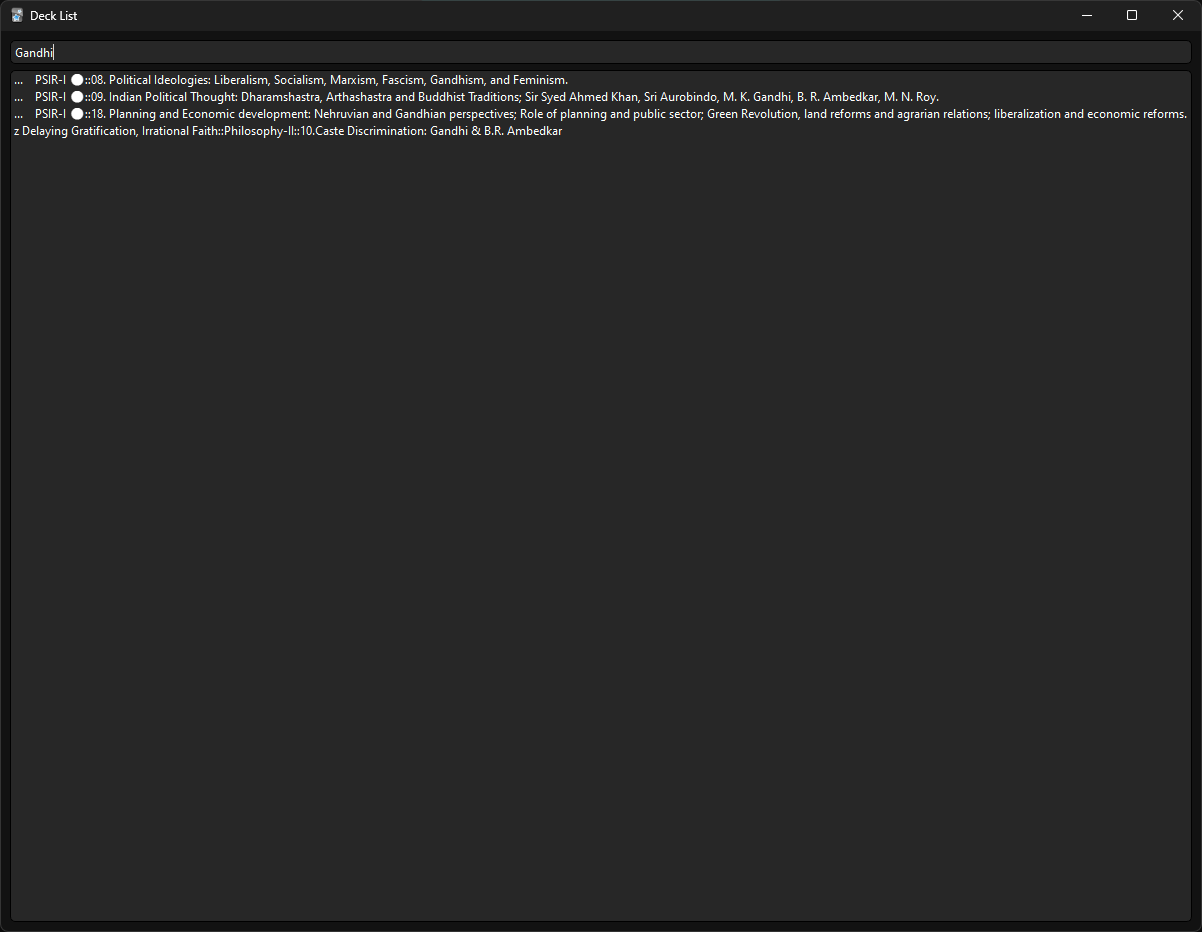
An add-on for the Studying tool “Anki”. This allows the user to open a Searchable Deck List from either the Decks Menu or the Browser Menu.
Info
⦁ This add-on allows you to open a Searchable & Selectable Deck List from either the Decks Menu or the Browser Menu by triggering a shortcut. ⦁ The functionality can be triggered via the “Ctrl+Alt+D” shortcut ⦁ Each instance of the Deck List remains independent so as to allow you to have different deck names handy. ⦁ Minimizing the Window simply positions it in bottom Left of the Screen, this way multiple deck list searches can be stacked and stored for later.
Changing Shortcut
⦁ By default, “Ctrl+Alt+D” has been assigned as the shortcut to trigger the Deck List popup from both the Decks Menu and the Browser Menu ⦁ The shortcut can be changed by clicking on “View Files” below, opening the “init.py” file and modifying Lines 85 and 93. ⦁ Change the “Ctrl+Alt+D” from Lines 85 and 93 to a more desirable shortcut.
Changing Window Size
⦁ By default, the Minimum Window Size has been set to 1200*900 ⦁ This can be change by clicking on “View Files” below, opening the “init.py” file and modifying Line 25. ⦁ Change the values in window.setMinimumSize(1200, 900) from Line 25 to a more desirable value.
Support
I have nothing to plug here. Just keep working hard and making progress!
Screenshots