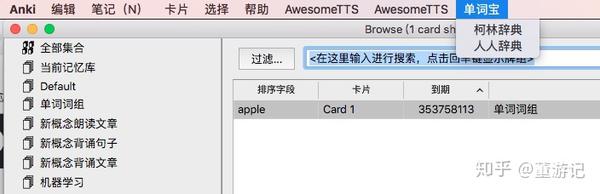
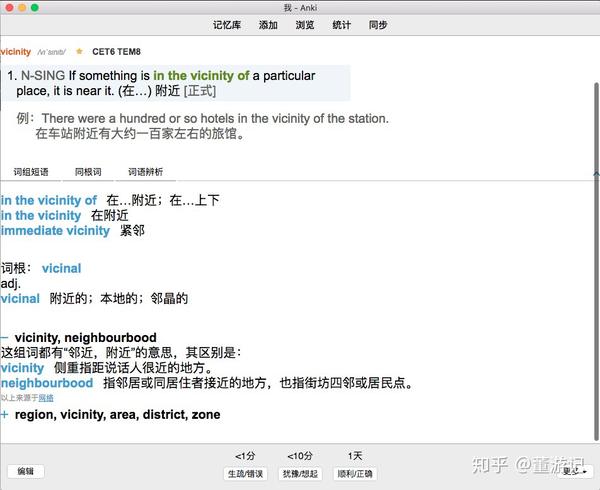
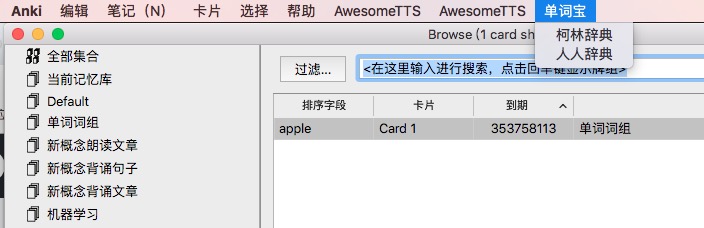
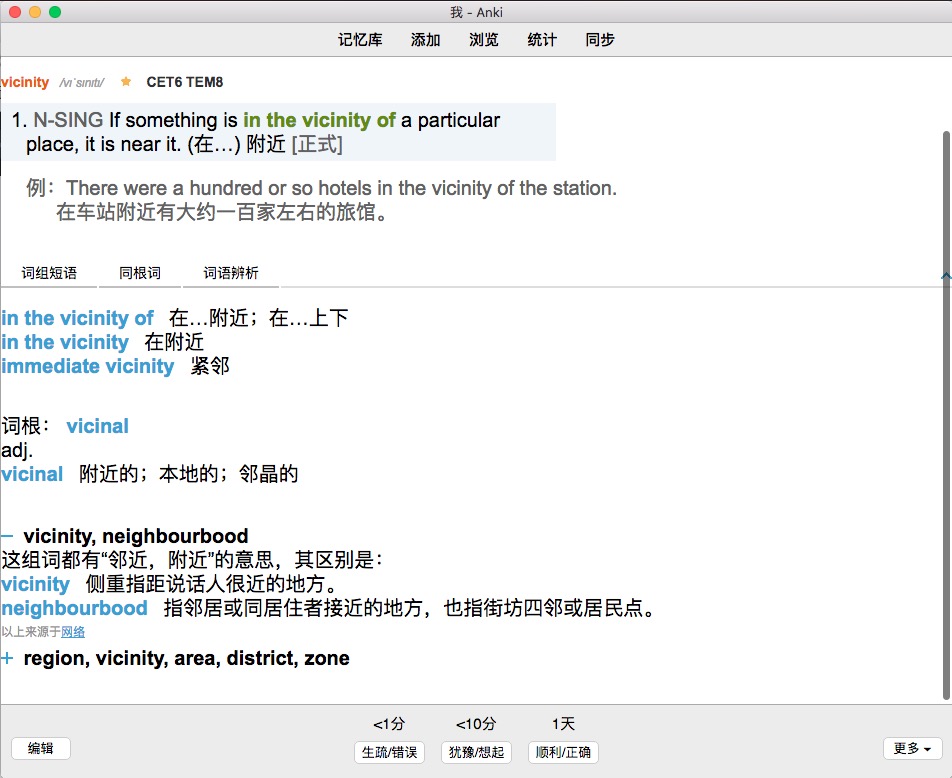
手动输入单词,然后在浏览界面,选择单词,点击单词宝菜单即可自动生成单词解释,背单词神器
支持克林字典和人人字典
https://pic1.zhimg.com/v2-7308e87ed6650e9d627f559722e2379d_b.jpg
https://pic4.zhimg.com/v2-3ae21f34c770df8d007caf260fe4960f_b.jpg
Screenshots
Reviews (6)
👍 2024-06-30
不知道是不是版本沒有更新,無法使用
👍 2023-02-17
Very Great
👍 2022-10-06
没有办法用的样子…
错误
发生了一个错误。请在启动Anki时按住「Shift」键临时禁用插件加载。 如仅在插件启用时出错,请使用「工具」>「插件」功能禁用部分插件后重启Anki, 请重复上述步骤直至找到引起错误的插件。 找到引起错误的插件后,请反馈给插件作者。 调试信息:
Anki 2.1.54 (b6a7760c) Python 3.9.7 Qt 5.15.2 PyQt 5.15.5
Platform: Windows 10
Flags: frz=True ao=True sv=2
Add-ons, last update check: 2022-10-06 16:15:39
‘Front’
Traceback (most recent call last):
File “anki.notes”, line 154, in _field_index
KeyError: ‘Front’
The above exception was the direct cause of the following exception:
Traceback
👍 2020-03-23
The Usage: Add a new word using the Basic Type, then, go to the Browse and find the word you have just added, double click the word and click the menu bar “单词宝”, then choose a dictionary and click, and a complete card will be produced.
👍 2020-02-18
can you please help to fix the add-on?
can`t work well
👍 2019-07-14
can’t work,i don’t know what’s wrong