Maintenance: Note Type usage in Decks addon lets you keep track of the usage of specific “Note Types” (also called “models”) by notes in specific decks.
Purpose and usage
This addon can help you to verify what Note Types are used in your decks where the built-in Note Type editor shows only aggregated (per-Note Type) information. That may come in handy if you maintain a non-trivial collection, with some non-default Note Types. Perhaps some Note Types you’ve created yourself but some might have been imported along with shared decks. Some might have gotten “strange names” (like “Basic-4bef4”) in the process…
Especially if you’re a shared deck maintainer you may need to verify whether all your public notes use Note Types you want them to.
Maintenance: Note Type usage in Decks can show you the data in simple tablular form or as “pivot table” - with decks and Note Types as rows or columns and number of notes (and/or cards) on crossings.
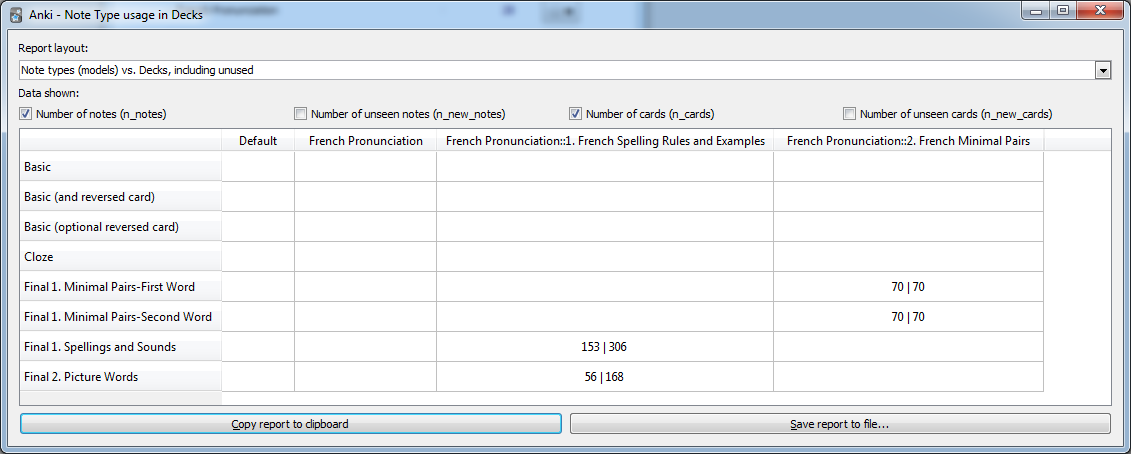
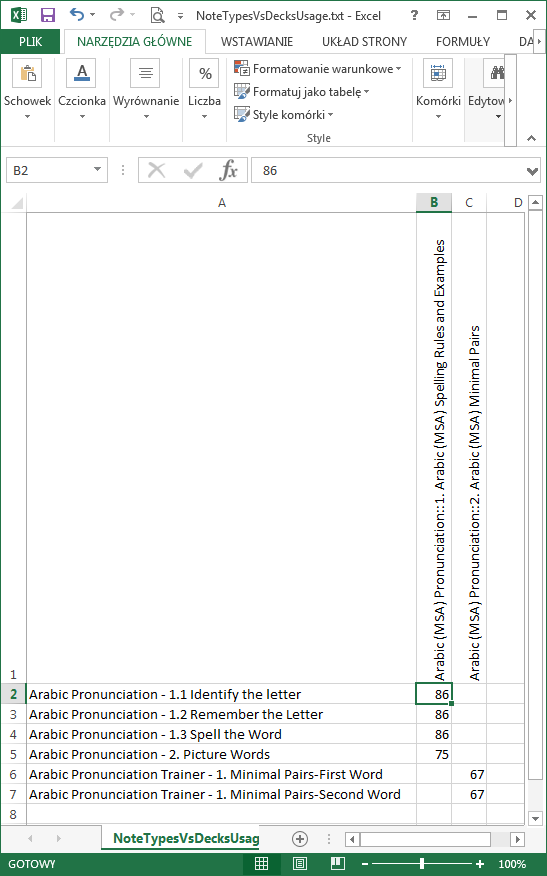
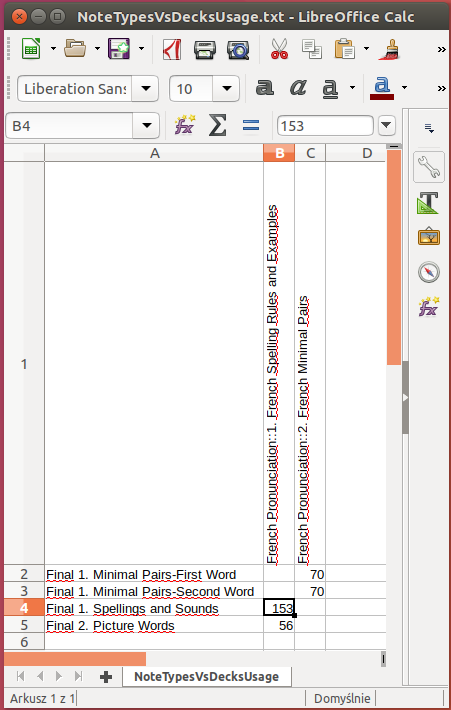
Data shown in the table can be exported to text files recognized by tools like Excel or LibreOffice Calc (Tab-separated, UTF-16 unicode files). That’s the preferred way of analysing “pivoted” data as column names tend to be long there and Qt library hasn’t got vertical column names built-in (see screenshots below).
Support
Addon was tested the addon on Windows (7) and Linux (Ubuntu 17.04 64bit) but it should work on other platforms too.
Addon source will be made available github soon.
If you find the addon helpful you may also like to check some other addons for data cleanliness maniacs: Maintenance: Note Type structure dump Maintenance: Note Type-aware export
You can support addon development by sending the author $5, $10 or even bigger donation ;-)
Screenshots
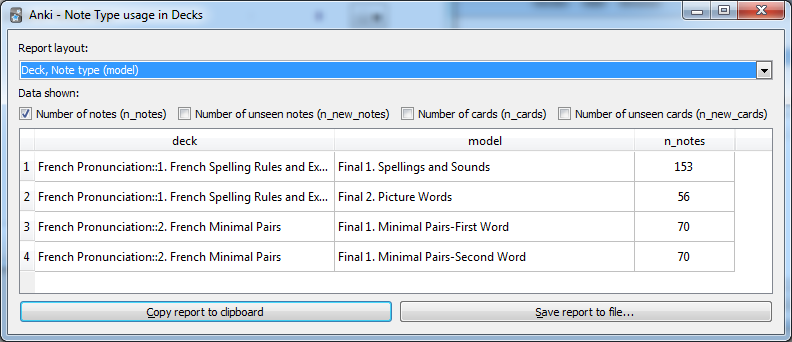
Simple report in Windows
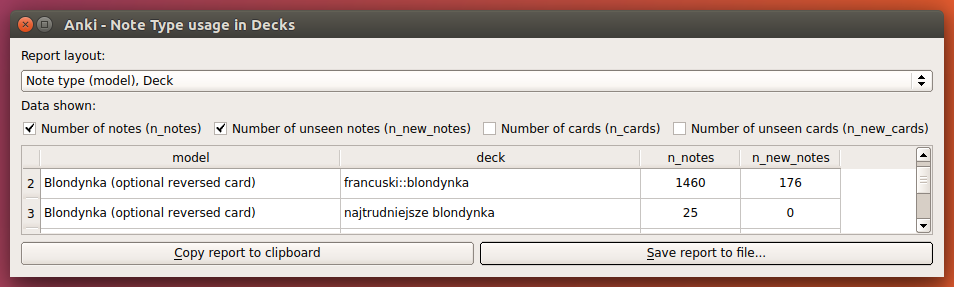
Simple report - counting notes and notes without “seen” cards - in Linux
Pivot table - counting notes and cards - with unused Note Types and empty decks show for completeness (unfortunately these pesky long column names can be seen here…)
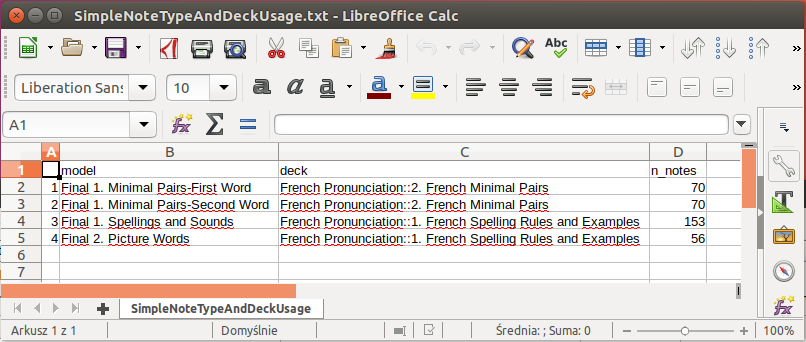
Simple report data opened in Libre Office (Linux)
Pivot table data opened for analysis in Excel (Windows) and Libre Office (Linux)
Screenshots